- HMI Model: MT8072iP
- EasyBuilder Pro Version: Latest ….221
I have recently been modifying my project, which included updating the BACnet tag info. I realise the new tag info deletes/over-writes the old tag info.
The latest “get tag info” appeared to work correctly, but the “attached device” (BACnet/IP) disappeared, and all the tag info relating to that device.
When I try to restore, I can add the device again, but when trying to “get tag info” (following the same process as previously) I always get a “Time-out when connecting to device” error.
I have checked there is no other device using port 47808.
Strangely, if I load an older version of my EB project it still has the attached BACnet/IP device, and if I update the tag-info it works ok. I guess I will need to redo the updates to this older version.
But this leaves the question: why/how did the attached device become unattached?
Hi @BrianF_NZ ,
Thank you for your question. Could you confirm that the latest version of EasyBuilder Pro you were using is 10.2.231, and what version you switched back to? Also, could we get a screenshot of your device connection page — specifically the BACnet connection page, like the one below?
Hi Aaron, thank you for your response.
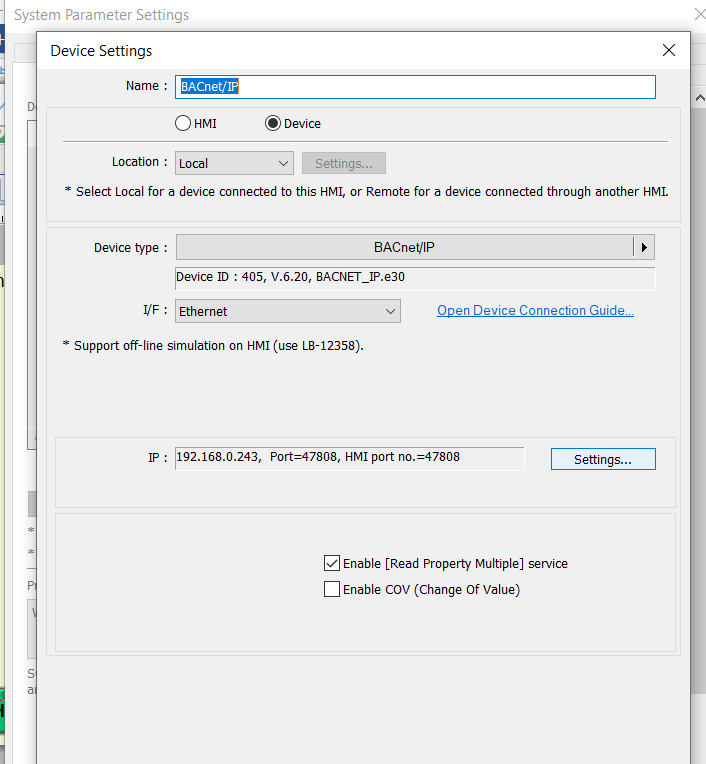
Attached is the screenshot you requested.
to clarify, although I did do an update to the 10.02.231 software as part of troubleshooting, the problem is associated with different versions of my project - not EB software.
The “latest” version of my project “lost” its attached device and tag info. This occurred when I was trying to get tag-info from my BACnet controller.
When I opened an earlier version of my project it was OK - so I had to repeat the most recent edits to convert that old version into another “latest” version - and abandon the original “latest” version. Hope that’s not too confusing to understand.
As far as I can tell, the fault has nothing to do with which version of EBPro I am using.
I have everything working now, but would like to know how to avoid accidentally “detaching” the device in future.
Hi @BrianF_NZ ,
I ran some testing in the office and was not able to replicate your issue. Could you provide more information on the version, project, and tag types that are being pulled? Furthermore, could you provide us with more screenshots so we can try to better replicate this in the office?
Thank you
I was pulling the full range of tag types (every box checked). Also a schedule.
I am no longer "in front of” the HMI but at a different location. Although I can access the HMI via EasyAccess2.0 AND also via remote-connection to the attached PC, I am VERY reluctant to try to re-create the fault as I am not confident that I could repair while operating remotely. I will just leave the problem unresolved - unless it recurs!
As I recall, I used the usual method to “Get Tag Info” - ie Home > System Parameters > then select attached “BACNet Device” > Tag Manager > Get Tag Info.
I accepted the warning about removing current tags and selected “Object Type” and got a “success” message. Later when I tried to download some further tweaks to the HIM file, (of course) I had a huge number of “missing reference” errors and then discovered the device had disappeared/detached.
I looked at my previous saved project copy and it too had no device attached. So I went back to the saved project version before that, which did have an attached device - and came forward again from there - so far without problems.
I “save-as” a new version quite often so it didnt take too long.
It is worth noting that I frequently get the HMI pop-up message “Device no response”. Sometimes every minute or so. It only lasts 2-3 seconds then disappears - usually quicker than I can press the “close” button.
I presume this “device” is my attached BACnet controller (which itself has 4 ModbusRTU slave devices attached which are sources of data to the HMI). The BACnet controller and HMI are connected via a switch/router - the switch/router is about 6ft cable-length away (although the HMI and Controller are physically close).
It is entirely possible that the comms were briefly interrupted during the “get tag info” process, but I would then have expected a time-out error or “not-successful.
Hi @BrianF_NZ ,
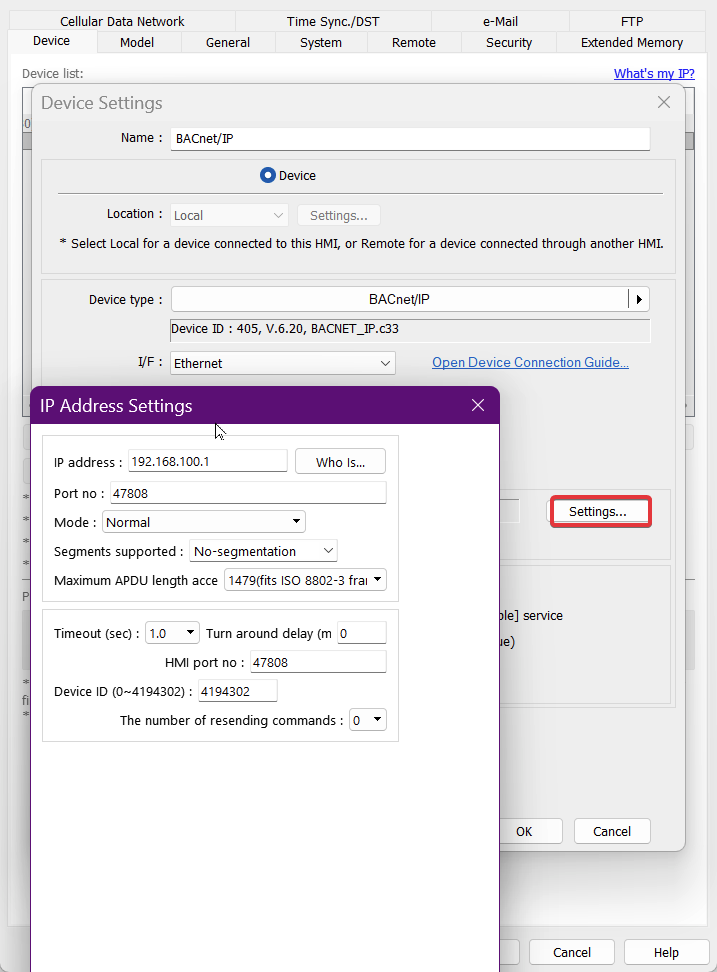
Glad to hear you had a backup of your project ready to go. If you get the chance, could you check the Device ID and port settings within the IP address settings? Please ensure all the values are correct and check if you can see the PLC when clicking the Who Is button. From there, you can try the tag import and see if the connection is stable.
Furthermore, please let us know if this issue occurs in the future and we can connect you with a partner in your area for support.