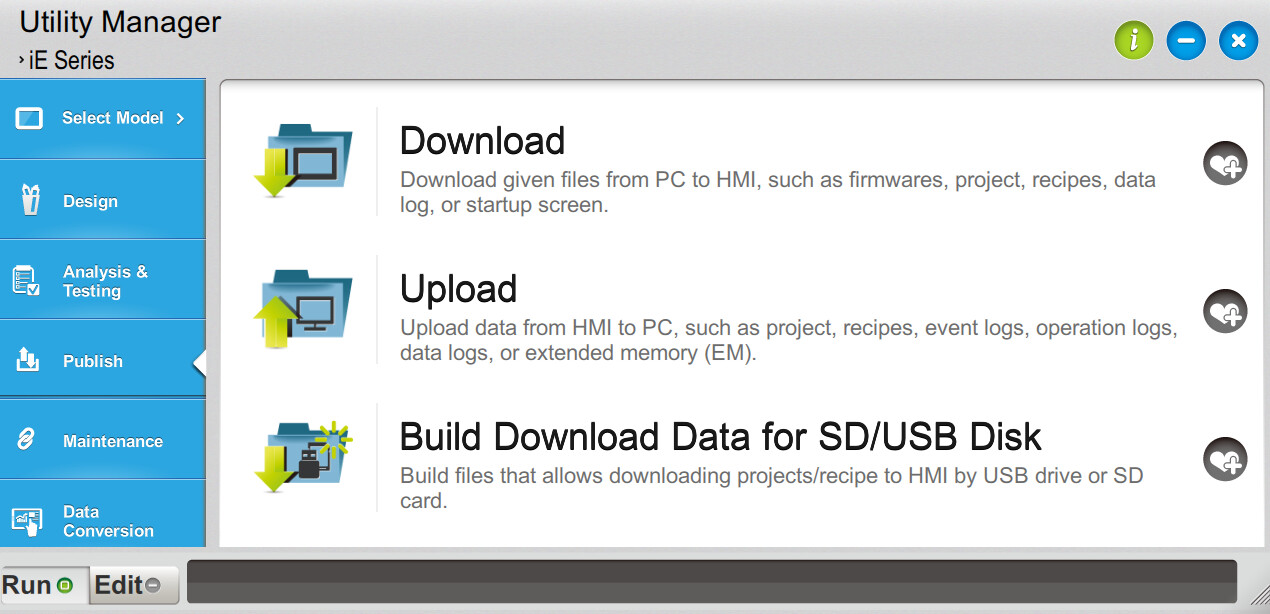
Is it possible to Upload the current program from the HMI to a PC via EasyAccess 2.0?
HMI: MT8102iE
Is it possible to Upload the current program from the HMI to a PC via EasyAccess 2.0?
HMI: MT8102iE
Hi @ProcessControl ,
Thank you for your question. Yes, it is possible to upload a project from the HMI to a PC using EasyAccess 2.0 via the Utility Manager.
First, launch EasyAccess 2.0 and establish a connection to your device. Once logged in, you will be able to view the EasyAccess 2.0 IP address. This IP address can then be used in the ‘Upload’ function within Utility Manager to upload the project from the HMI to your PC.
Thank you…I logged in via EasyAccess2.0, recorded the IP (which is different than the actual IP of the HMI) then use this IP in the Utility to Upload and I get the error message…”check password”…the password is correct. In the Upload Utility there is an option Port No Setting (use this if HMI is behind a router with proper port forwarding.) The HMI is behind a router, but I didn’t know if this applies. Sometime ago I do recall downloading a new program remotely to the HMI, so I know I had download capability. Again, the HMI’s IP displayed on EasyAccess2.0 is different than the actual IP of the HMI and I am wondering if I need to account for that in my Utility config. Any suggestions would be appreciated. Thanks
Hi @ProcessControl ,
Thanks again for reaching out! I’m thinking that it must be an incorrectly configured password, in case you haven’t configured your own for that HMI, then it will be ‘111111’. But if you have configured a password, then it may be necessary to reset the password. However, I do understand that since you are using EasyAccess 2.0, it’s likely that you do not have physical access to the HMI, in which case there is a test that could help narrow the scope of the issue.
Please note that if you use the reset password function on the HMI, then it will be treated as a factory reset, and everything on the HMI will be erased. If you try this then be sure to back up the project beforehand so it is not lost.
Firstly, try to connect to the web server with the same password that you attempted to use for the upload function, if you are receiving an error there as well, then it is likely due in part to the password being incorrect. But if you are successfully able to log in, then there may be another issue at play.