Hi @leadfoote,
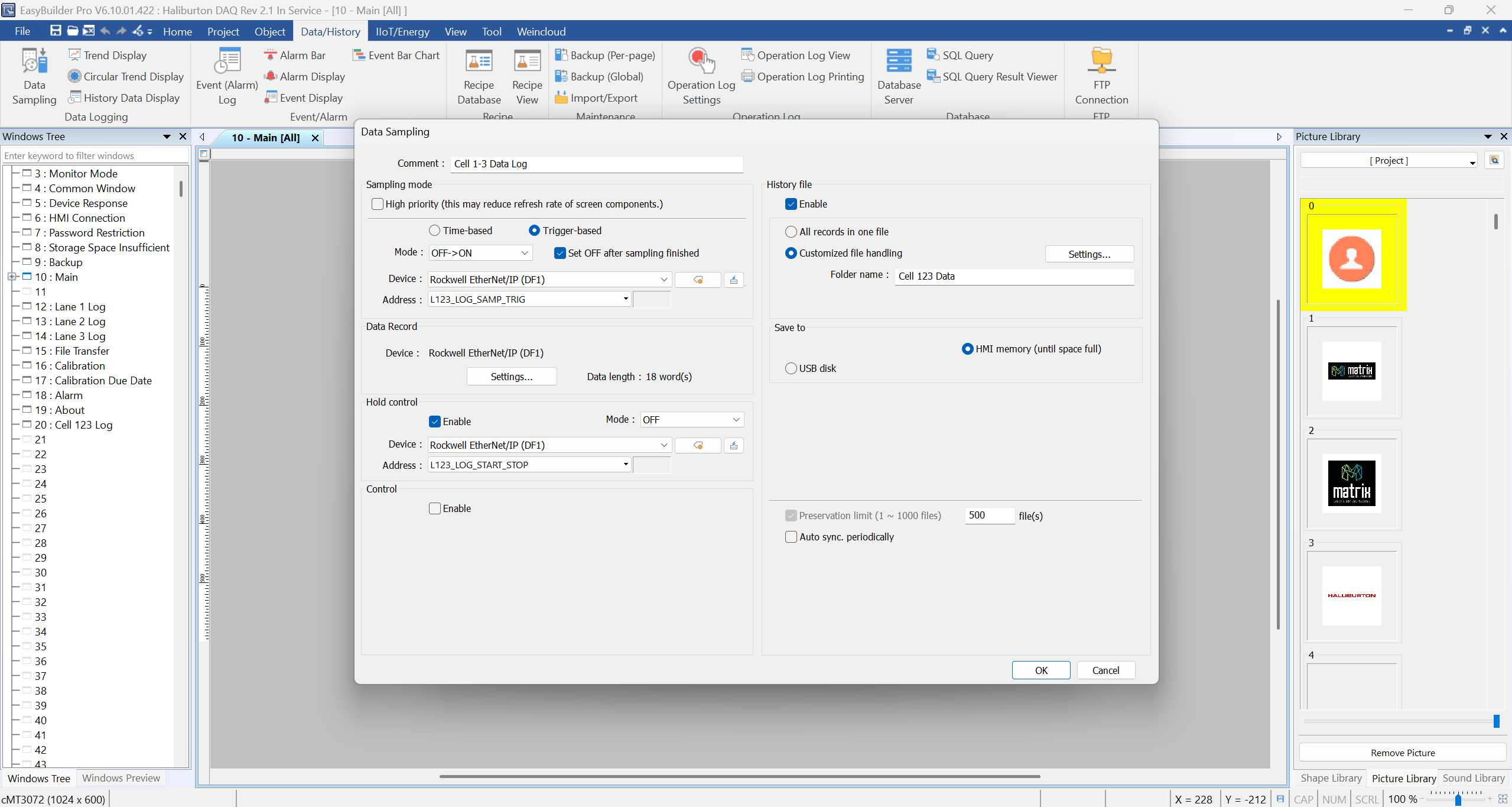
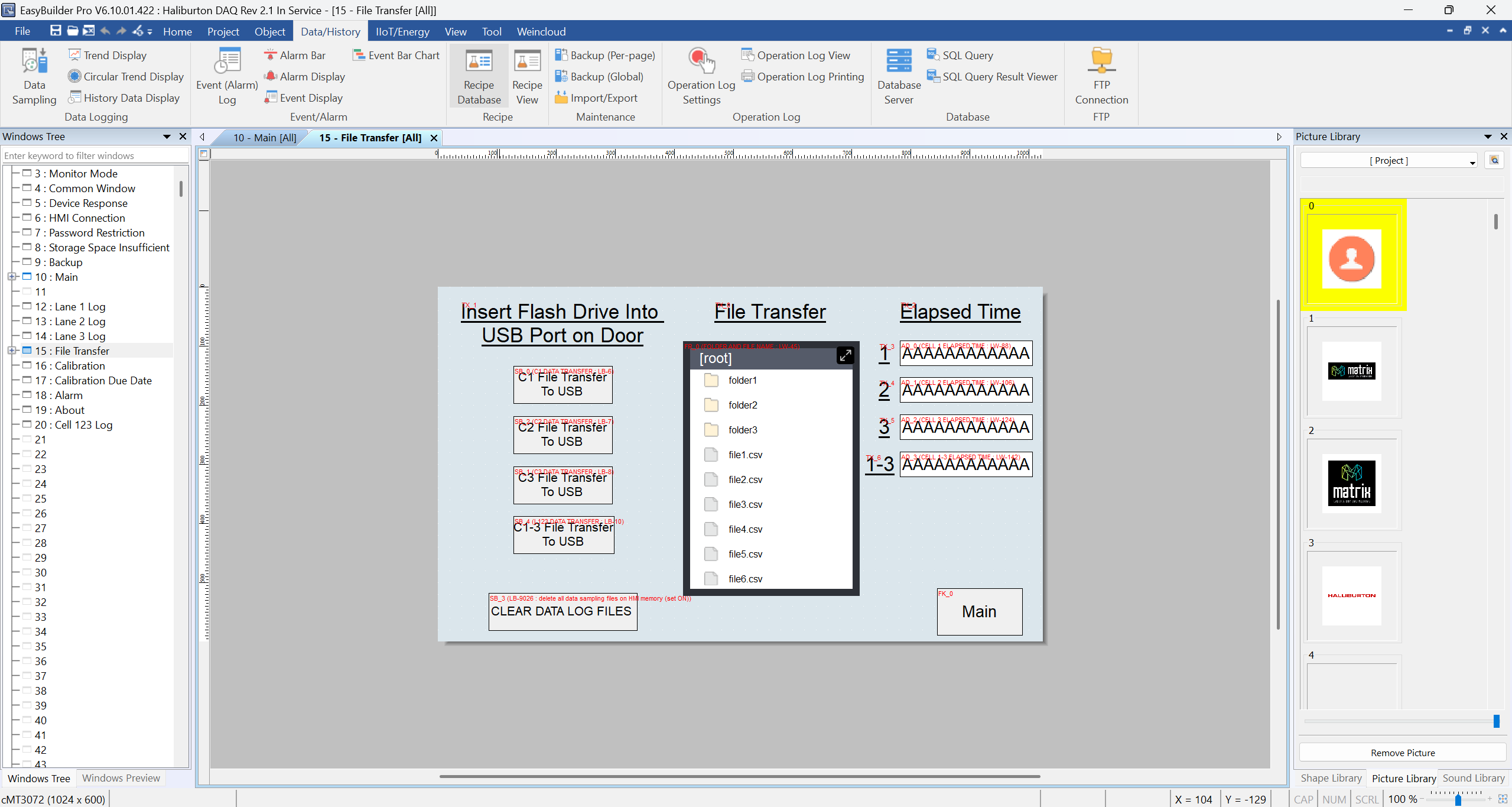
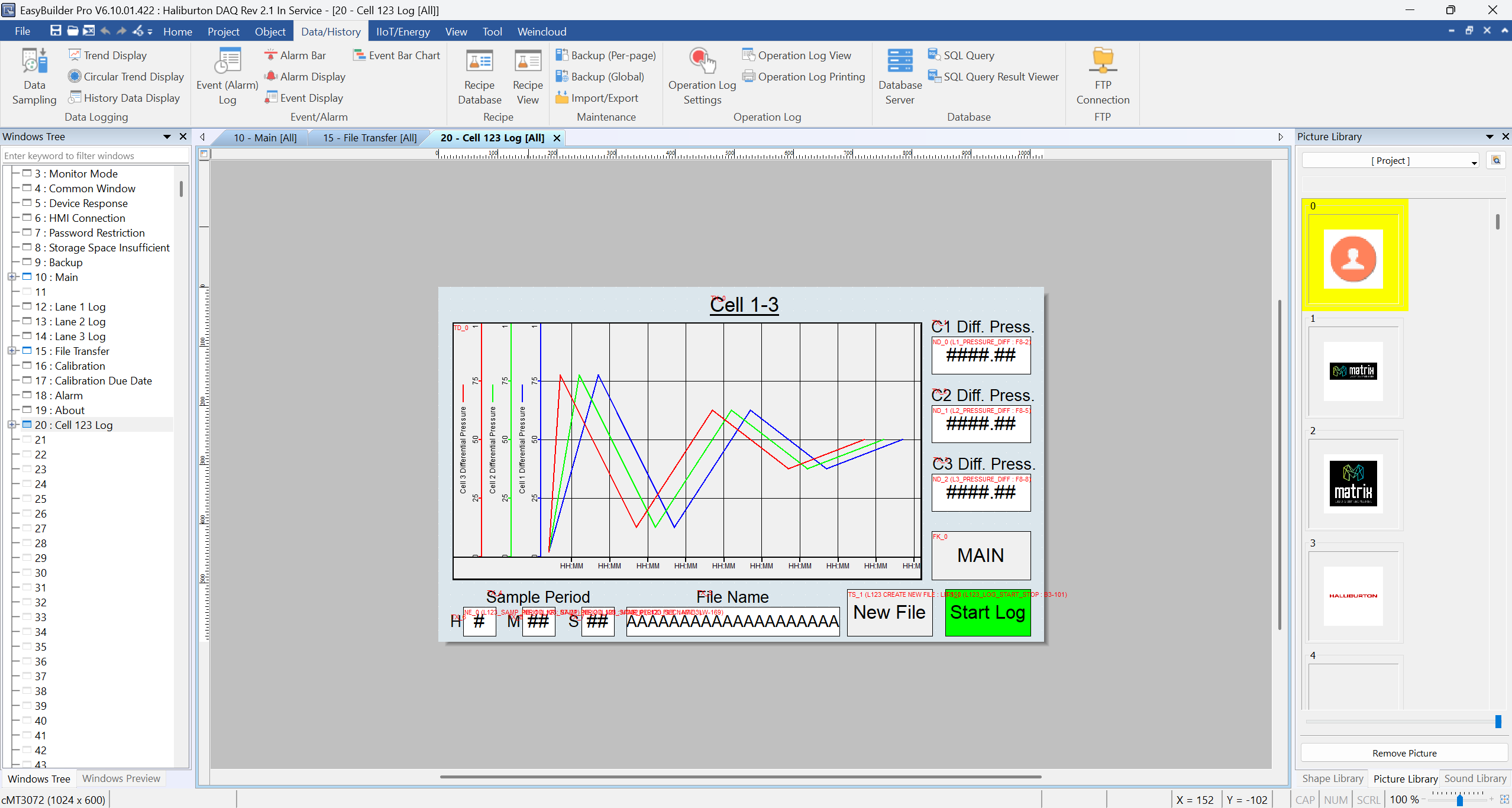
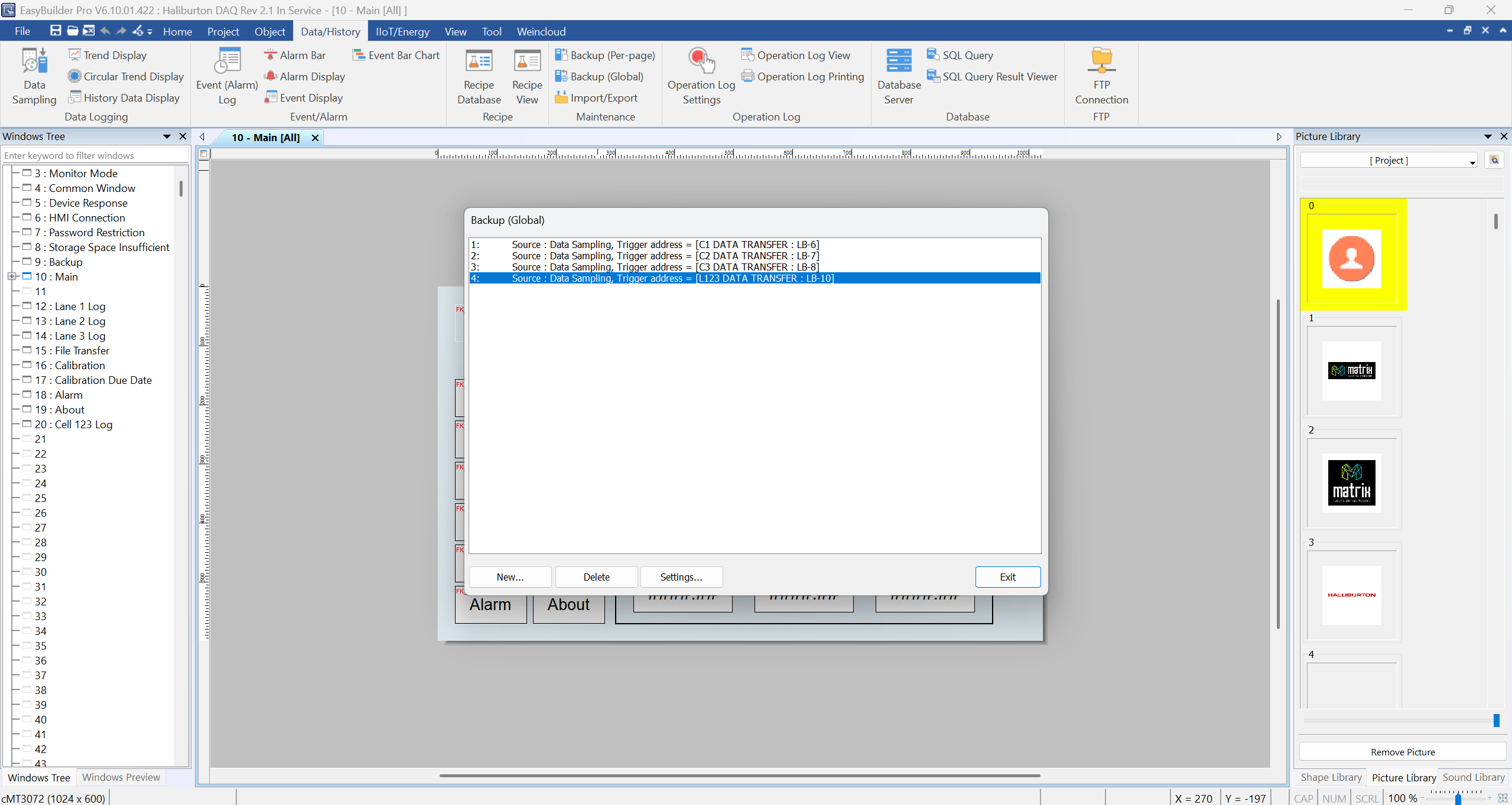
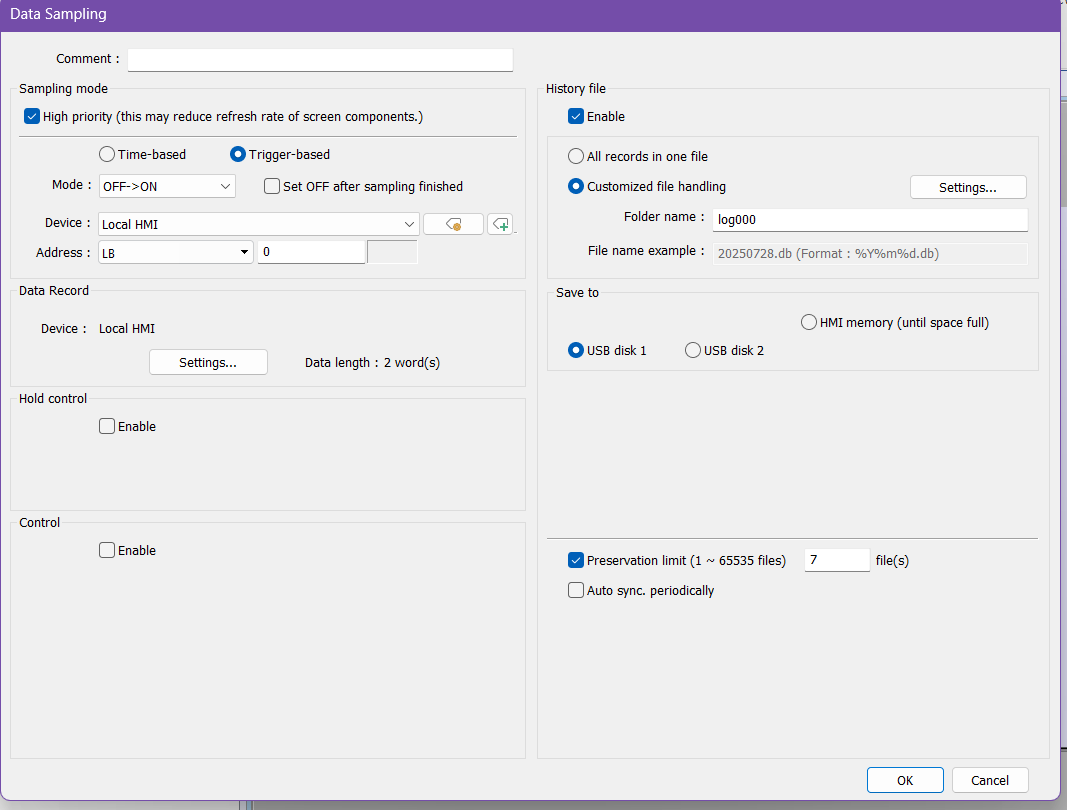
Thank you for contributing to our forum. Could you please provide some screenshots of your project so we can get a better understanding of your setup, particularly how the Backup Data and Data Sampling objects are being used?
Thank you!
Its set to store/transfer as many files as possible to preserve data just in case. Its also setup to be able to clear the backlog which is done regularly. So theres usually only one or two files that are transfered at a time.
I tried attaching screenshots but it says i can imbed media in a post.
Hi @leadfoote,
A update has been made, you should be able to add your screen shots now.
Got them uploaded, thank you!
Hi @leadfoote,
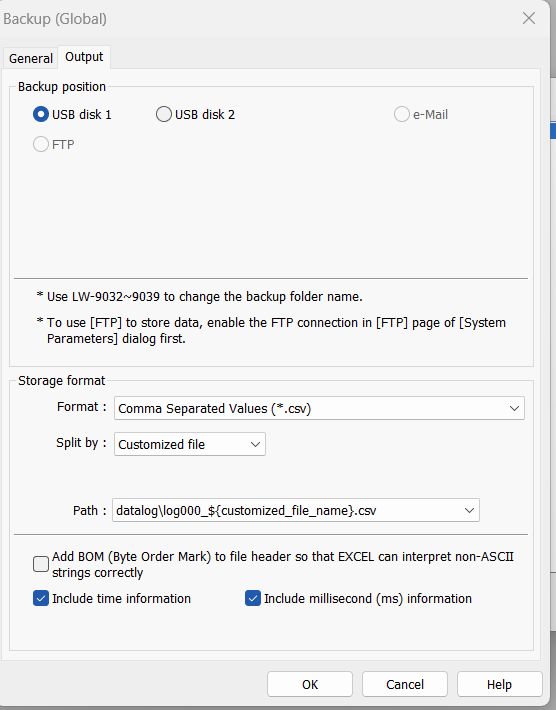
One thing we can try is splitting the file during backup. This is done by navigating to the Output tab of the Backup (Global) object. Then, within the Split by section, select Customized file.
Note: The File Source must be a “Historical data sampling object.”
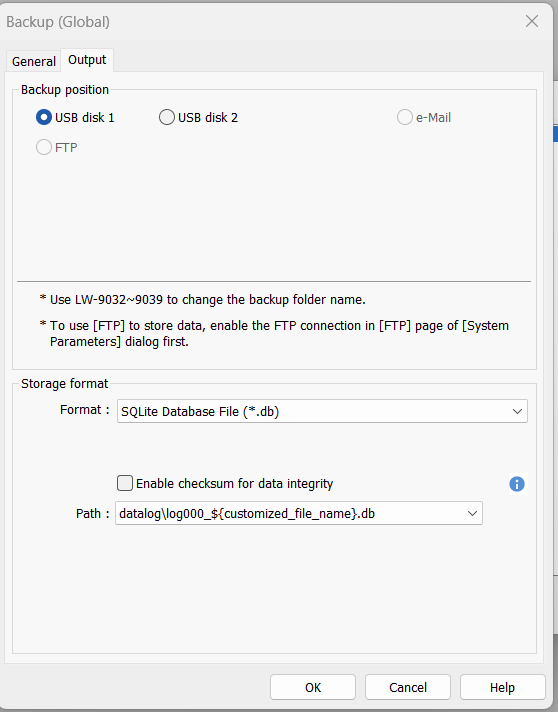
Furthermore, within the Backup (Global) object, could you try exporting the file as a DB file and see if the DB file format is quicker?
Aaron, thank you for your suggestions. I will try them out and run some test to see what we get. Out of curiosity, do you know what the data transfer rate/speed is when going from HMI internal memory to USB?
Hi @leadfoote,
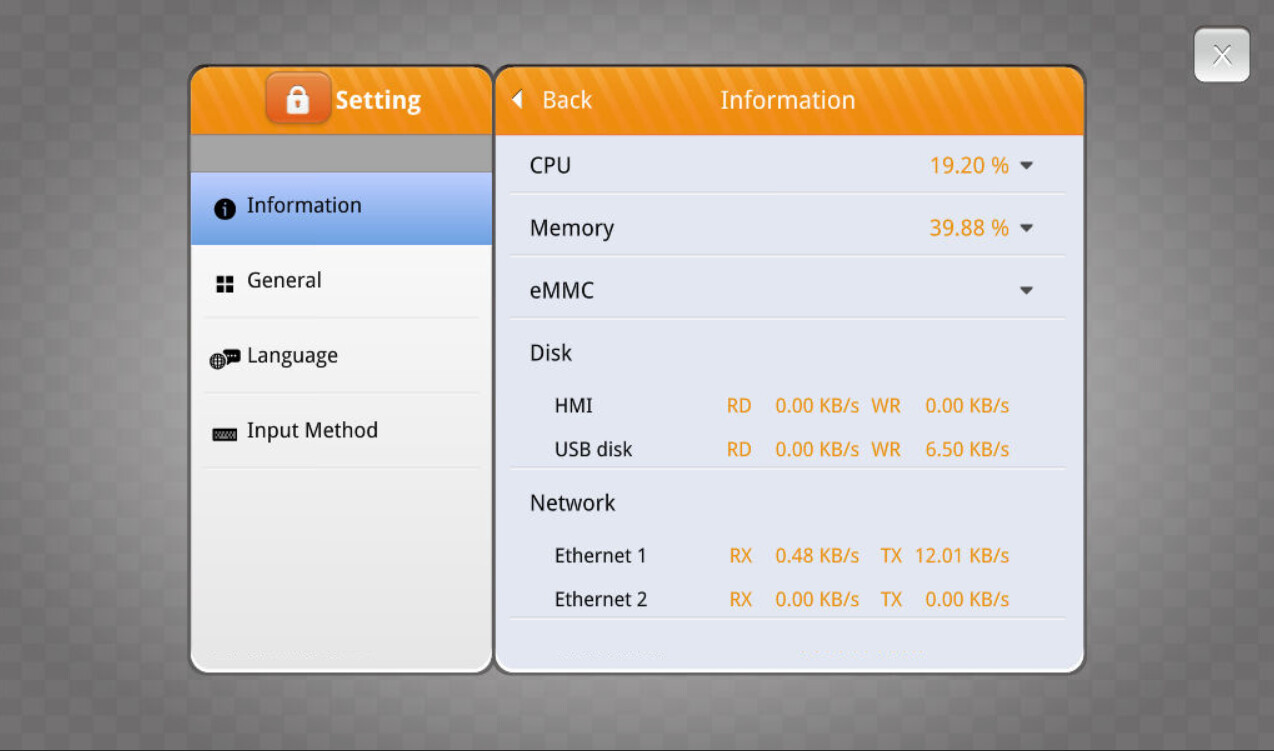
The read and write speed likely depends on system load, but it may be visible within the “System metrics” of your HMI’s settings menu:
Is it possible to save data samples directly to USB in CSV format instead of the HMI flash memory? Also, I read that frequent writing to the HMI memory can accelerate the memory degradation. Six float inputs are logged at one second intervals for up to three days at a time. How long can the memory last at that rate? Do you have any suggestion for better equipment or file/data transfer methods that would be better in this application?