- HMI Model: cMT-FHDX-820
- EasyBuilder Pro Version: 6.10.51
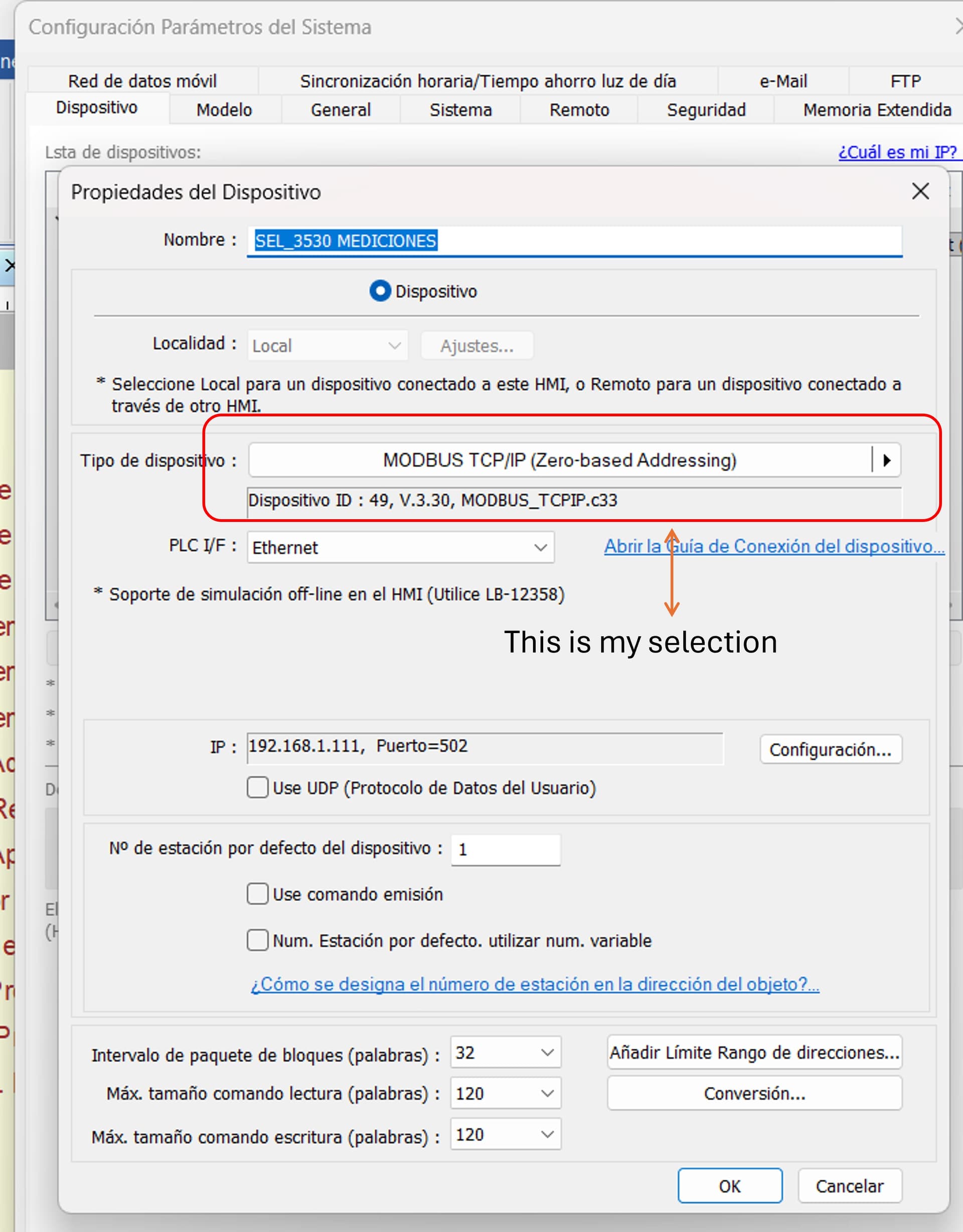
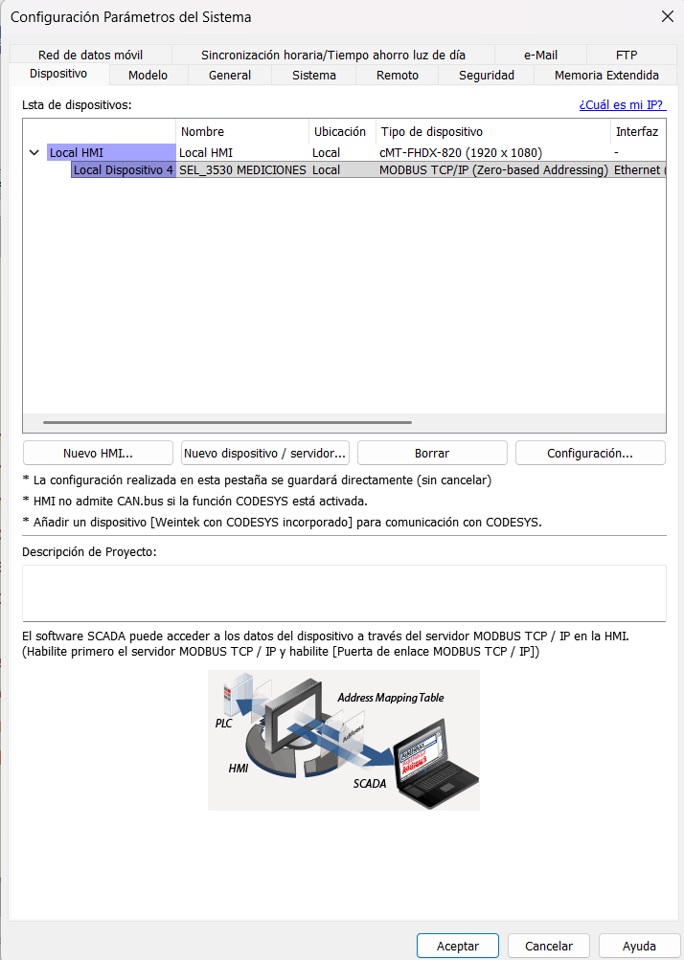
How conect one cMT-FHDX-820 to a Schweitzer Engineering Laboratories modbus PLC SEL-3530
How conect one cMT-FHDX-820 to a Schweitzer Engineering Laboratories modbus PLC SEL-3530
Hi @mundo68 ,
Can you confirm the following data sheet is for your PLC:
https://selinc.com/api/download/8273/
If so Modbus TCP IP should be available.
If not could you provide us any documentation or links to your PLC.
Thank you!
Hi
Yes this is the model of PLC
Hello
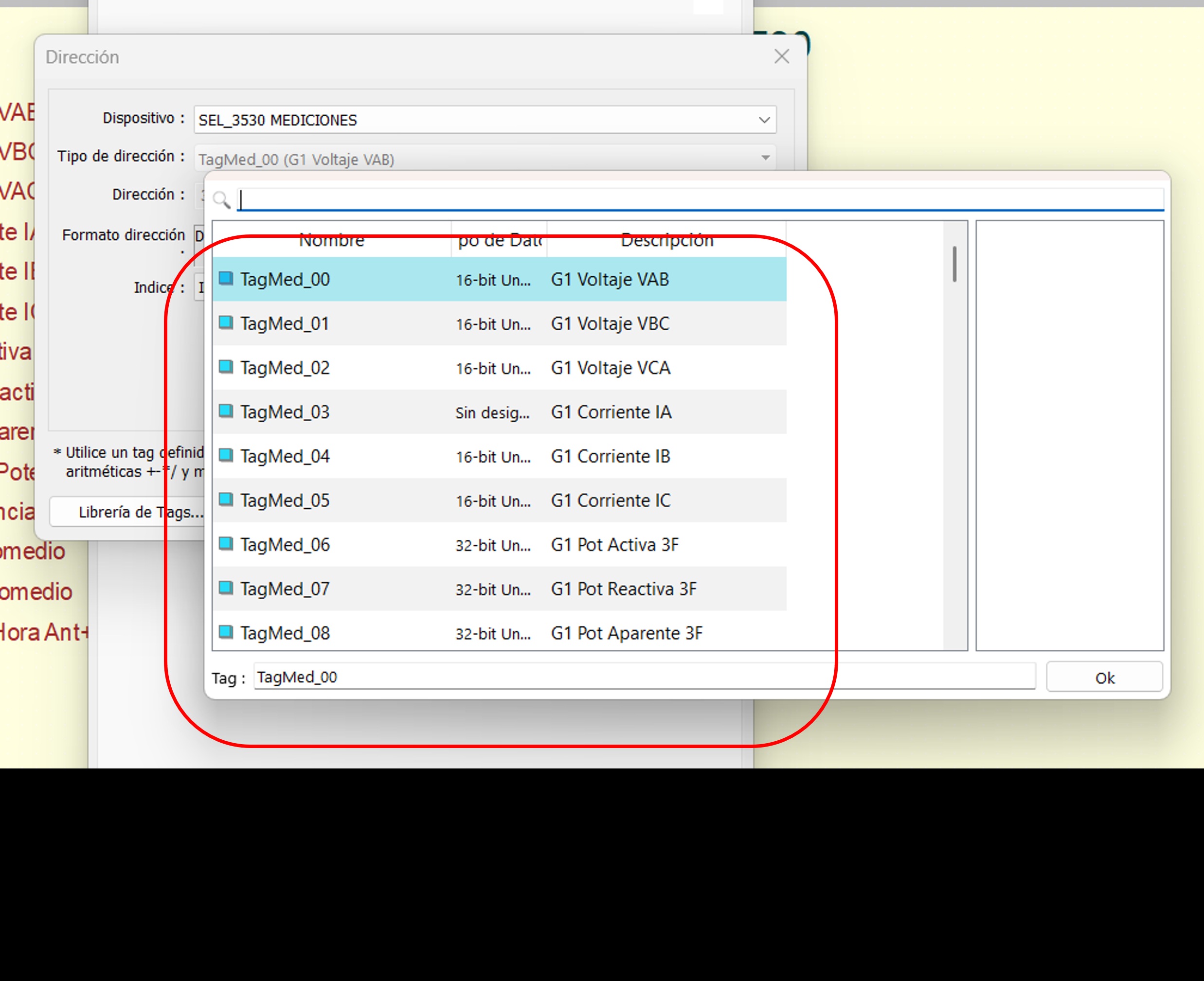
I have a project to show meter readings concentrated in a SEL-3530 PLC, the readings are already in the PLC, I am only transferring them to modbus to be able to display them in the IHM cMT-FHDX-820 with a 27-inch monitor, however I have been struggling because I cannot see the energy element readings, the voltage, current, power factor values, frequency, I can see them in unsigned 16-bit registers, but the energy measurement readings are in unsigned 32-bit registers. I can’t show those and I can’t find a way to do it, at the moment that’s my problem
Hello again
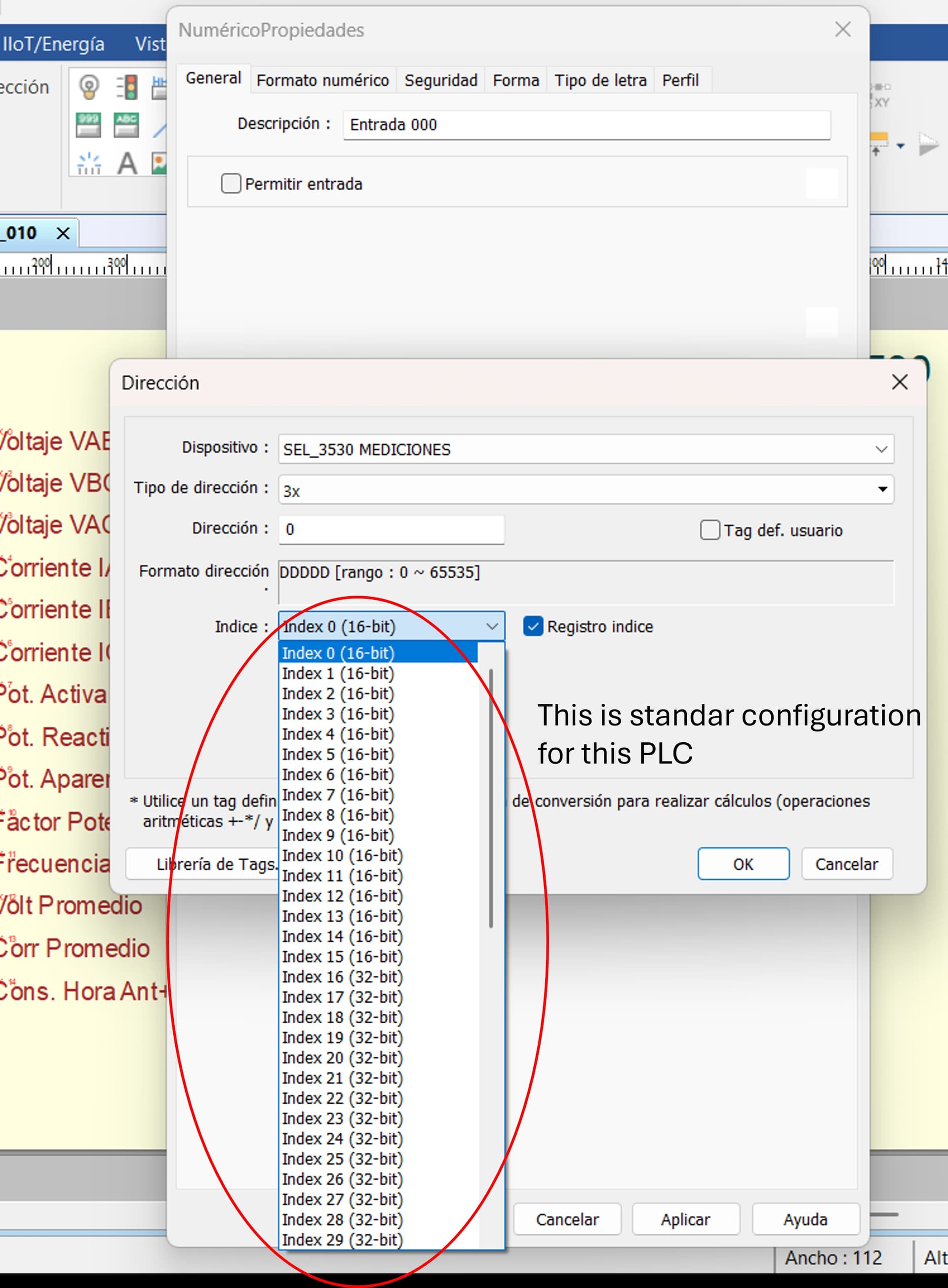
Now I have found a new problem, I need to use 84 registers, 60 16 bit and 24 32 bit registers. But the IHM system only allows me to use the 16 16-bit registers and the 16 32-bit registers, which it comes from the factory. I have already defined the records that I require, but when performing the tests, there is no way for the IHM to respond, however if I use the basic records, the IHM will respond quickly. What do you suggest to solve this problem.
an how insert one images or a document with images??
Hi @mundo68 ,
An update has been made to the system. Could you try and upload the images again.
Thank you!
Hi Aaron,
Thanks to you
Hi @mundo68 ,
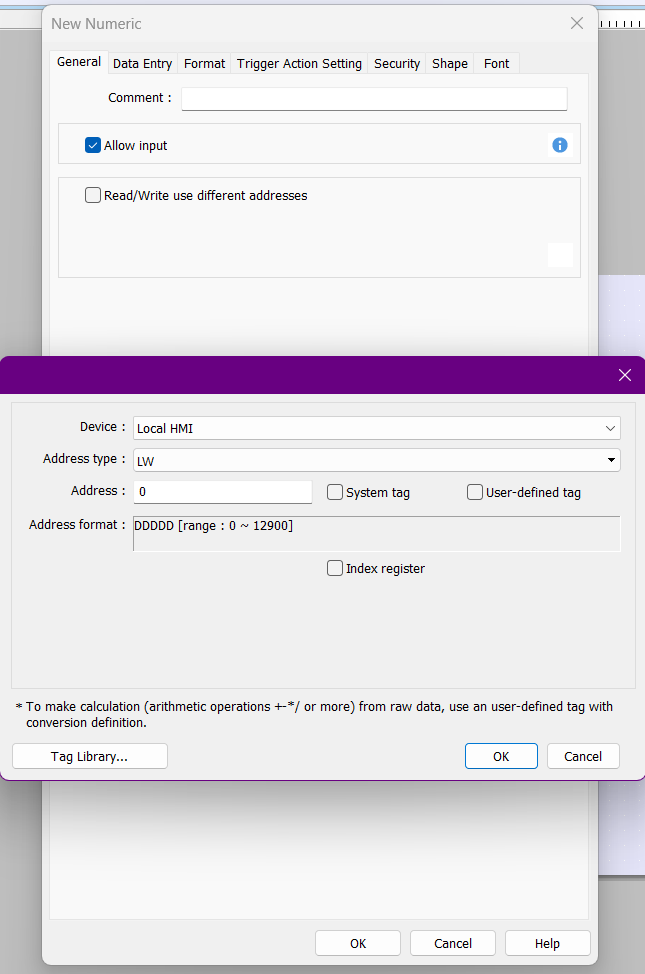
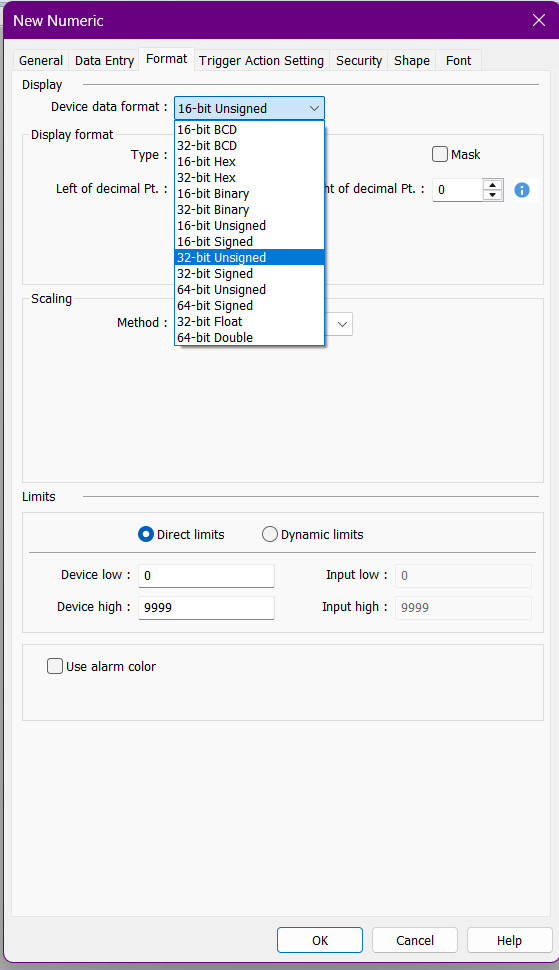
Within the General tab of the object can you set just tag you want to access. Then within the format tab of the object can you ensure the correct Device Data Format is aligned with the tag.
Could you let me know if this works and if you run into any other errors.
Thank you!
General Tab
Hello Aaron
That part helped me a lot with the simple registers, that is, the 16-bit ones, I was already able to show 60 signals of the 84 that are in total. I still have a problem with the 32 bit registers, I don’t know how to identify them, the only thing I have been able to do is use two indices configured as 32 bit, but one as signed LSR and the other as signed MSR, and I use only the signed LSR, and I leave the signed MSR unused. I have already tried the other format options, but neither works, although if I put the two registers I see information in both, in the LSR I see the measurement of 999999999, and in the MSR I see some other value that does not correspond to the ones I am asking for. If you have any other ideas, I appreciate it in advance.
Hi @mundo68 ,
Could you please provide screenshots showing how the 32-bit tag is configured in both the General tab and the Format tab of the numeric object, along with the results you see when you run the project?
Thank you.