Hi @KeithO ,
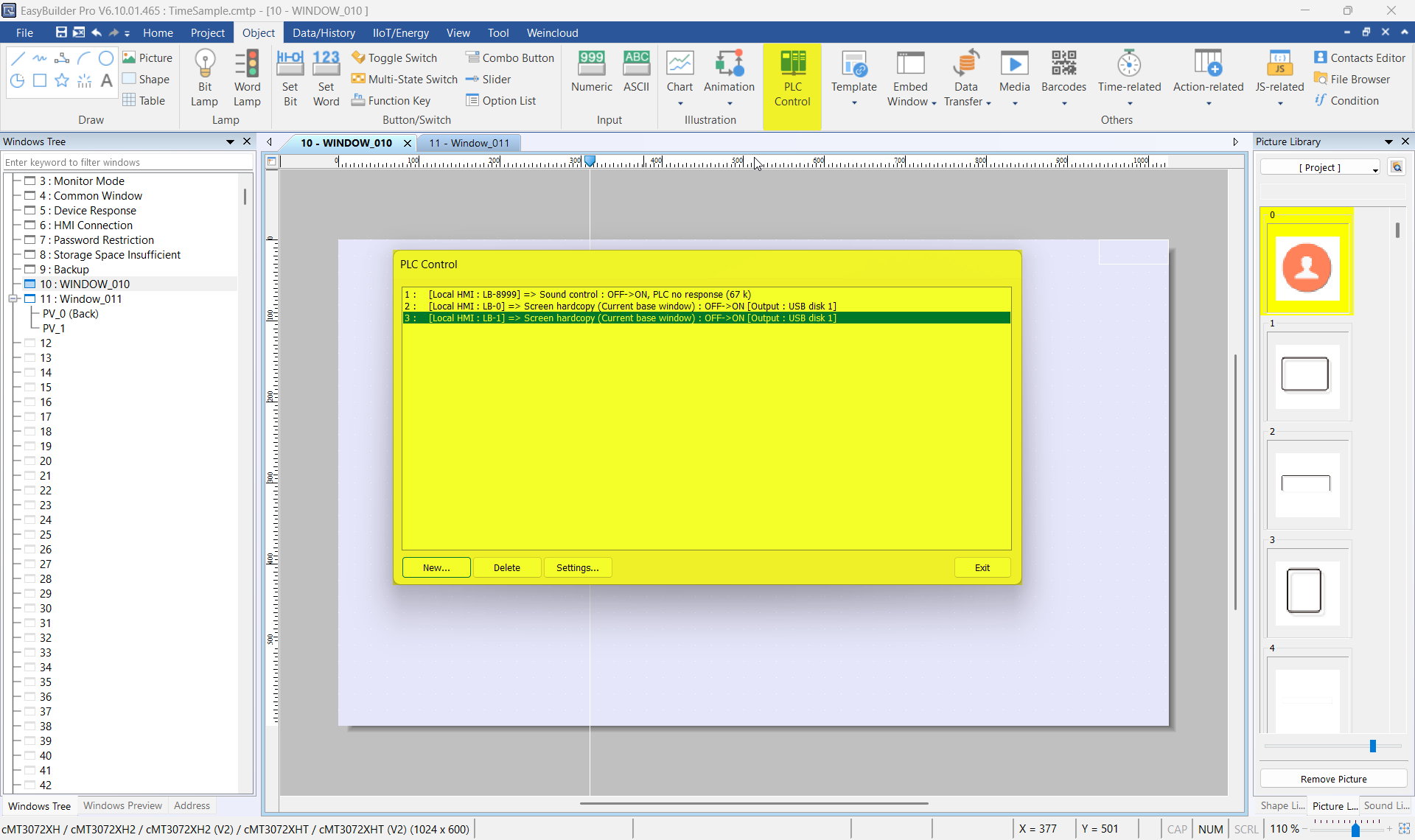
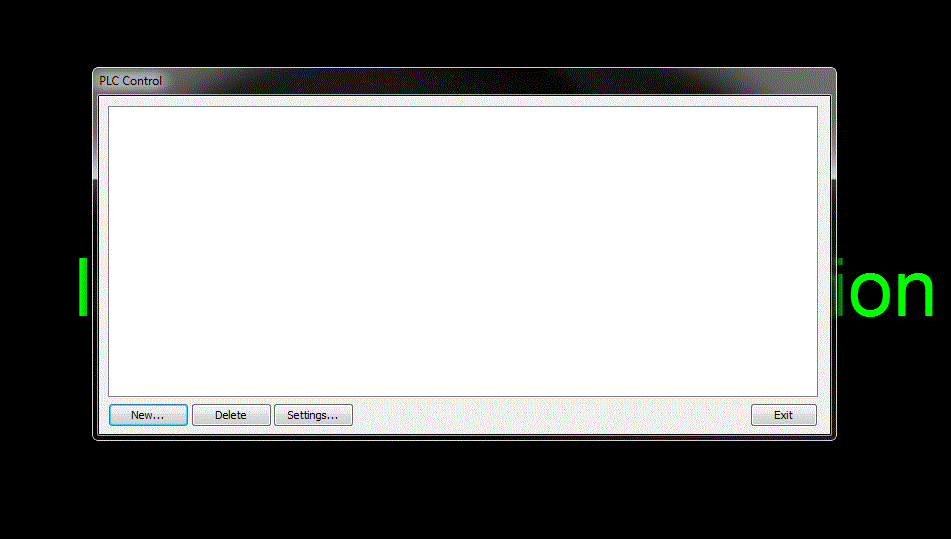
We were able to replicate your issue, and our recommended solution is to use a macro to keep a count on the login page and a PLC Control object to switch windows.
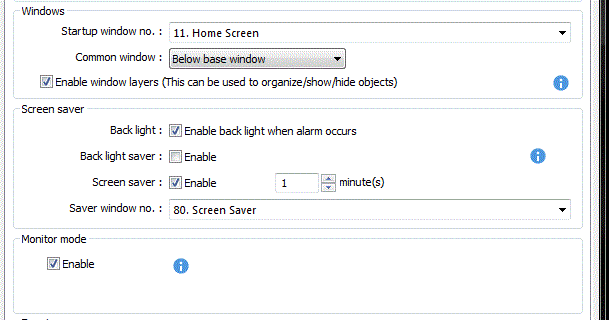
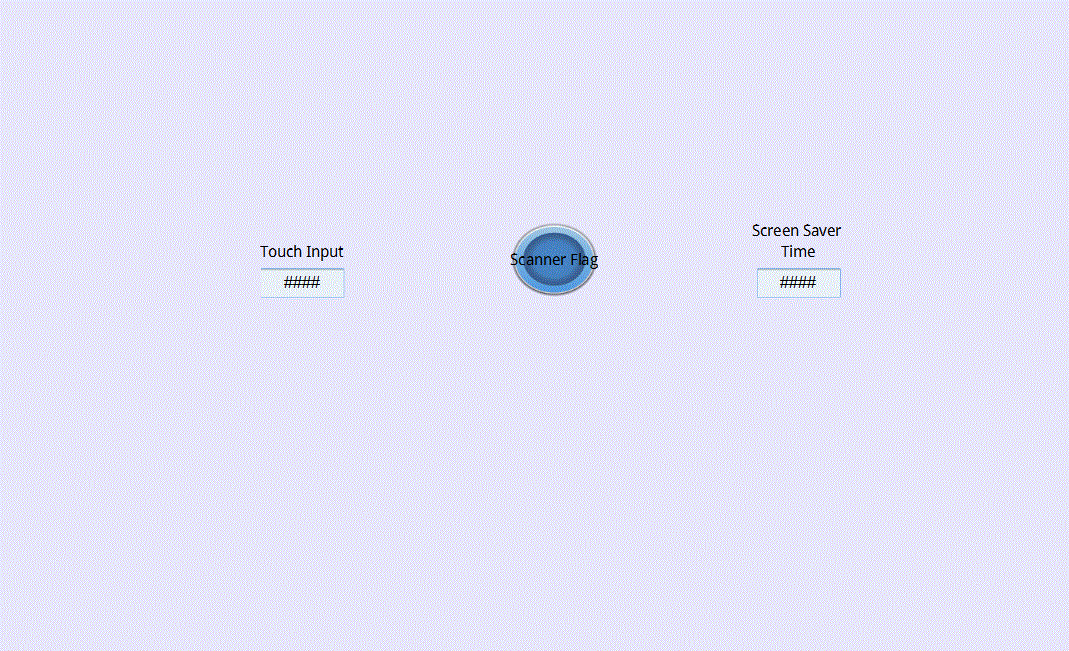
In the macro below, a counter variable “i” increments each second the user is on the login page and not interacting with the screen. When the count reaches MAX_TIME, which is set to 30 seconds initially, the PLC Control command at LW-0 changes the project window to the screen saver (window 80).
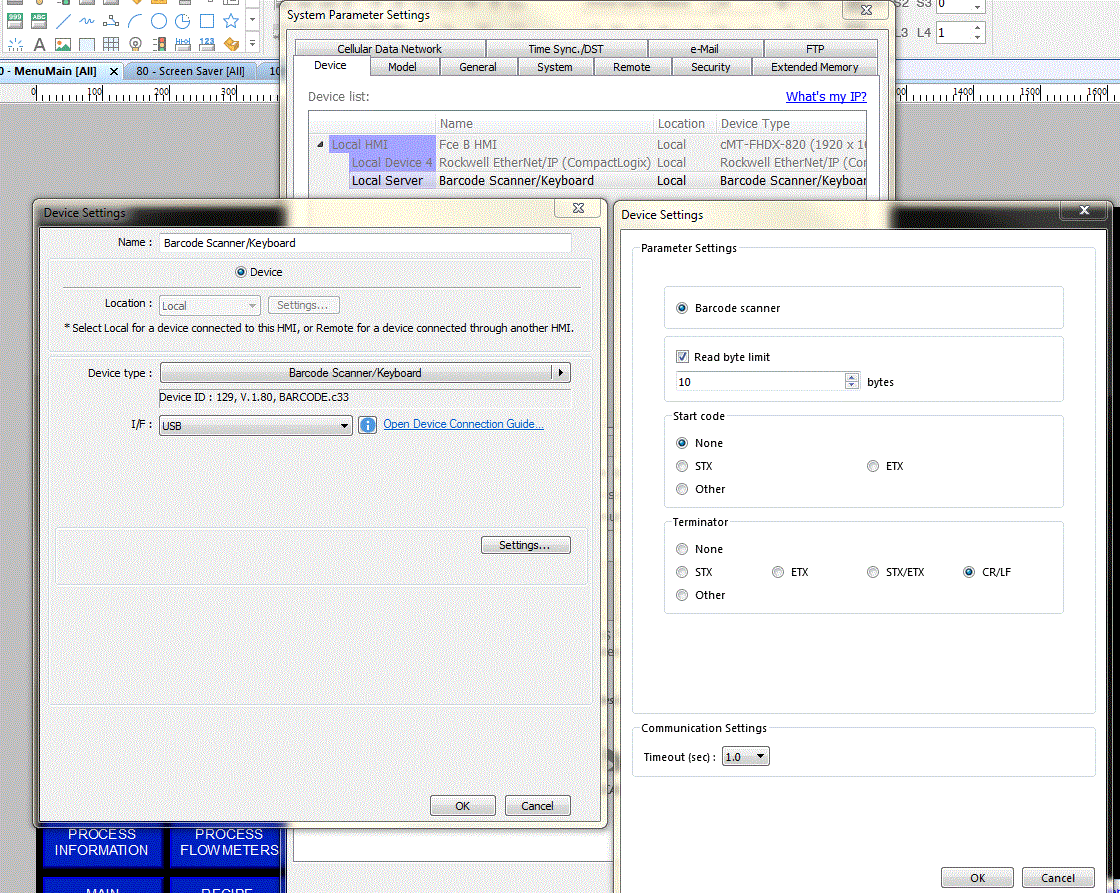
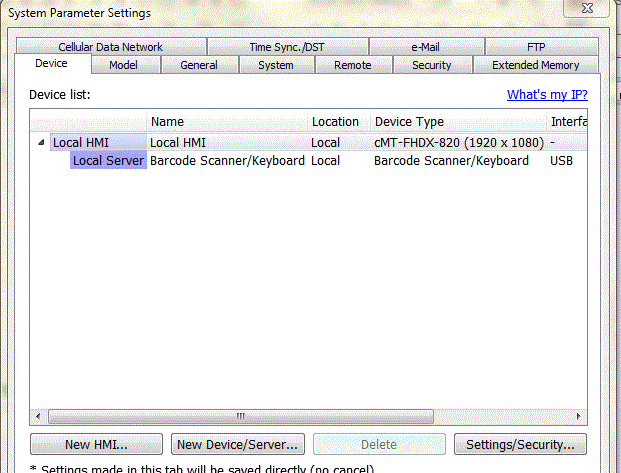
When the barcode scanner performs a scan (the result variable is set), the project uses the LW-0 PLC Control address to change the window back to the login page.
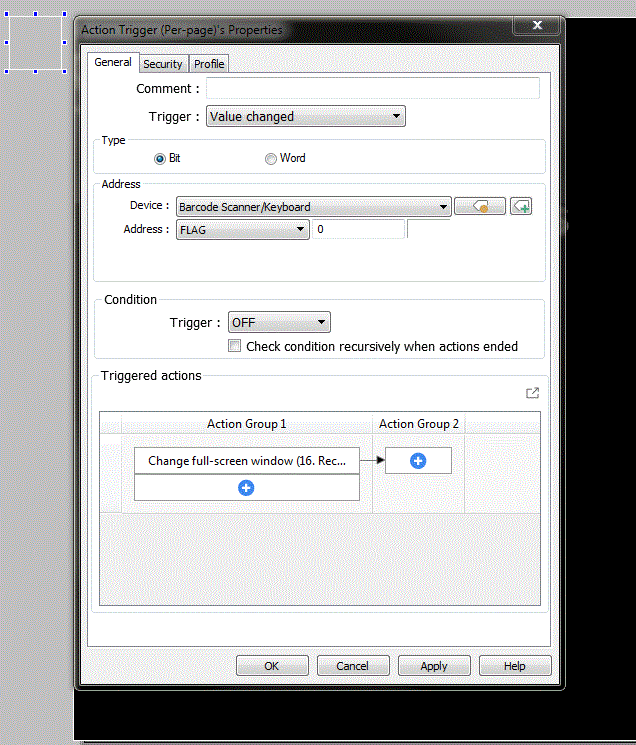
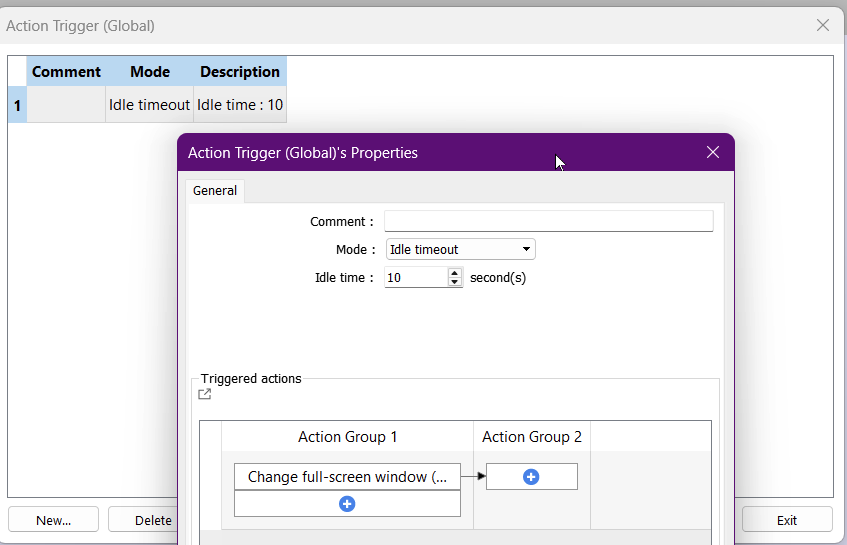
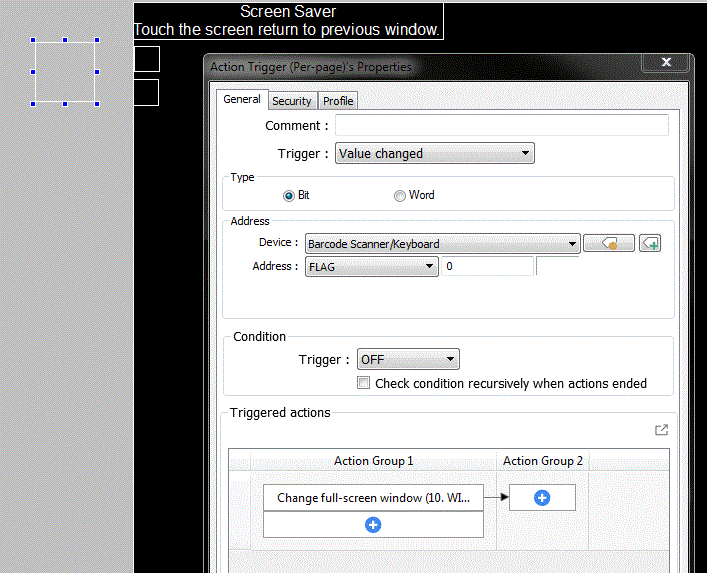
A Global Action Trigger is also used to reset the count if the user touches the screen to ensure idle functionality.
The macro is shown below, and here is the link to the demo project.
Screen Saver Demo Project
Please let us know if you run into any problems or have any questions.
macro_command main()
	short MAX_TIME = 30 // time to be idle before setting to screen saver window.

	//command
	short result = 0
	short clear = 0

	// counter
	short i = 0

	//windows
	short window = 0
	short home = 10, saver = 80

	GetData(window, "Local HMI", LW, 9050, 1) // get the current active window
	GetData(result, "Barcode Scanner/Keyboard", RESULT, 0, 1) // result of the barcode scanner
	GetData(i, "Local HMI", LW, 1000, 1) // counter

	// Check to see if barcode has scanned to indicate if HMI is idle
	// Action trigger will also check if HMI is idle
	// If HMI recieves scan or if user touches screen the count is reset
	if result == 0 and window <> 80 then
		i = i + 1
		SetData(i, "Local HMI", LW, 1000, 1)
	else if result == 1 and window <> 80 then
		result = 0
		SetData(result, "Barcode Scanner/Keyboard", RESULT, 0, 1)
		i = 0
		SetData(i, "Local HMI", LW, 1000, 1)
	else if result == 1 and window == 80 then
		result = 0
		SetData(result, "Barcode Scanner/Keyboard", RESULT, 0, 1)
		SetData(home, "Local HMI", LW, 0, 1)
		DELAY(250)
		SetData(clear, "Local HMI", LW, 0, 1)
	end if

	// If HMI is "idle" for 30s then switch to screen saver window
	if i == MAX_TIME and window <> 80 then
		i = 0
		SetData(i, "Local HMI", LW, 1000, 1)
		SetData(saver, "Local HMI", LW, 0, 1)
		DELAY(250)
		SetData(clear, "Local HMI", LW, 0, 1)
	end if

end macro_command