How to display the file browser directory

How to display the file browser directory https://forum.weintekusa.com/uploads/db0776/original/2X/2/29335314b5590c37a217365f5ab529dcbd3cf78b.png
none 0.0 0
  • HMI Model: CMT-FHDX-820
  • EasyBuilder Pro Version: 6.10.01.510

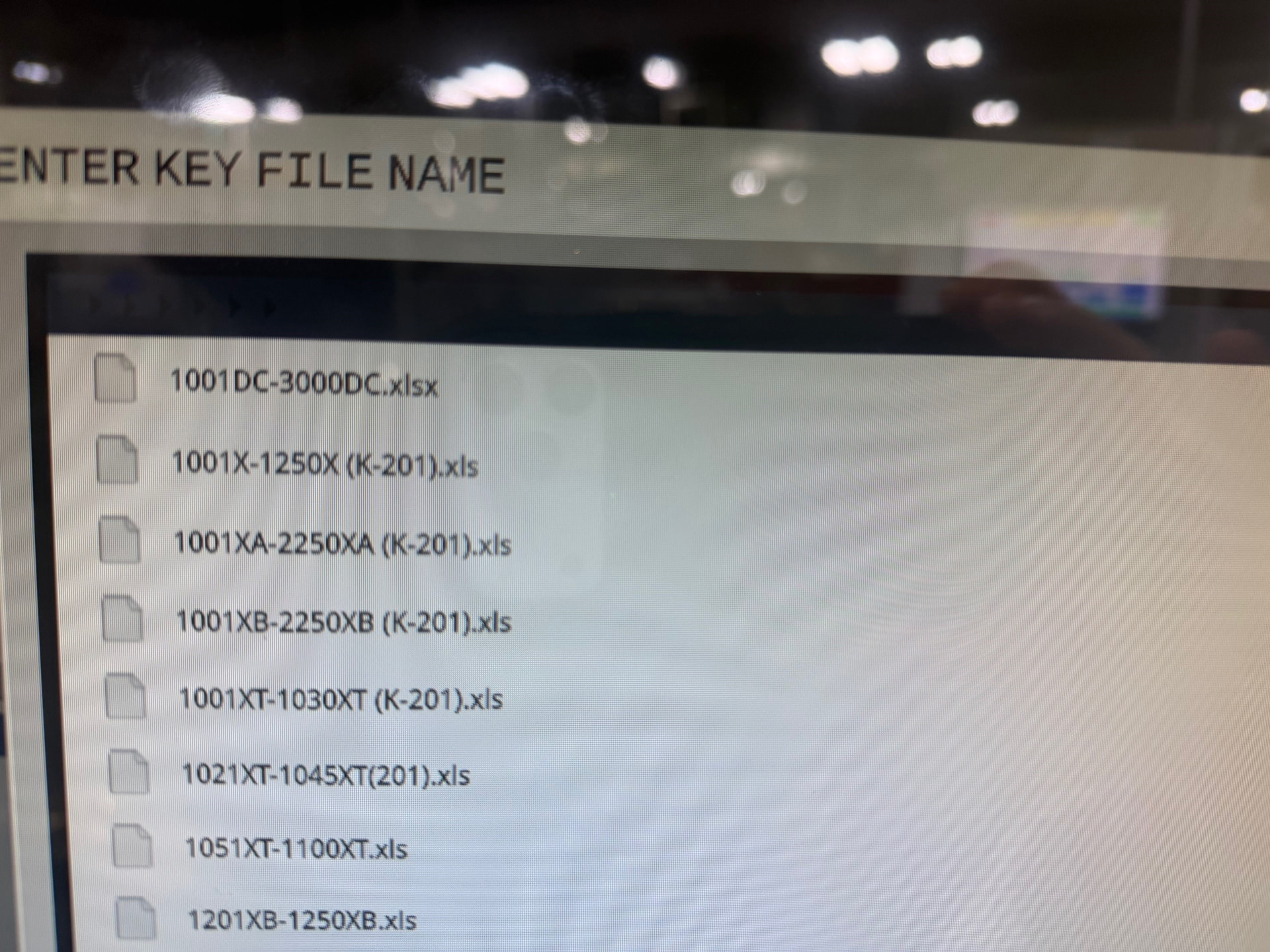
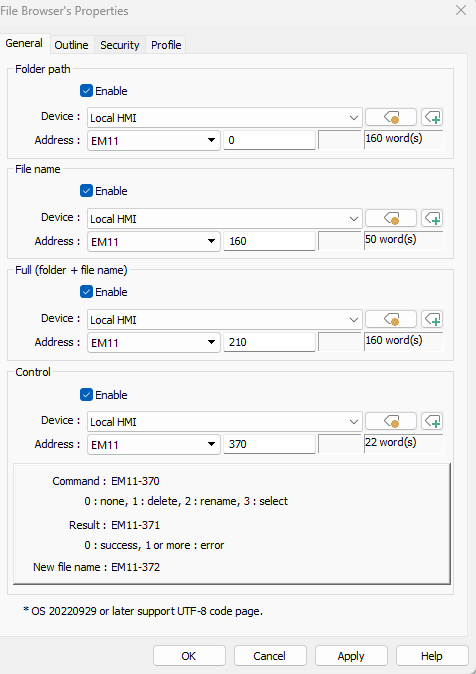
File Browser, not always showing directory at top of object. I can upload an update and it will show-up and then upload another up-date and it will not show up. I can always see the directory within the ASCII object pointing @ EM11, 210…

Any suggestions?

Hi @outbound6 ,

Thank you for you question.

Are you testing within a simulation or on the HMI and how are updating your file?

Tests fine in sim, but when i load it into the HMI i get those results…

@outbound6,

To confirm, do you want to see the directory or do you want it to be hidden? Also, can you please share a screenshot of when it is visible and when it is hidden for our reference?

Populated:

image

Not Populated:

Hi @outbound6

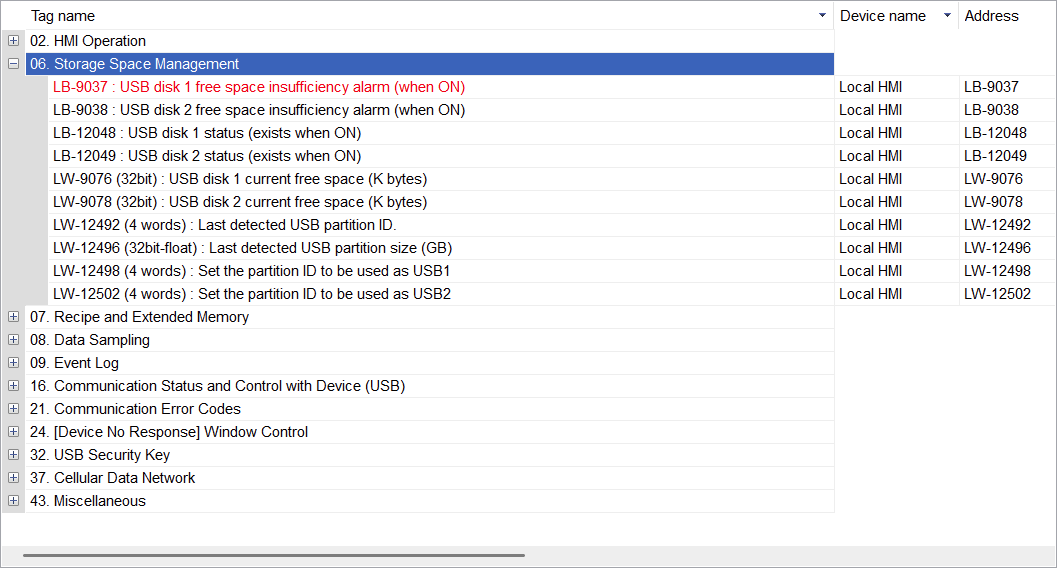
What brand of USB drive are you using and what is the drive formatted too? Also can you place down the LB-12048 bit to ensure that the HMI is able to read the USB drive.
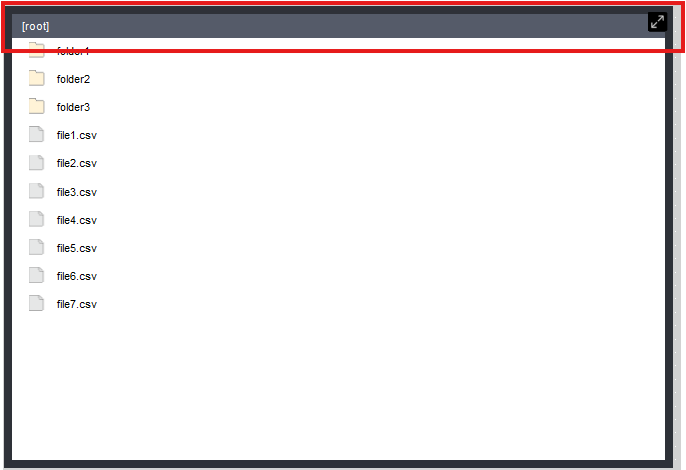
Thank you.

FAT32

This is a MicroSD card loaded into the HMI unit.

12048 is off @ the HMI.

Hi @outbound6 ,

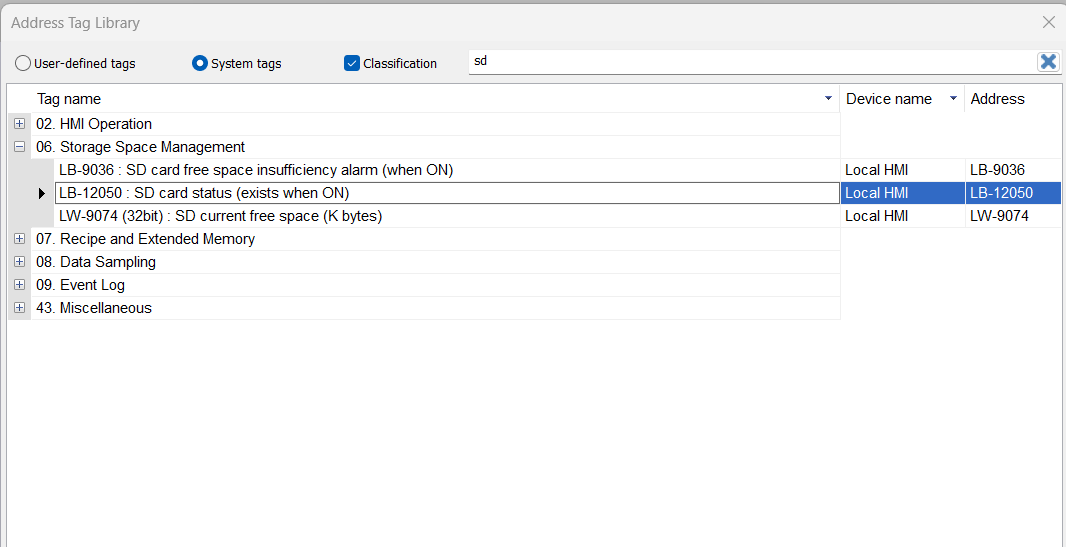
If using SD card, can you ensure LB-12050 is turned on when you insert your SD card.

Thank you.