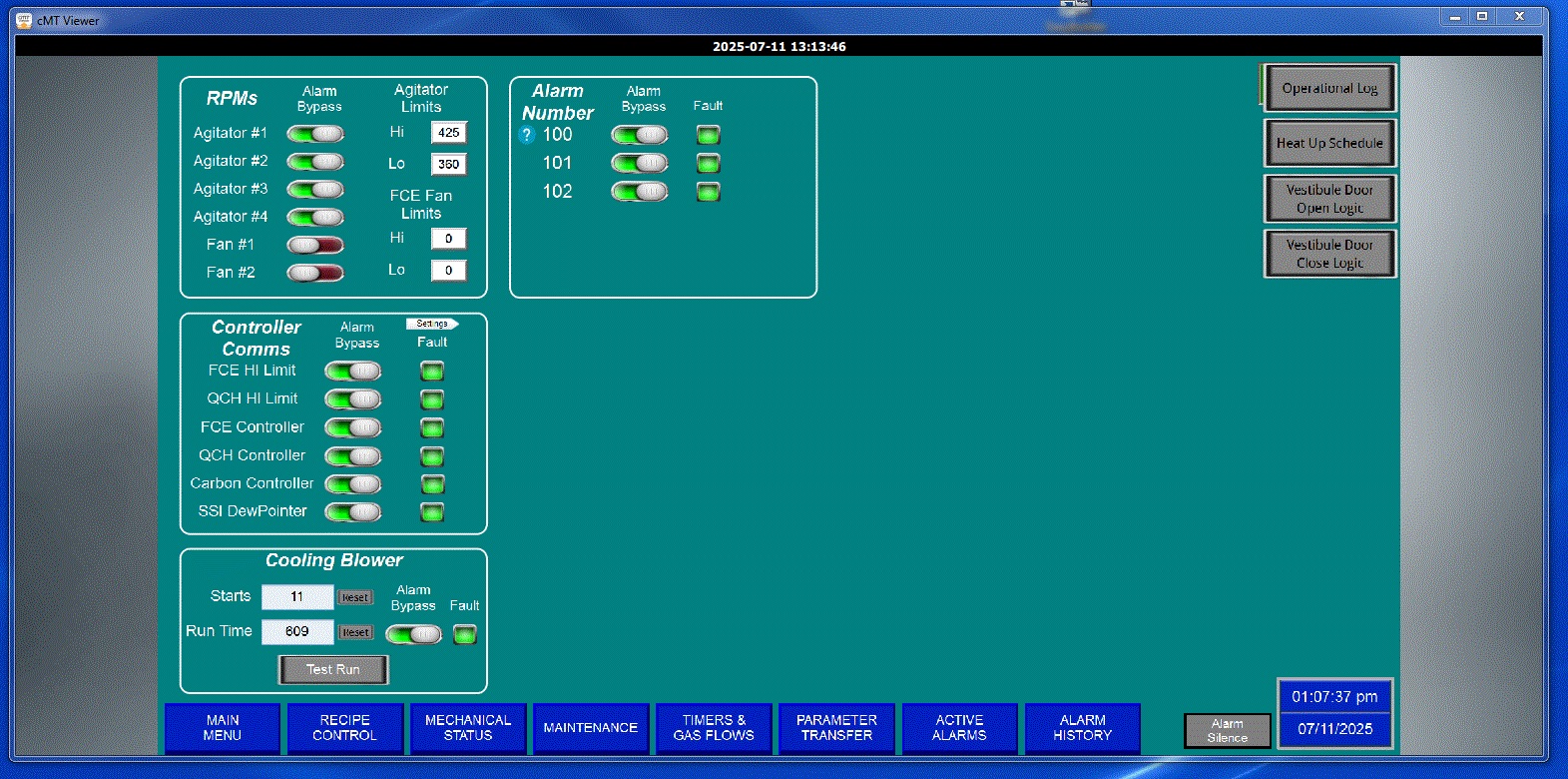
I was attemping set up the monitor mode on one of our hmis but now i am currently stuck on one hmi when opening cmt viewer. I do not have the option to switch hmis or open the cmt viewer settings.
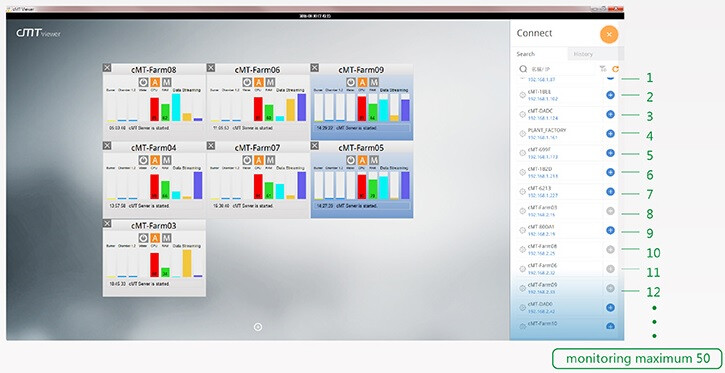
I should have the option to connect to different hmi’s like shown in this picture. I am taken to the previous screen if I open cmt viewer through the pc app or by eb pro.
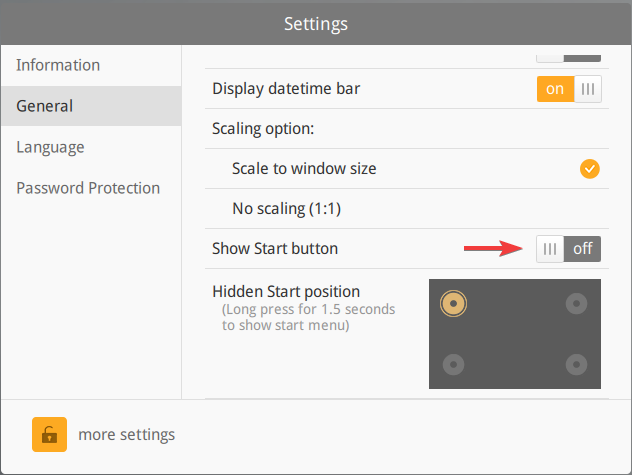
Based on the original image, it looks like “Show Start Button” may be disabled. In this case you will need to long press in one of the four corners to access the connection menu:
I am not sure what corner the start button was moved to, since this would depend on what you have configured. However, the default location is the top left corner. Can you please “long press” the top left corner (or other corners) for a few seconds to access the connection and settings menu?
Thanks for the reply Brendon, that was it. I didnt realize that the start button enabled on the hmi was a completely different thing from the start button on the cmt viewer.