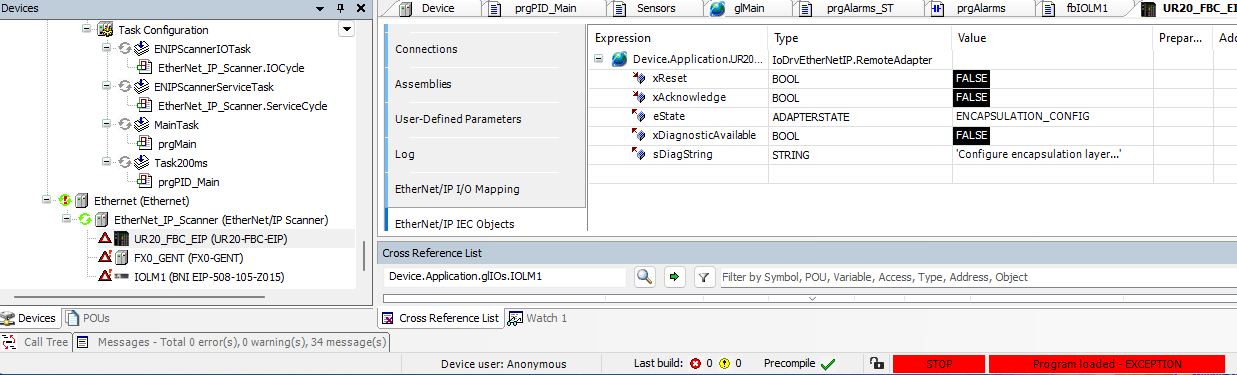
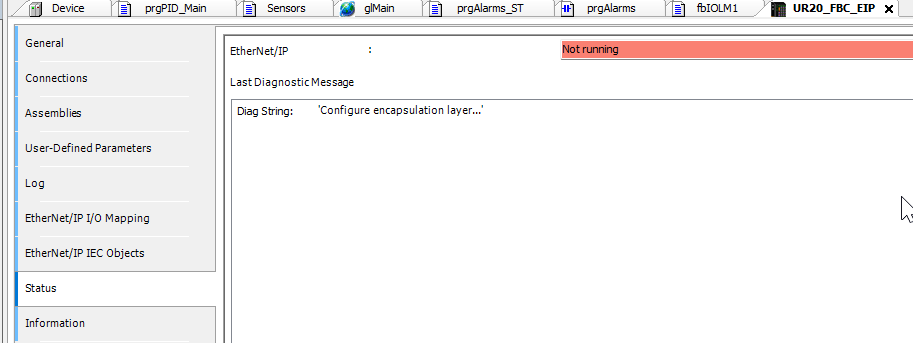
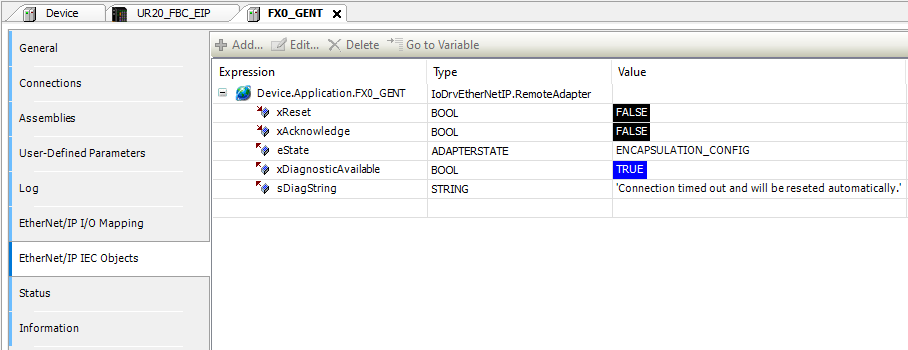
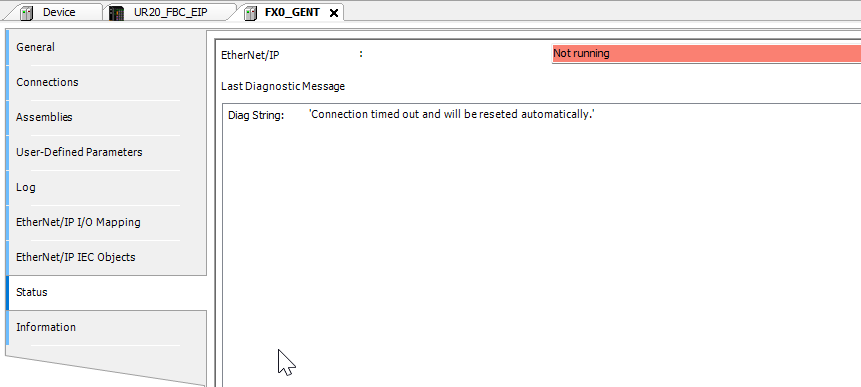
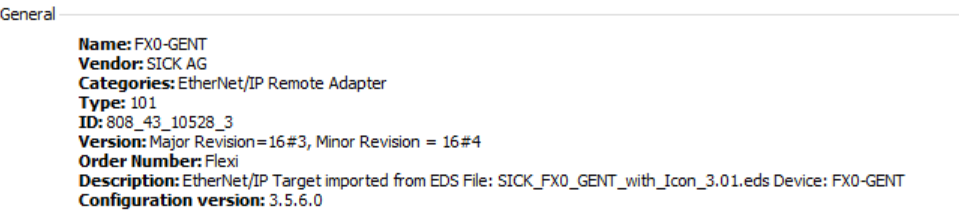
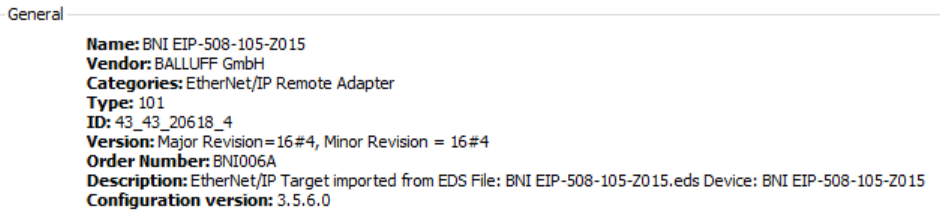
I have several Ethernet IP devices communicating with Codesys.
When Power to the whole machine is switched OFF and then ON, Looks like Codesys HMI is done booting before other devices on the network are ready and Codesys cannot re-establish communication.
I have to power OFF HMI and then Power it ON again, while other devices already powered ON. Then Codesys establishes communication right away.
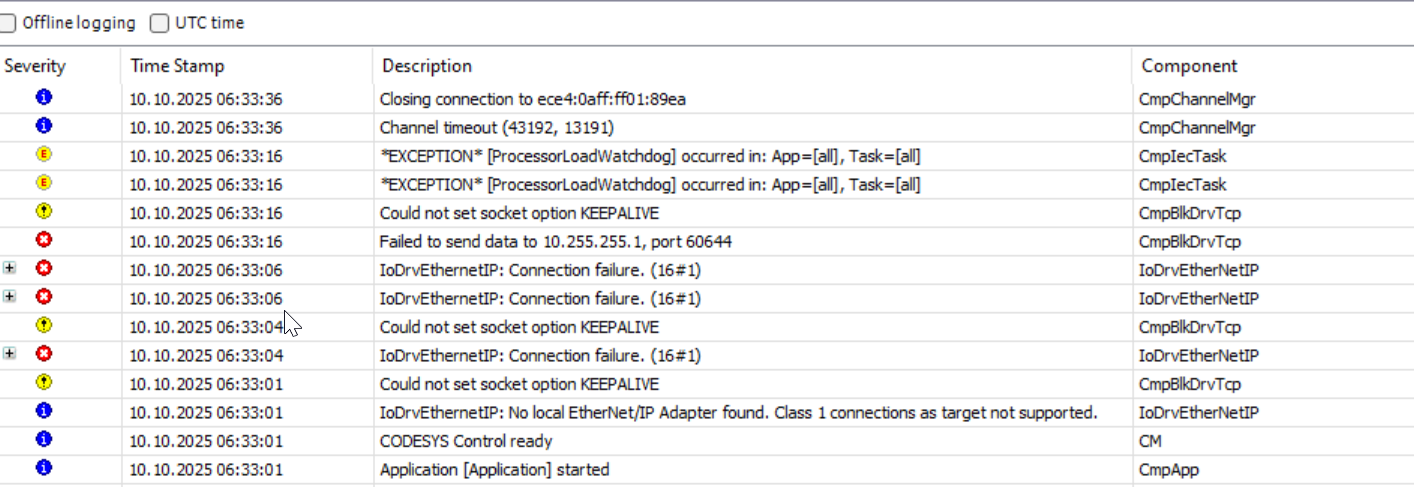
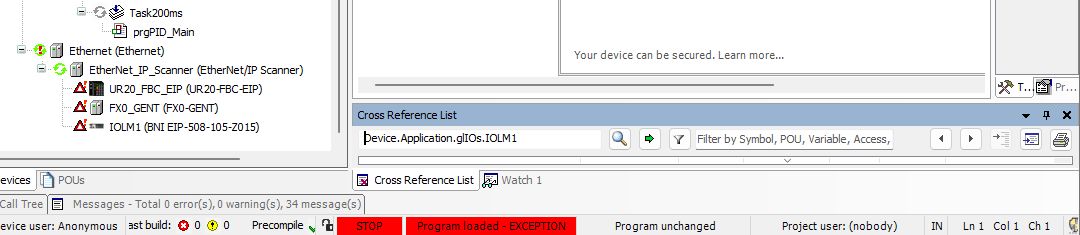
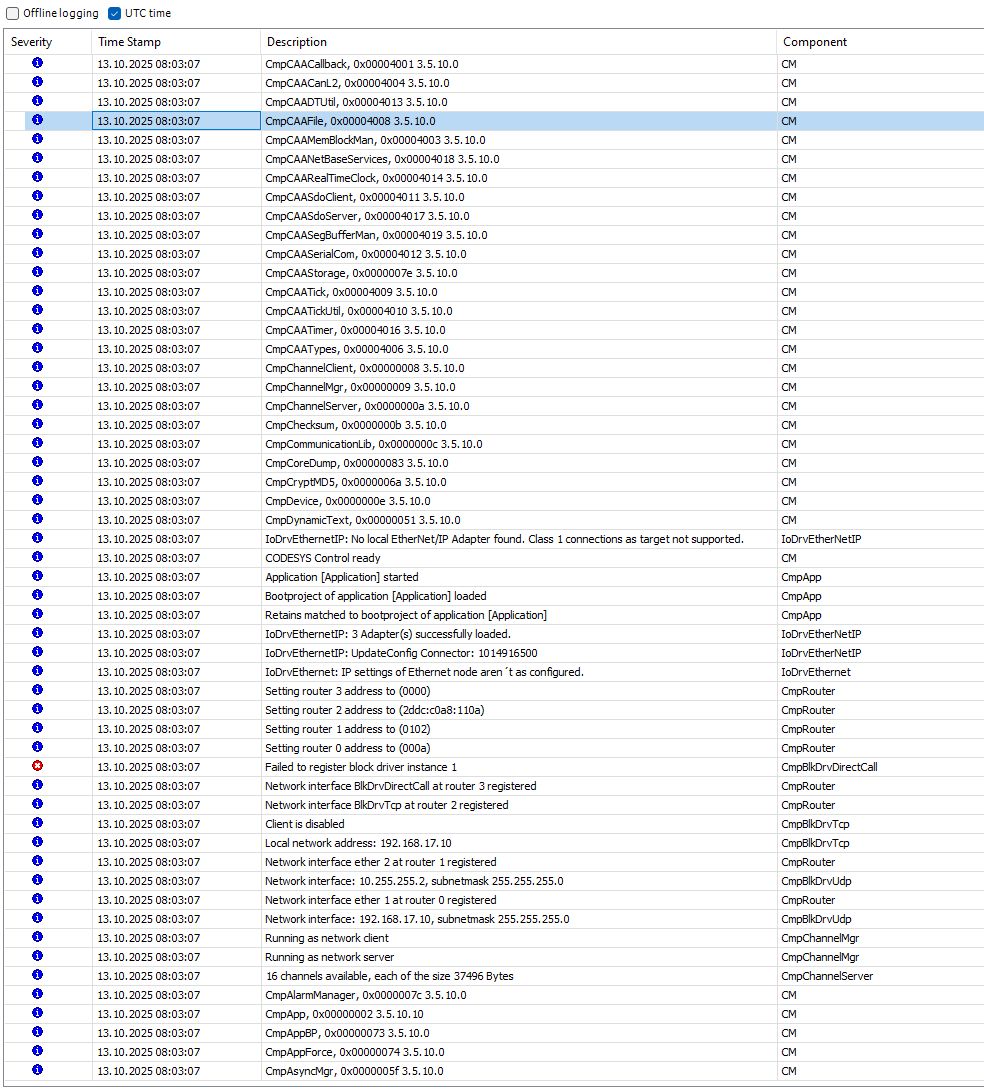
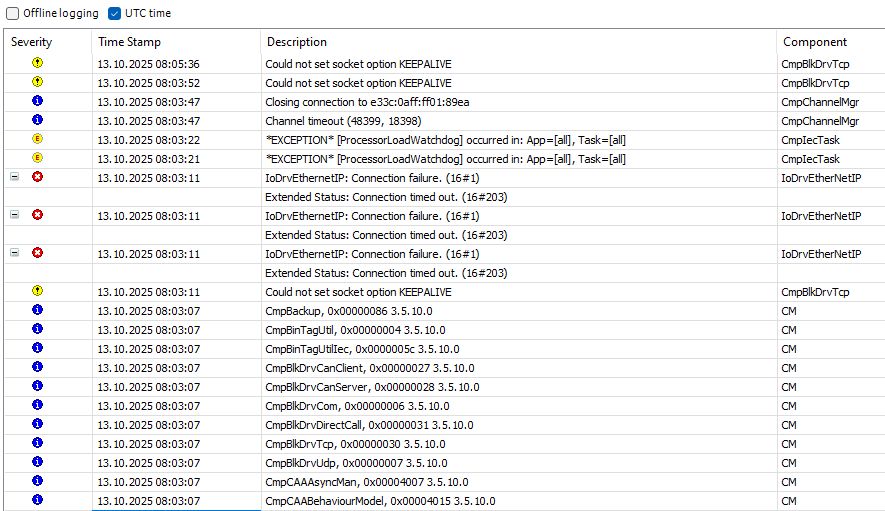
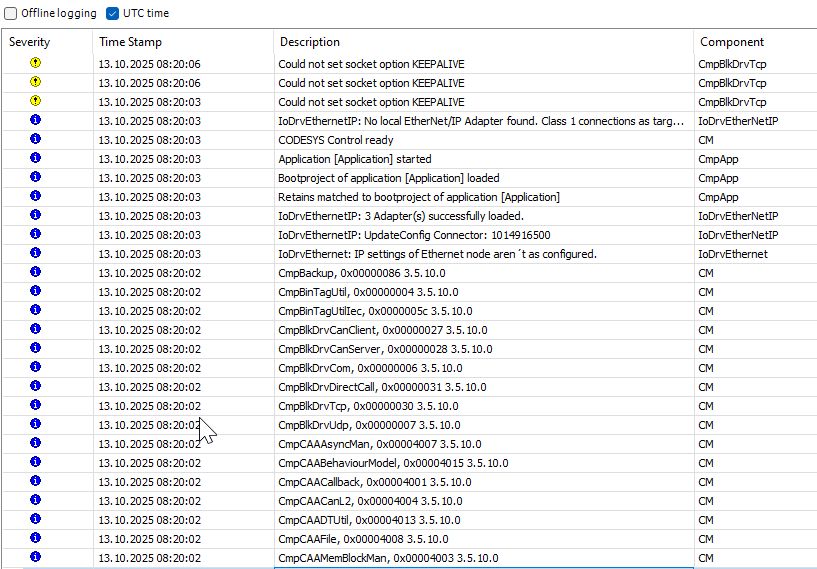
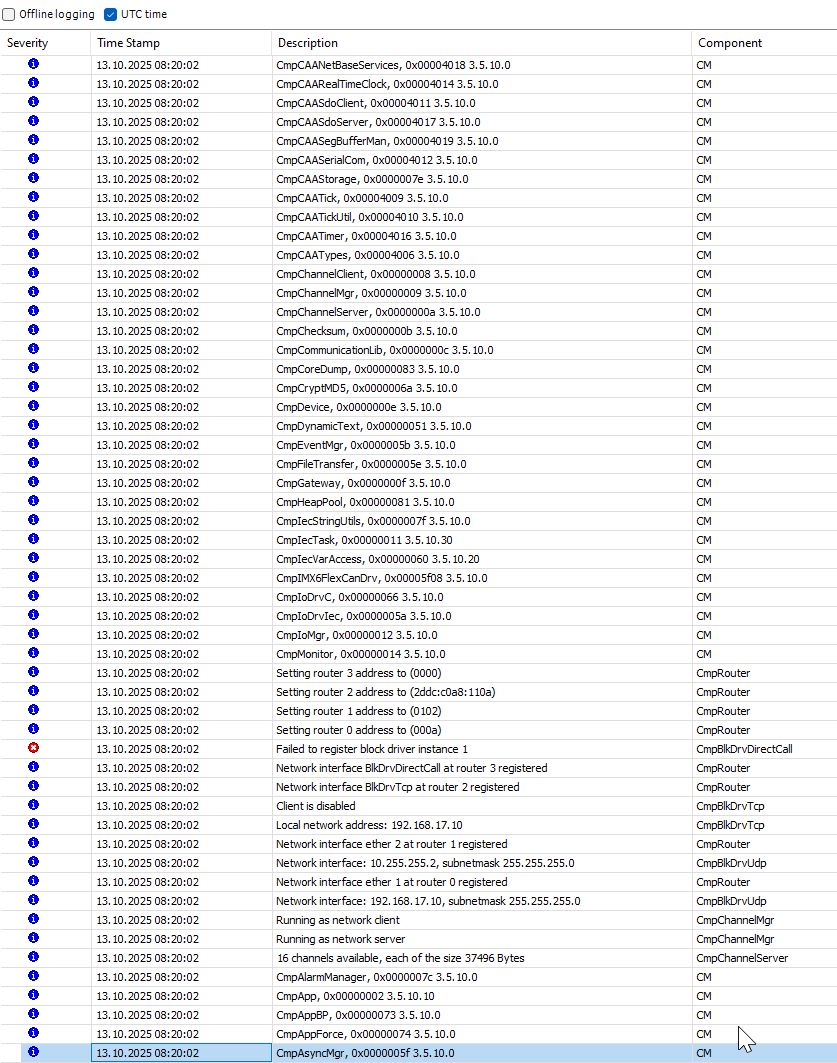
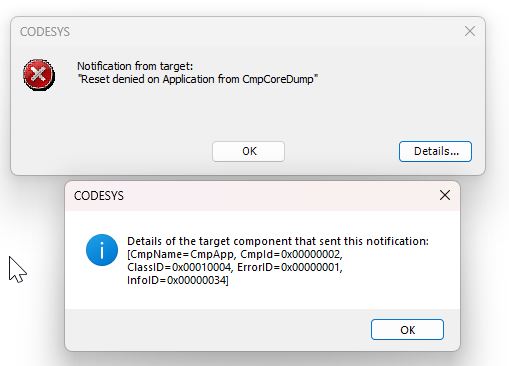
Can you please provide a screenshot of the error icons that display when the HMI is unable to connect? Also, does CODESYS give you any diagnostic codes related to the connection?
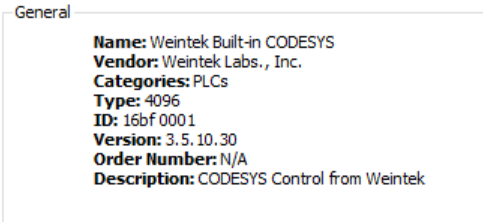
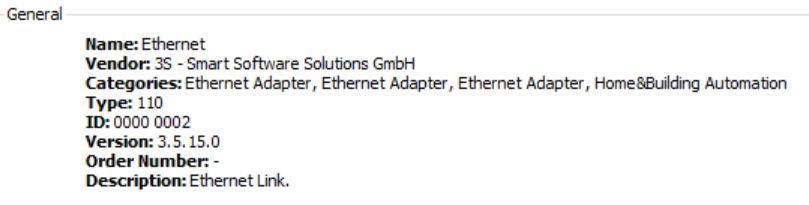
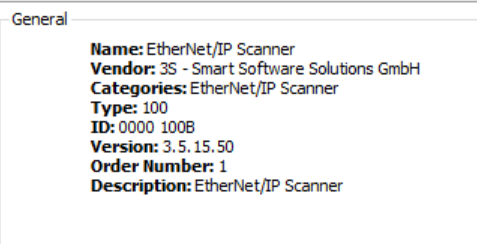
Thank you for the images. Could you send us the serial number of the HMI you are using and the CODESYS version as well?
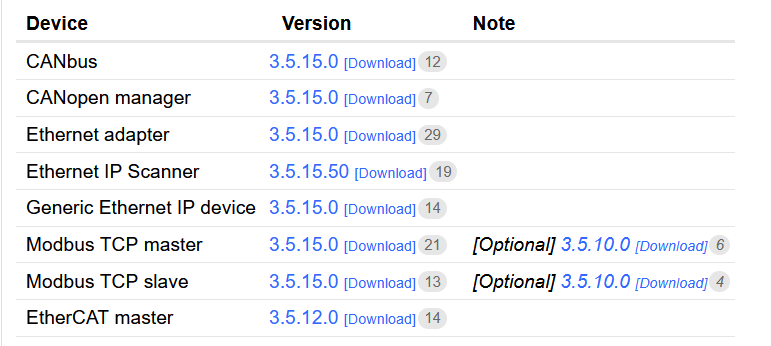
We would also like to confirm that all drivers are at the recommended versions. Below is an image showing the recommended versions and how to update the drivers, if needed.
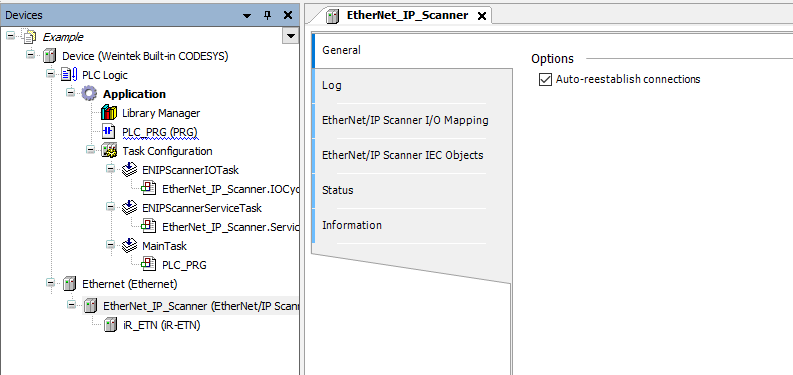
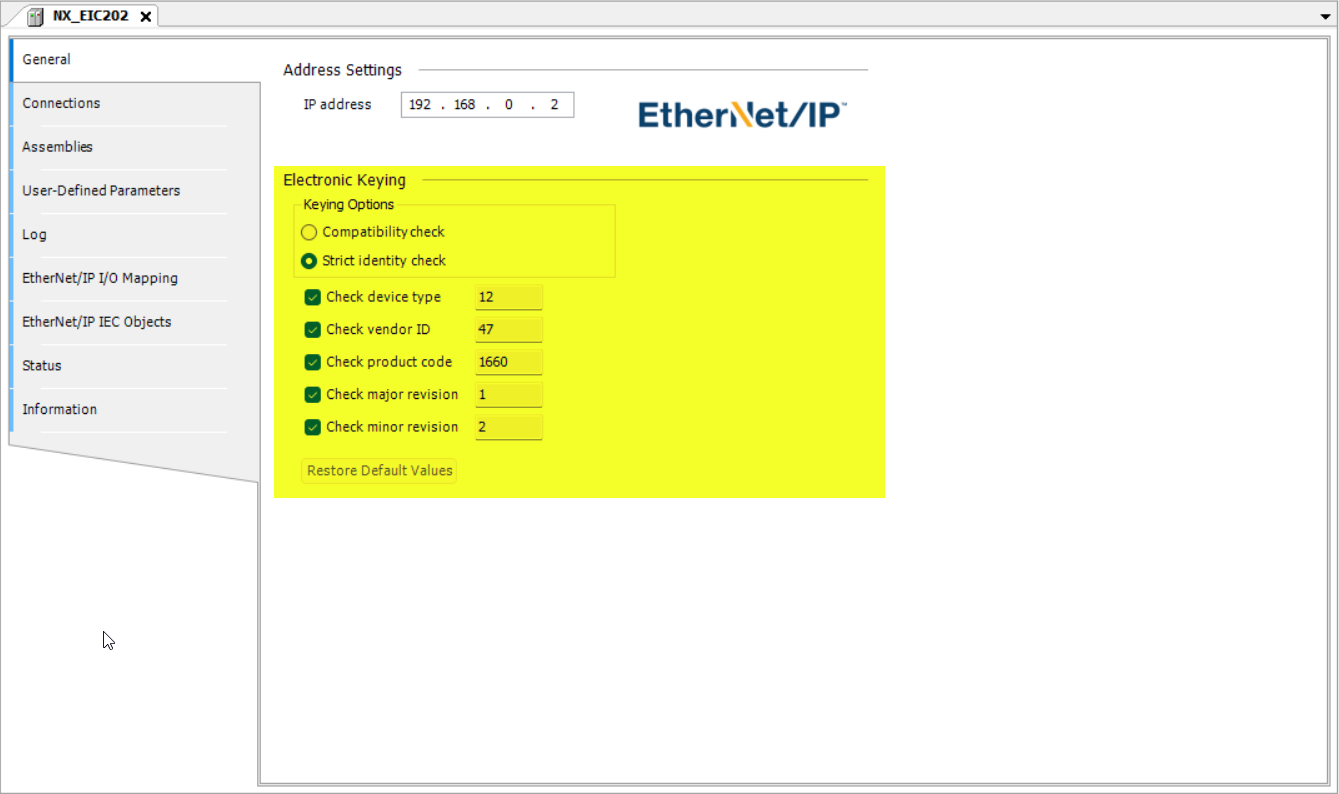
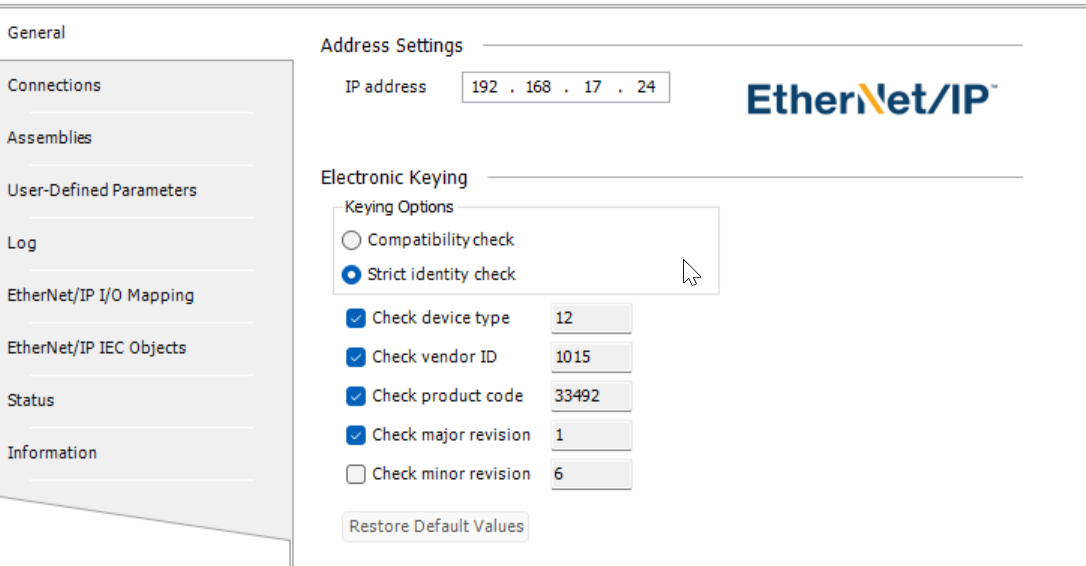
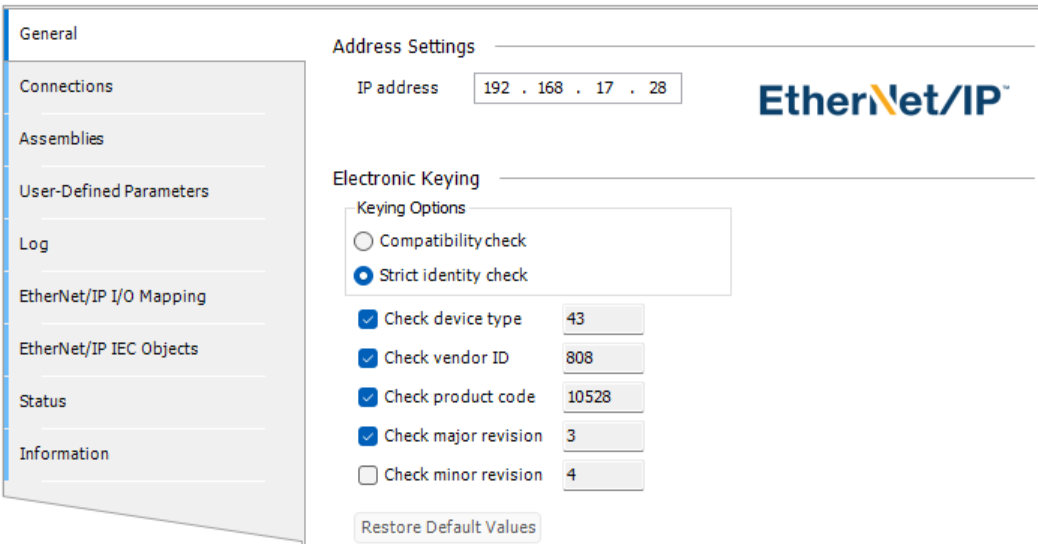
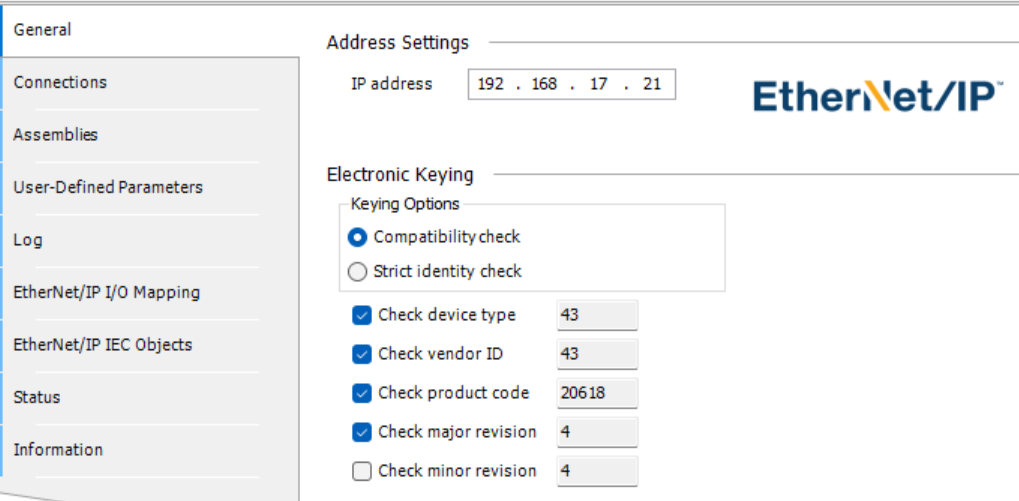
The Ethernet/IP driver being unable to reconnect may be related to an issue with electronic keying. Can you also post a screenshot that shows how you’ve configured the key values within your Ethernet IP slave settings?
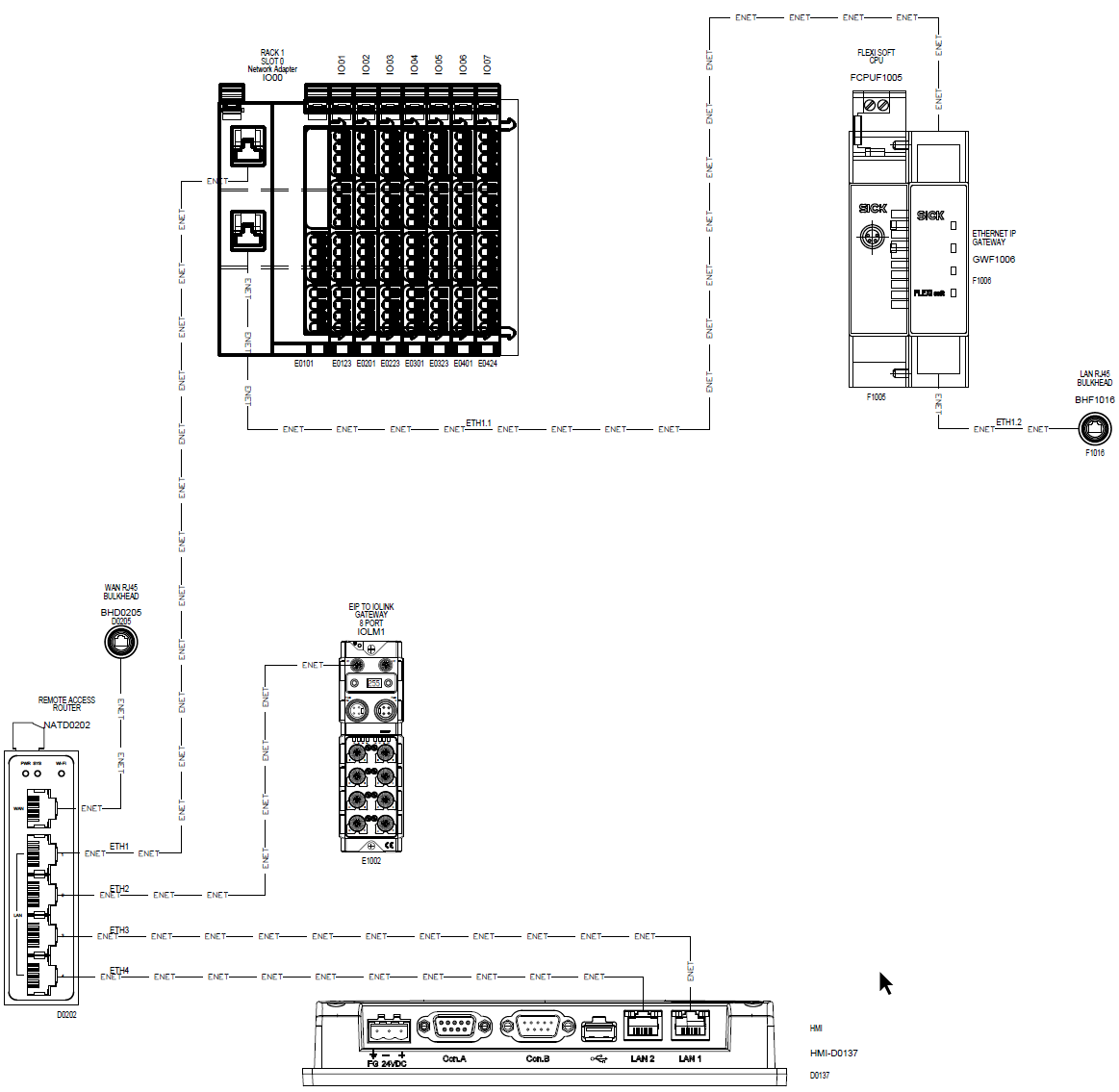
I’m using Remote Access router, that has 4-port switch on the LAN side, to connect all Ethernet devices. It takes about 45 seconds for router to boot.
I just tested putting a dumb switch instead of a router and Codesys established all connections and has not faulted after power UP. It also worked with switch OFF while HMI is powering UP and then powering switch – the connection is re-established and Codesys not faulting.
This would imply that the issue is due to the router that you had used previously, correct? If so, can you please share the part number of that router here for our reference?
Since the issue appears to be specific to the router, it’s difficult for us to determine exactly which connection requirements are being blocked. However, based on the images provided and the adapter state progression, it seems that the CODESYS PLC can recognize the device IPs but may be unable to establish a TCP connection with the slave devices.
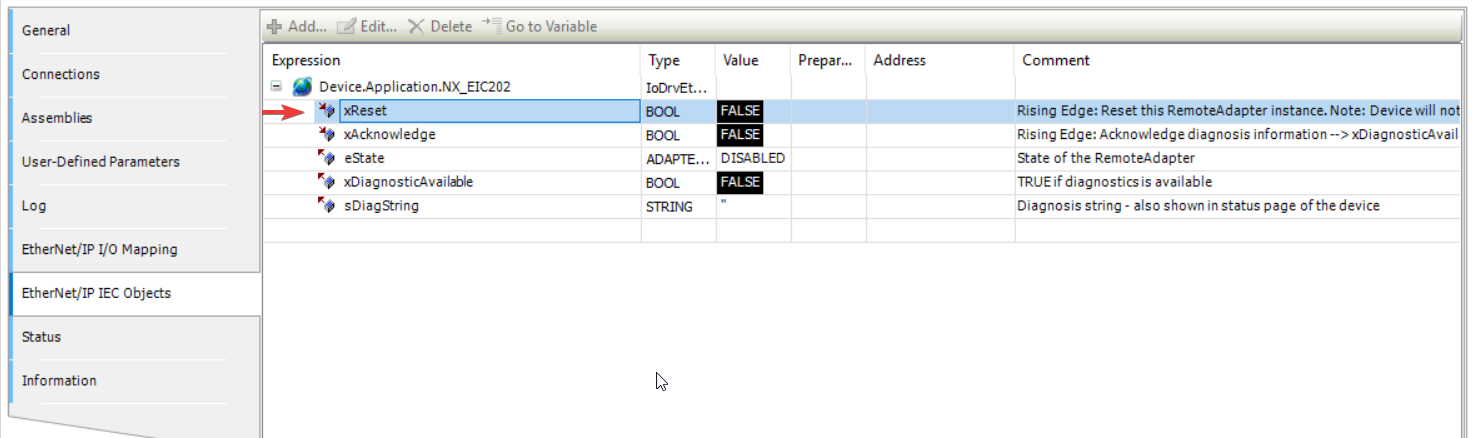
From my perspective, it’s almost as if the router is blocking all TCP connections during startup and continuing to enforce those blocks after-the-fact. If you plan to use this specific router you can try to use the “Reset” bit within the Ethernet/IP slave objects about ~1 minute after boot. Though I am not sure if this will resolve the issue.
Here is the response of the manufacturer of the router
This is a classic case of a “network device startup timing race condition.”
Root Cause:
The Codesys runtime on the Weintek HMI boots up much faster than the IR315’s internal LAN switch initializes. When all devices are powered on simultaneously, Codesys attempts network communication before the IR315’s LAN ports are fully ready, causing the initial connection requests to fail and triggering a fault.
Recommended Solution:
Please configure a startup delay on the Weintek HMI to allow the IR315 network to stabilize before Codesys starts. This is the most effective solution, as it addresses the core timing issue directly.
Is there a way to delay starting communication after Codesys controller powers up?
There does not seems to be a function within CODESYS to delay communication at startup. However, the CODESYS application should reconnect or connect when it is able to “reach” the target device. As a simple test, you can:
Power off all devices
Disconnect all devices from the router
Power on all devices
Wait 45s or longer
Then, connect the HMI’s CODESYS port directly to one of the devices
With the above steps, you should see CODESYS connect to the device even if you wait much longer such as around 2 ~ 3 minutes. This could indicate that the router is blocking connections made prior to its boot sequence.