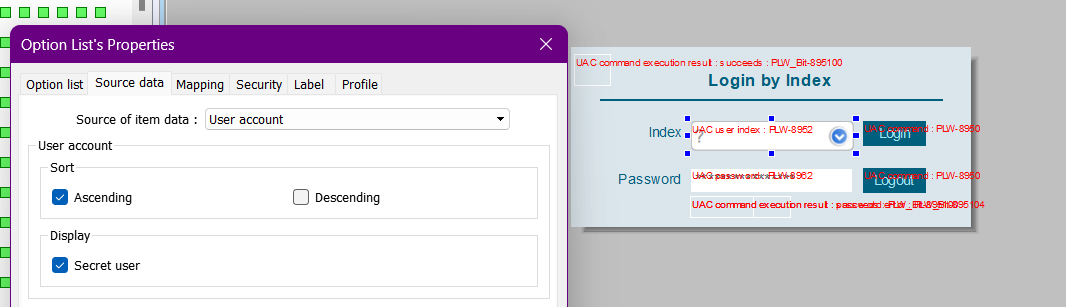
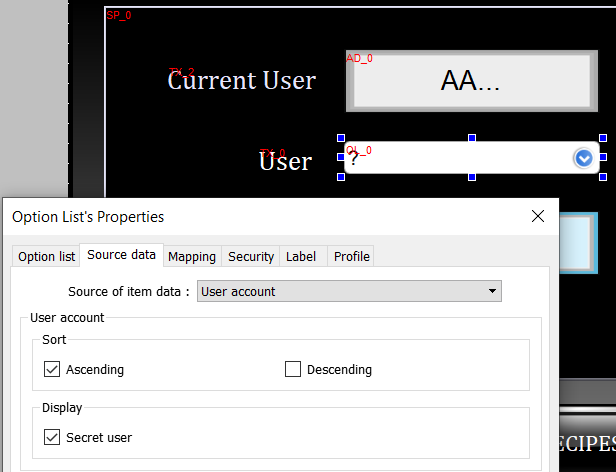
We’re trying to determine how to access a “secret admin” from the User Index option list. At startup, a “?” appears to login secret user. However, if another user logs in, the “?” option does not reappear. We watched https://www.youtube.com/watch?v=gNdRpG3ZBYk and there is reference to an ASCII command, but there wasn’t anything further and we’re unable to locate any instruction in the manual, forum or online.
Can you direct us? Thank you!
Please ensure that secret user is also enabled within the system parameters. Here is a link to a demo project with secret user enabled using our template login window to sign in.