Do i need a certain type of rfid card to use the rfid login feature? We currently use a RF proximity card from HID and are curious if it would work with the TWN4 Palon Compact Panel Shown in the how to video(Link attached).
On a related note, could a PC be set up to be the remote HMI that the other HMIs look to for login credentials so that users and cards only have to be setup in one central location instead of locally at each HMI?
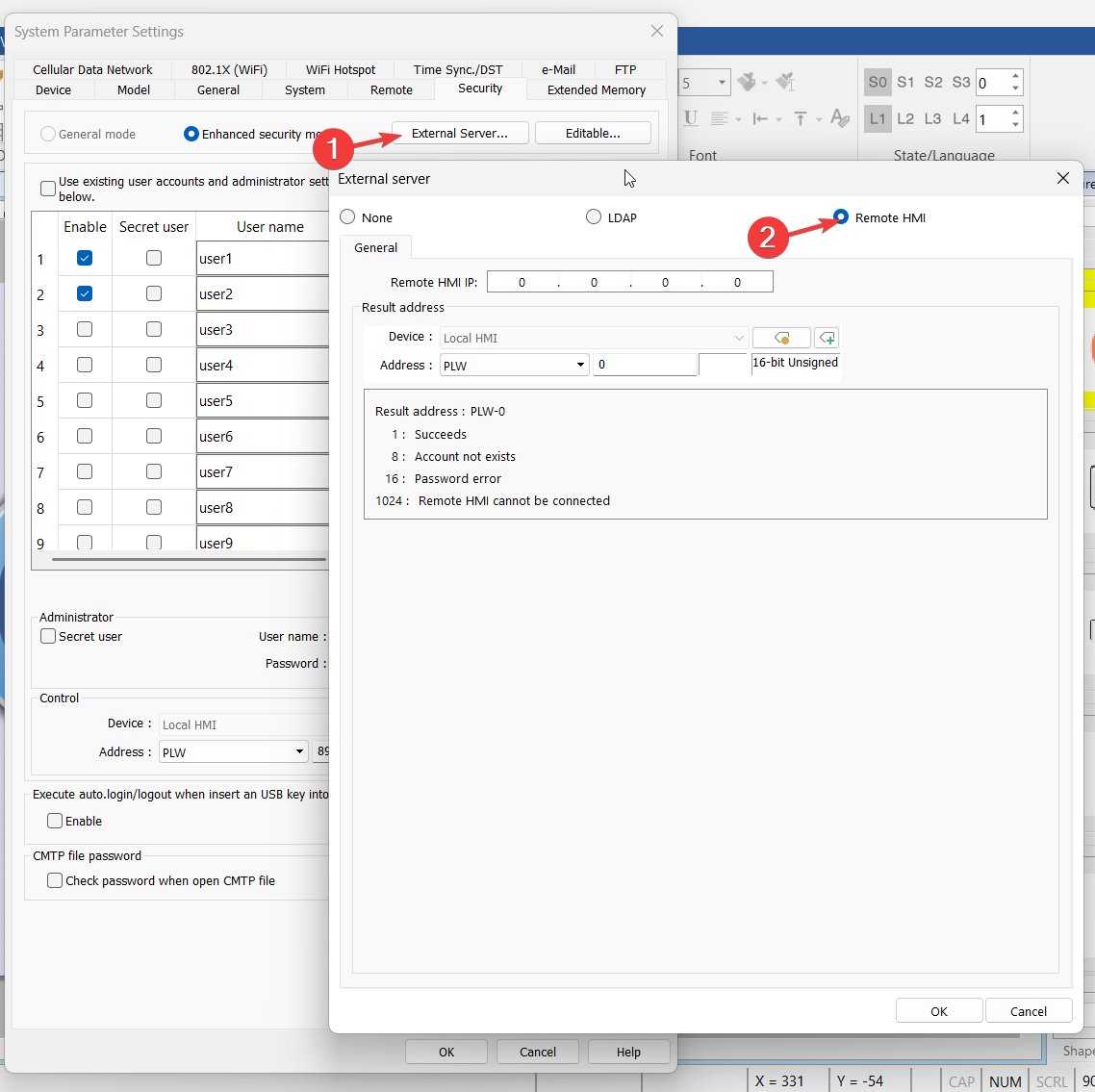
Both the RF proximality card from HID and TWN4 compact panel operate at 125 kHz, so compatibility shouldn’t be an issue! As for using an HMI as an external server to store login credentials, you can access login information from device to device if entered manually. The external server is not compatible with the RFID reader at this time.
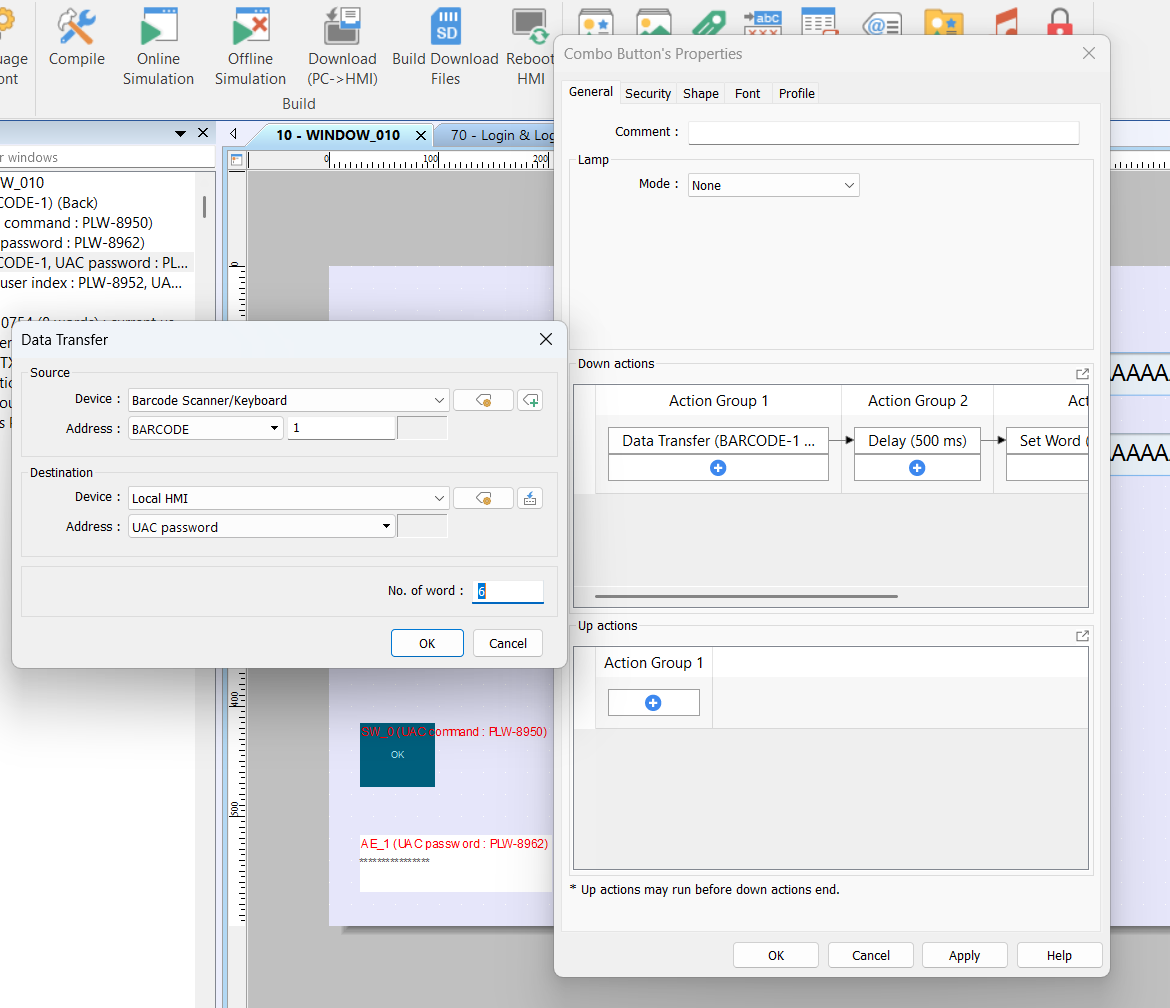
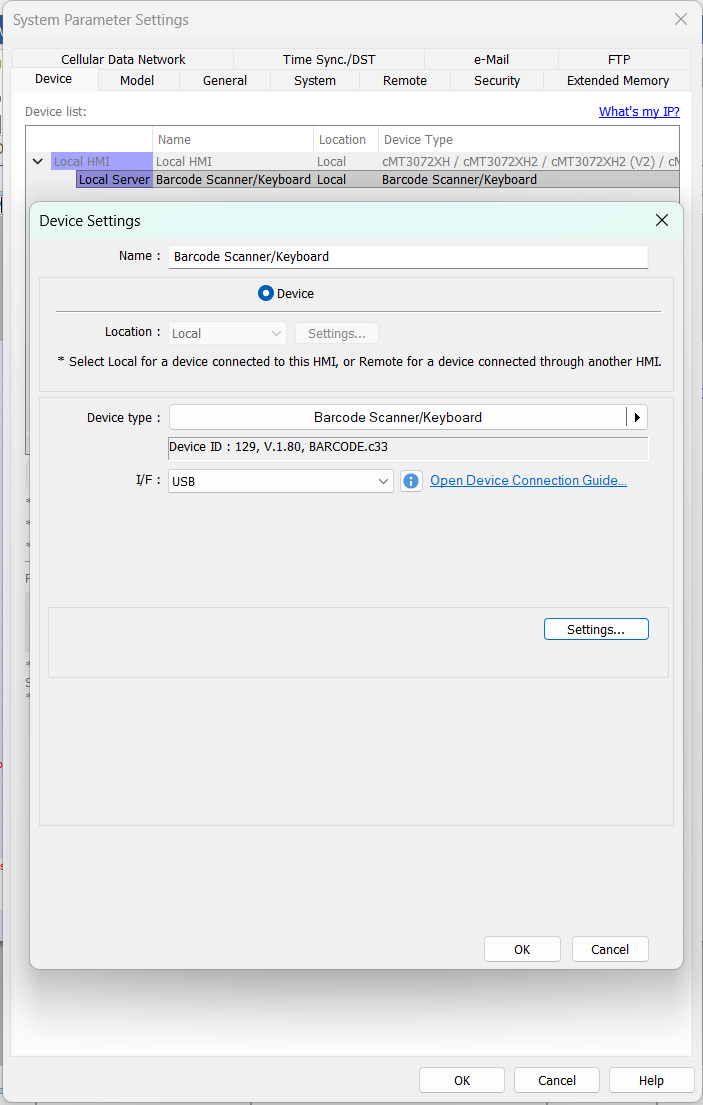
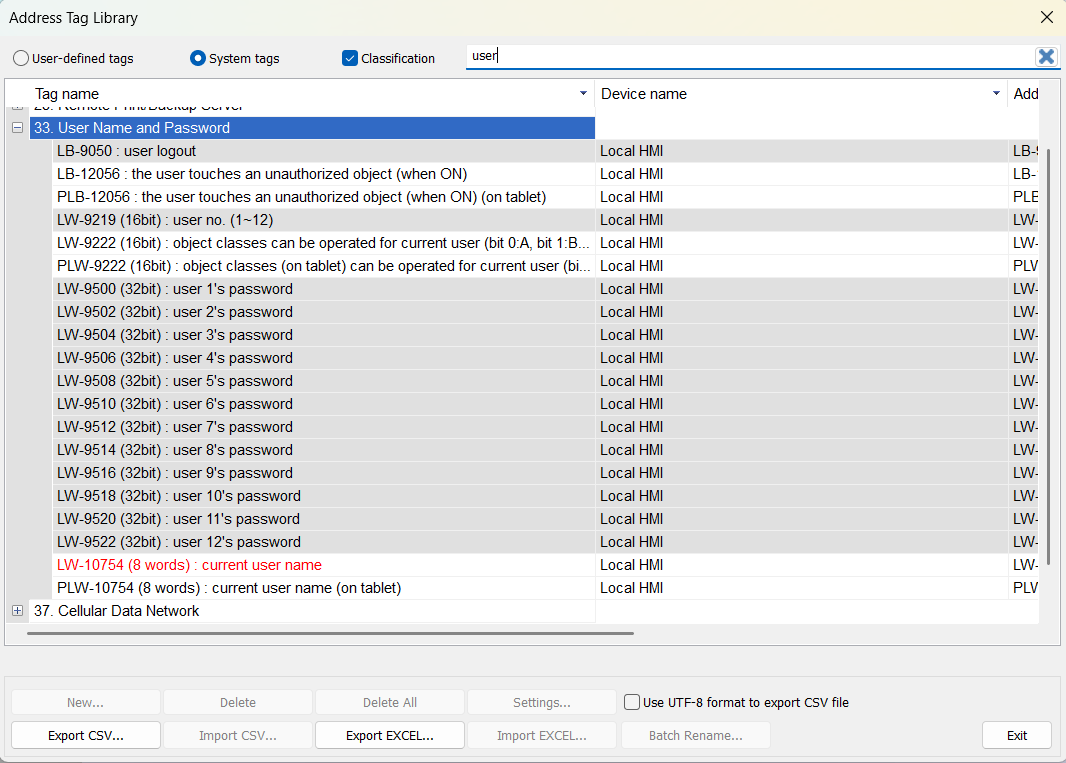
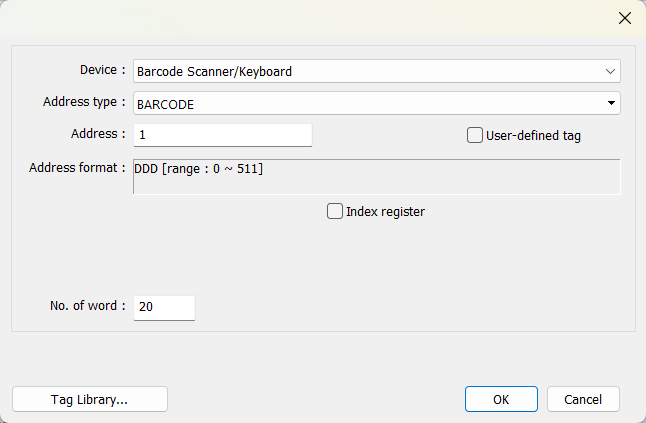
That’s a great question, the RFID UID would only be stored locally on the HMI which the card was scanned when using the “Plugin” feature. However, here’s a possible work around! You can setup the “server” HMI with the “Barcode scanner / keyboard” driver and then use a combo button to set the user password using the scanned RFID UID. In this video example, after we select a user, we scan our RFID card and using the combo button on the right side of the screen, that button will transfer the RFID UID we just scanned in and save it to that specific users password. So on and so forth, this information can be shared with various “client” HMI.
When setting up the RFID reader do you know what usb protocol I need to use? The tech support from Elatec suggested it was CDC or CCID. The reason for this question is the reader appears to be working but the HMI is not getting the info. When using the original video tutorial I press the add card button. The prompt appears asking for the card to be presented. The readers LEDs show that it detects a card but HMI still shows the prompt asking for a card to be presented.
We were able to get the card reader talking to the hmi after setting up the barcode/keyboard device and also reprogramming the reader to simulate a keyboard output. The combo button to change the password works. Is there a way to simulate the smart card readers response to the card being read that would emulate the auto login feature? Meaning once a card has been set to a user, that card could be scanned and then the user that is tied to that card would automatically be logged on?
That is definitely doable! You can use the bit Flag from the barcode scanner to trigger a macro to log that user in based on the UID from the scanned smart card. When reading data, the status of FLAG 0 is set OFF and will return ON after reading data successfully.
We did get the smart card plugin feature to work on the local HMI, but it would only work when we have a Barcode/keyboard set up as a local server. Should this be setup like this to operate? This is using a Elatec TWN4 Palon Panel P/n T4PK-F02TR6-P and HID ISOProx II 1386-RF cards.
Is there a way to export the user index and corresponding passwords from an hmi for the purpose of importing to other hmis?
You can’t directly export user login data from an HMI. However, by using the login method described by Daniel in the linked post, you can configure one HMI to act as a remote login server. This server HMI will store all user credentials, allowing other client HMIs on the network to authenticate users based on the accounts stored on the server HMI.
Thanks again for the help. This solution does work very well. When I first tried this, I was attempting to use the user index on the local HMI but after looking at it again I realized that the index is just local users. This is the path we will take vs the smart card plugin. That would be very hard to manage the card accounts across multiple pieces of equipment. Using Easyweb 2.0 with this solution works great for managing the accounts on the remote HMI.
Couple of follow up questions.
Is there a limit to how many HMI’s can connect to the remote HMI server for login?
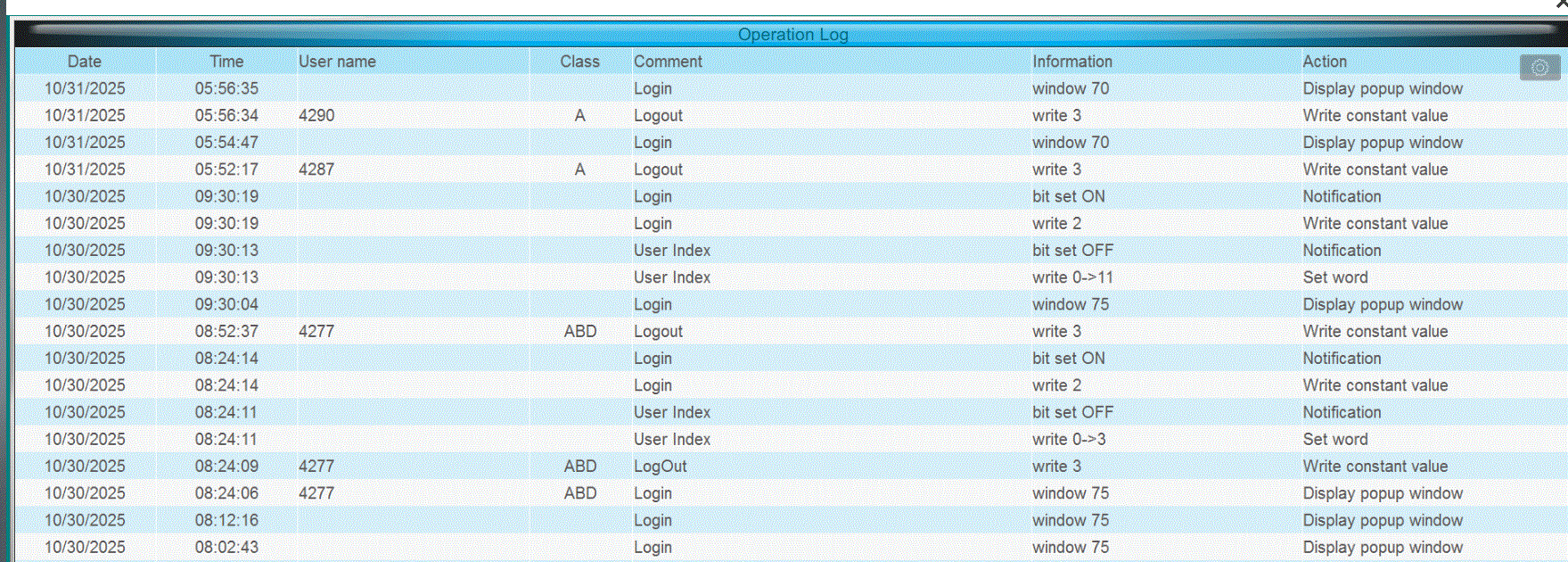
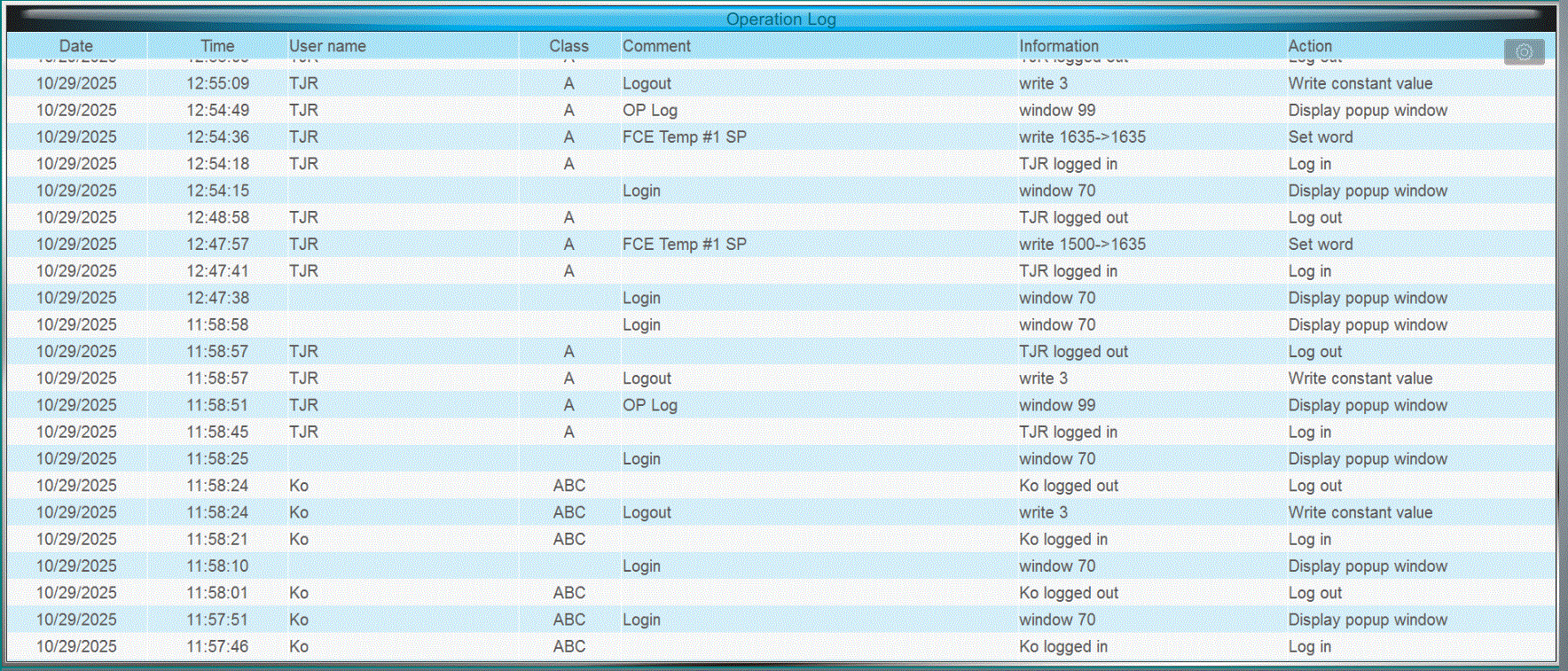
I am currently using an action trigger from the barcode flag to transfer the result into the proper login credentials and then execute the login command. This results in the user and password as begin the same. Do you have any thoughts or have tutorials on how I could manipulate the result data to change the username to the operators initials for the purpose of the Operational Log feature?
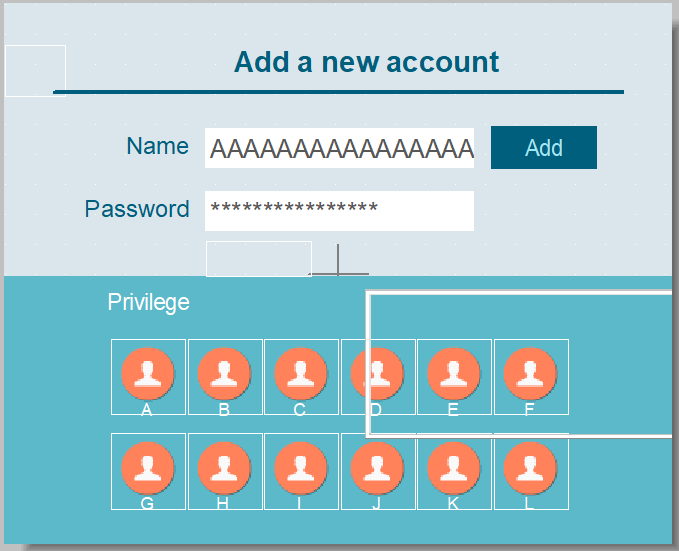
There is no limit for the number of HMI clients that may login. Also, the default “Add account” window, 71, provides an entry box that allows you to set a custom user name. I would recommend that you have the user enter their initials into “Name” and transfer only the RFID code to “Password” to achieve the desired result: