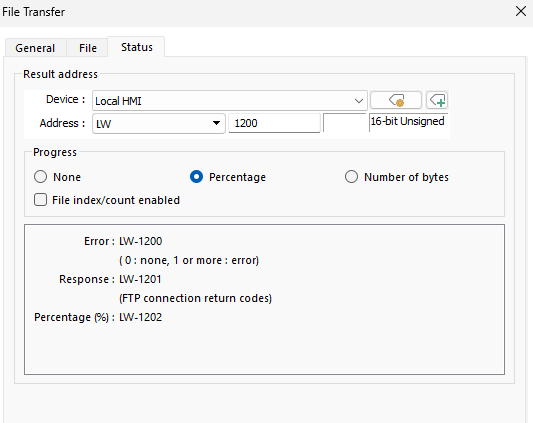
- HMI Model: CMT-FHDX-820
- EasyBuilder Pro Version: 6.10.01.510
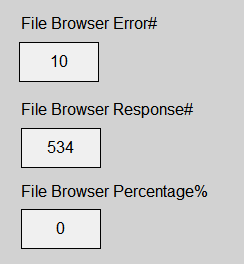
Getting Error code 14 when trying to download to HMI….
Anything that i need to check?
Getting Error code 14 when trying to download to HMI….
Anything that i need to check?
Hi @outbound6 ,
Can you share screen shots of your error and any other parts of the projects that may help us diagnose the issue.
Thank you
The directory it’s pointing to has spaces, is that an issue?
The file name has spaces, is that an issue?
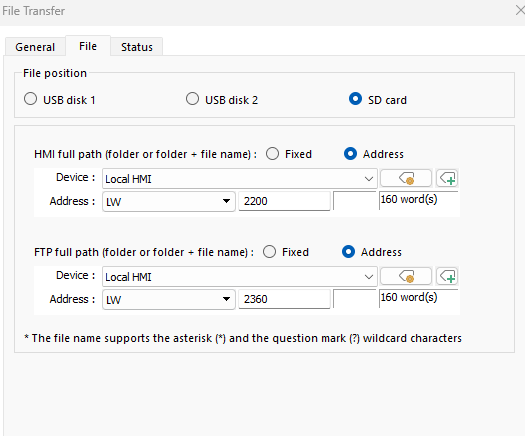
Trying to save it to SD card, where does it save the file? Does it make it’s own directory, or does it maintain the directory within the file browser?
Hi @outbound6 ,
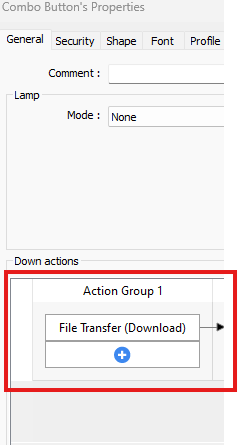
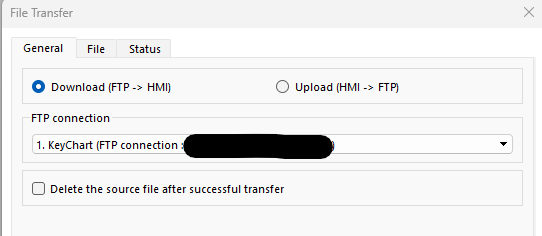
The space should not have an effect on the outcome. As for the destination, could you explain how your system is set up? Furthermore, could you include more screenshots of your object setup so we can get a better idea?
Below is a YouTube video that goes over setting up FTP file transfer.
How to transfer HMI files to a PC using Weintek cMT3072XH
Hi @outbound6 ,
Your setup looks correct for FTP transfer. The error may be occurring due to how you’re entering the HMI full path. Could you share what your path looks like (with any sensitive values obfuscated)?
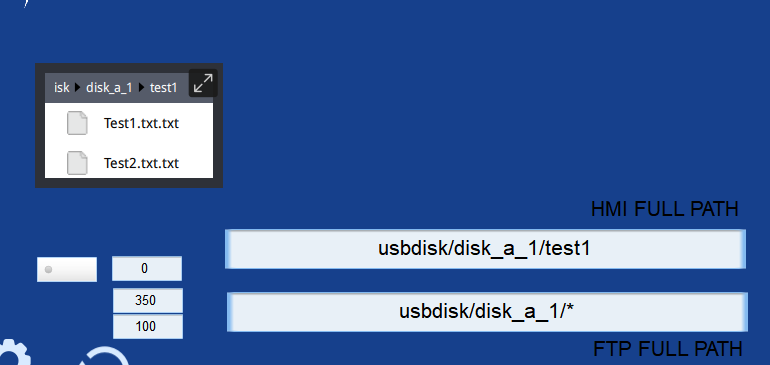
Below is an example of an FTP test I performed where the HMI path creates a folder named test1. Then, the FTP path pulls all the data from that path and the test1 folder.