While making some online edits to my Codesys PLC program, Codesys decided to crash on me. This happened after I’d made a lot of changes, applied them to my device (a cMT3108XP), but had not done a recent save of my Codesys project.
After opening that project file again, I was given the option to recover lost data and save it as a separate project. I clicked “Yes”, but then saw a popup with some reason that I couldn’t do that. I don’t remember the reason.
There was enough work lost that I wanted to just upload what’s on the device rather than re-do it. So in Codesys I clicked File → Source Upload, click on the only device seen, which is my Weintek HMI, and get the below message when trying to upload.
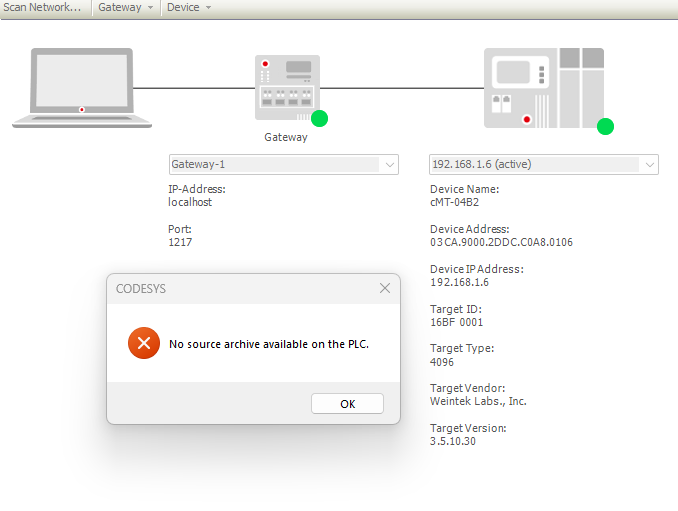
What is the method to just upload the entire Codesys project in a case like this so that I can recover lost work?