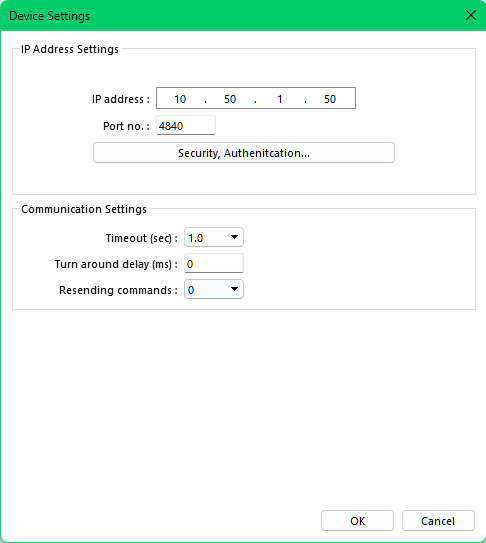
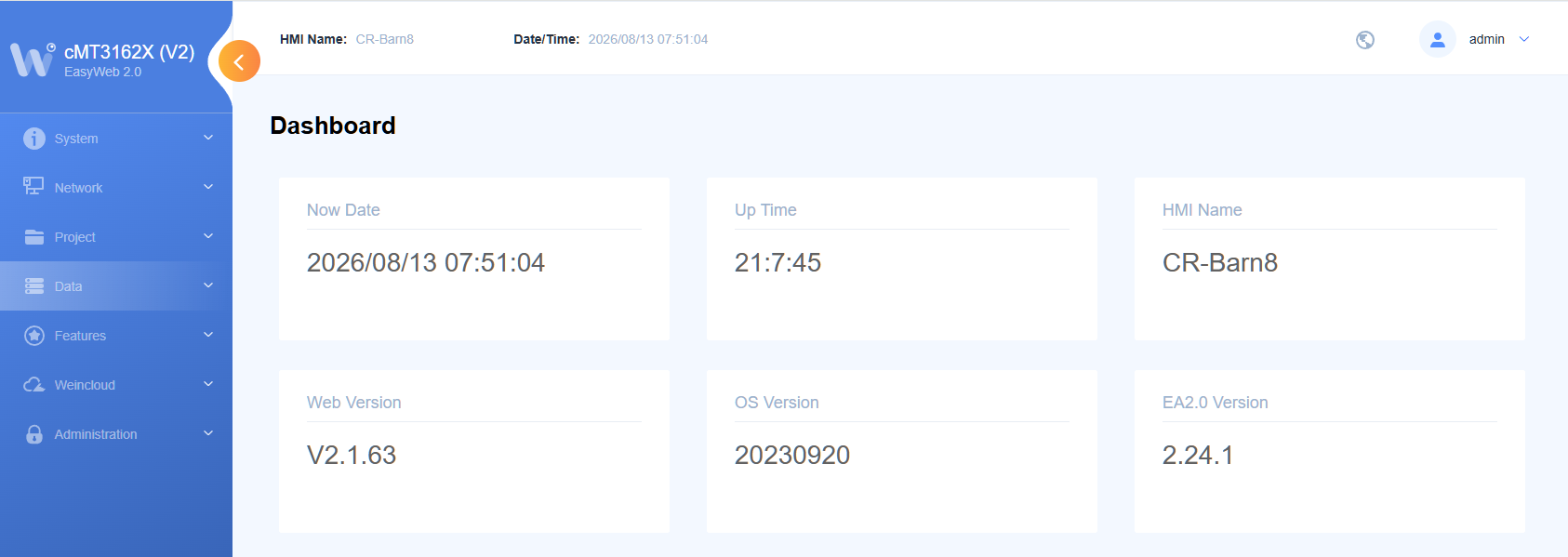
- HMI Model: cMT3162X(V2)
- EasyBuilder Pro Version:6.10.02.394
How do i verify i have the latest firmware or how to install the latest. I am connecting to a Weidmueller PLC using OPC UA. It works for a day then occasionally the values on screen stop updating. A power cycle of the cmt fixes it so I don’t believe it is a PLC issue.
Hi @ClarenceDick ,
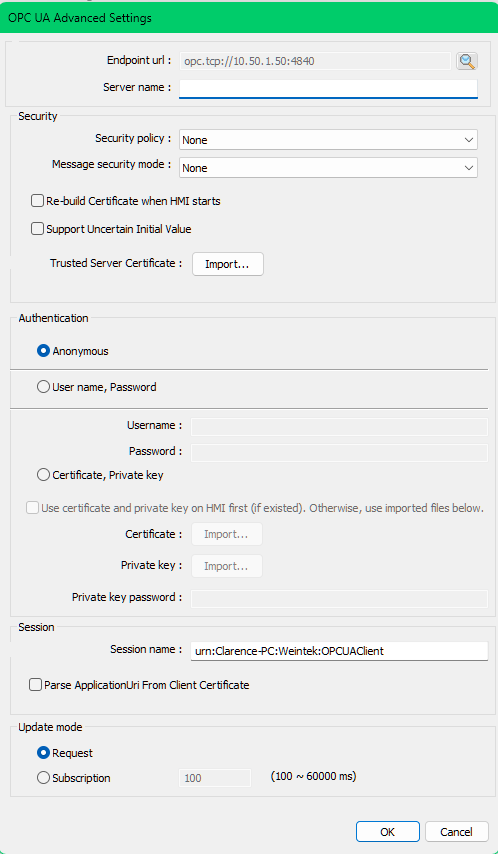
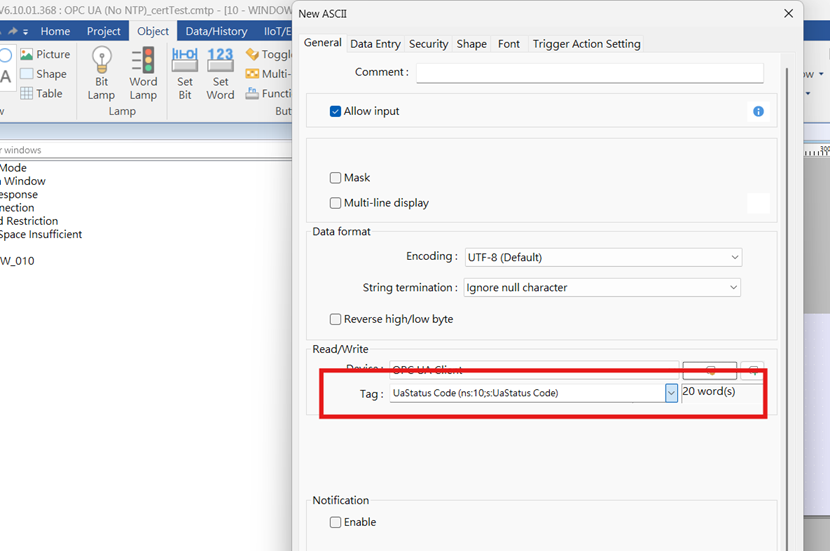
Thank you for your question. To better troubleshoot this issue, could you please include screenshots of your current OPC UA configuration?
I pasted screenshots then try to send i get:
An error occurred: Sorry, you can’t embed media items in a post.
Hi @ClarenceDick ,
Apologies for the inconvenience. You should now be able to attach the screenshots.
Hi @ClarenceDick ,
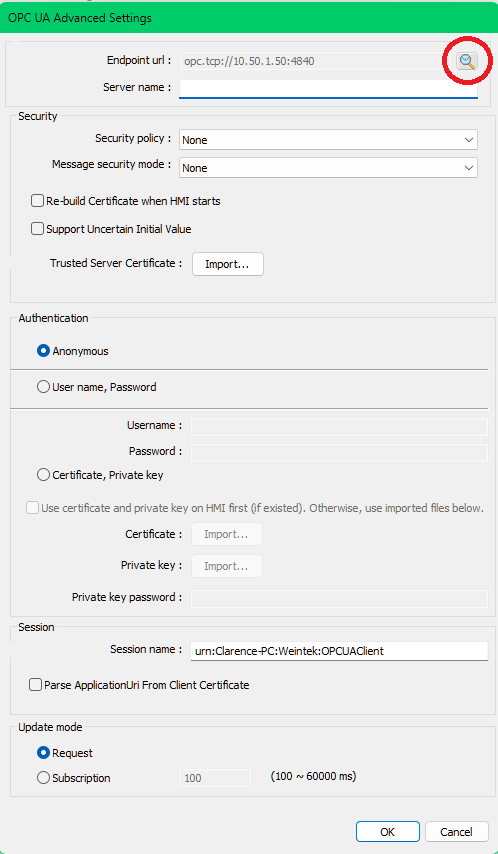
Thank you for the screenshots. Can you select the magnifier icon at the top right to locate the OPC UA server? The endpoint URL appears to still be set to the default, which could be why you’re running into the connection issue.
For reference, here is a video we have on OPC UA that goes through this process: link.
I have no problem connecting and having it work. The problem is that it fails after a day or so. So the issue is it doesn’t detect the failed link and retry. The PLC and HMI are located in the same panel both plugged into the same network switch.
My initial question was how to verify I was running the latest firmware in case there had been any fixes released. That has never been answered yet.
Hi @ClarenceDick,
To address your initial question, we do not have a public record of device firmware versions. So, we would need to contact the developers regarding this request. The HMI firmware version varies based on chipset and has relatively no influence over communication, which is handled by the device drivers.
Since the device firmware would not cause this and being that we are OPC UA certified, when this issue occurs can you please read the “UaStatus Code” OPC UA error tag and share the results with us via screenshot?
Ok, I will add a text box that displays this address, then if i get it to fail again I can see what it says. I am not sure I will be able to recreate it any more as I have made a macro that restarts the hmi if the opc ua comms stop, if that works I will likely never catch it failed any more.
If I am using the latest easy builder pro and when i download i check the runtime box, does that mean I will running with the latest version of whatever code does the opc ua client?
Hi @ClarenceDick,
Please note that we do not recommend using macros to automatically reboot the HMI. Doing so may cause a boot loop to occur, which will prevent the HMI project from being serviced since it can power off before a fixed program can be loaded. Please do not use this as it is not a safe solution. We can use the tag suggested to determine the root cause and fix this without automatic reboots.
When comms have failed the OPC UA Status is toggling between “BadSession” and “BadTimeout”
I reboot the PLC remotely by pressing two buttons that are tied to LB bits to enable the reboot and then trigger the reboot.
After it comes back the OPC UA Status is “Good”
Any ideas for this today?
Hi @ClarenceDick,
Can you please let me know about how long this takes to occur? In addition, can you please check if this PLC requires a separate license to use the OPC UA protocol? Certain CODESYS runtimes will allow the use of unlicensed protocols over a demo period of ~2 hours. When this trial period expires, the COMs will be disabled and the user must reboot the PLC to restart the trial period and continue testing communication.
Does this PLC have a full license for OPC UA?
The time it takes varies. I have had it fail after several minutes, and i have had it last 24 hours. Typically its about 6 hours.
The codesys runtime in the weidmueller wl2000 is licensed and is not running in demo mode. It uses a standard license purchased directly from Codesys and not a built in one that only offers partial support. Also restarting only the HMI and not the wl2000 will fix the problem. The way i fix the problem is to do a software triggered reboot using lb-9047 and lb-9048. To me this indicates the problem very likely in the Weintek hmi opc ua or tcp programming. Since it works correctly for some time before failing, this seems to indicate its not incorrect basic settings for connecting or tag list.
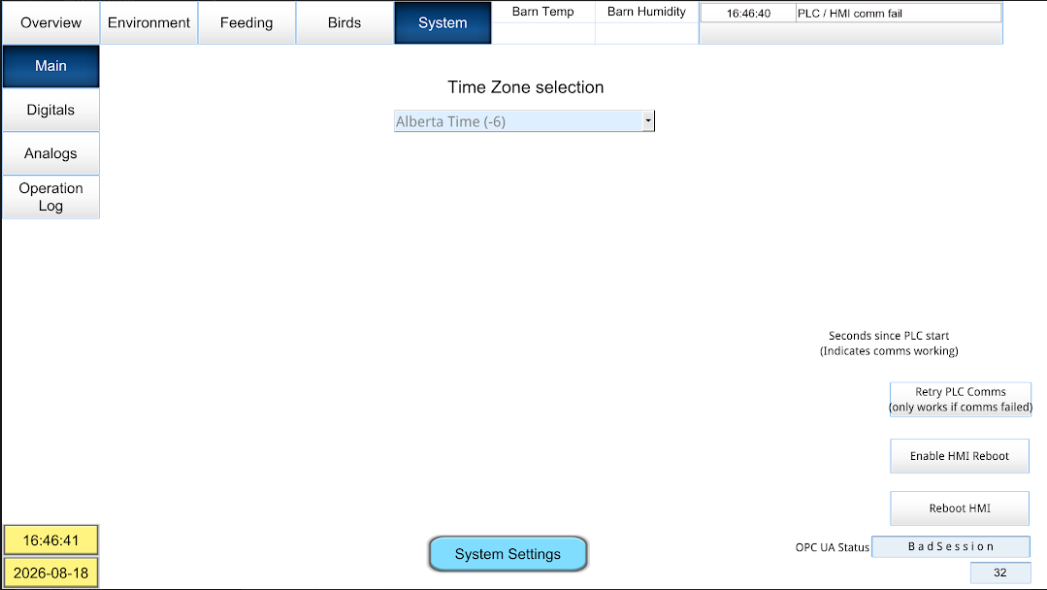
Here is a screenshot that is attached to an alarm message that i get when the comms fail. You can see the opc ua status register value. So after the opc ua comms failed, the hmi was able to capture this screenshot and then email it to me. That indicates that the hmi network connection was working while the opc ua is failed. Doesn’t prove it could ping the plc at this time though.
In this picture, there should be a value displayed after “Seconds since PLC start”, this is not displaying since the opc ua has failed. Lower down you can see the “OPC UA Status” and below that 32 seconds since the “Seconds since PLC start” value changed.