I’m working with EasyBuilder Pro and I would like to achieve the following:
I have a Direct Window object embedded in a screen
The actual window content is larger than the visible object area
I would like to have a vertical scroll bar on the right side to navigate (up/down) inside that window
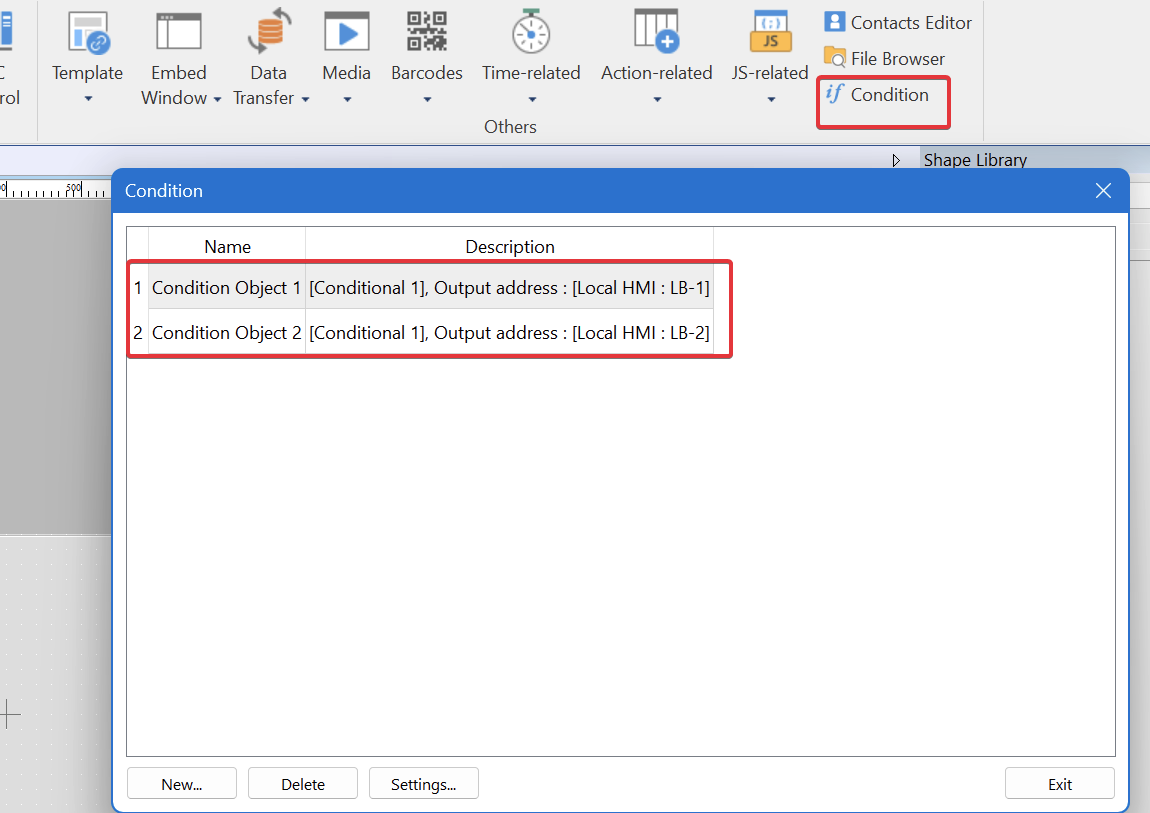
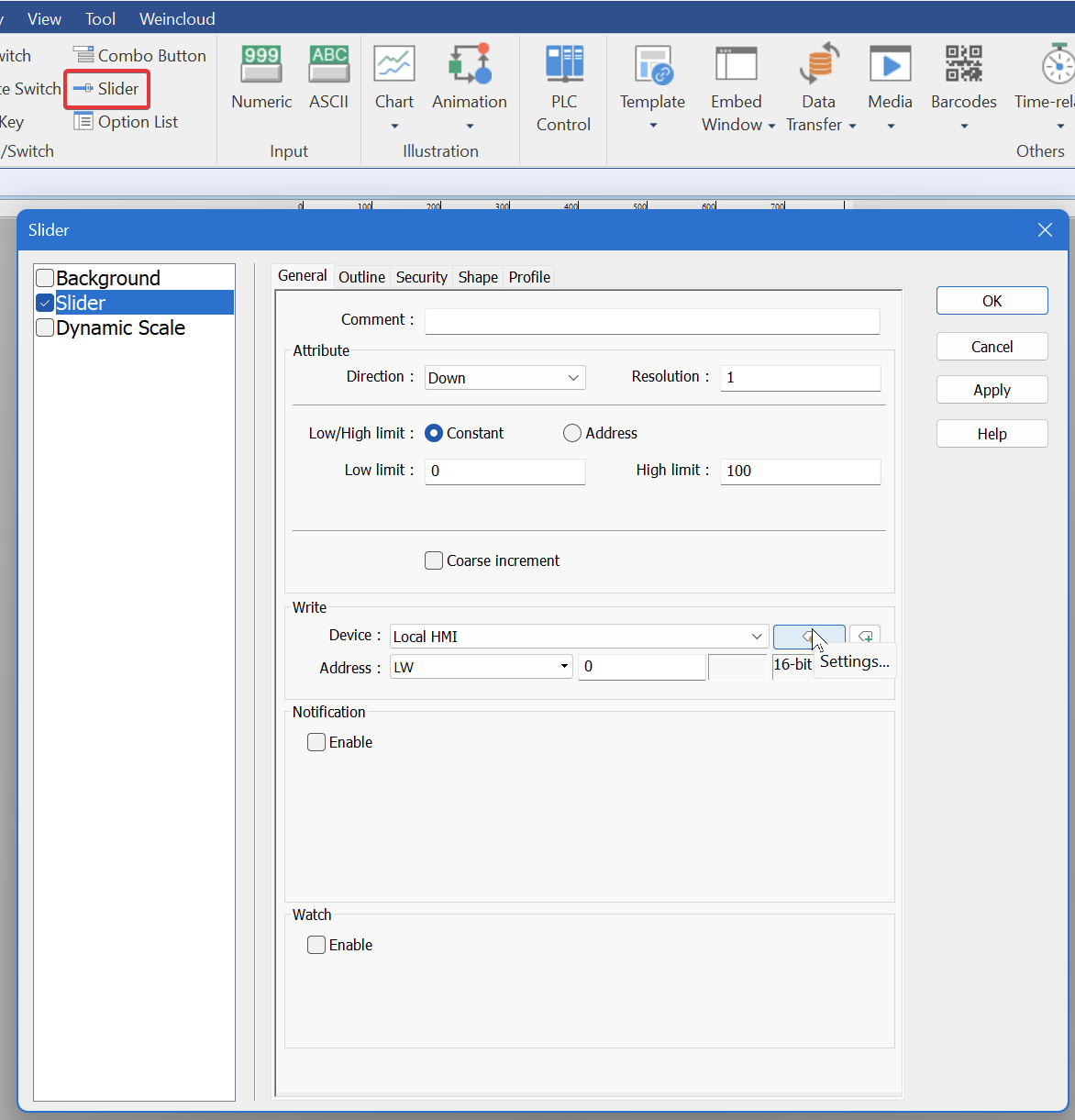
Our recommended approach is to use a direct window and divide the screen into multiple windows. Then, use a slider object to write to a memory address. A condition object can be used to display different screens based on the slider object’s scroll position value. This is done by turning on the bit that corresponds to the window that should be displayed.