- HMI Model: MT8072iP
- EasyBuilder Pro Version: V6.10.01.422
Is it possible to display current date & time within background window?
none
0.0
0
Hi @BrianF_NZ ,
You can display the current date and time using the “Date/Time” object within the Time Related drop down. You can place this within the current window, common window (window 4), or even underlay window. Wherever suits your project needs best.
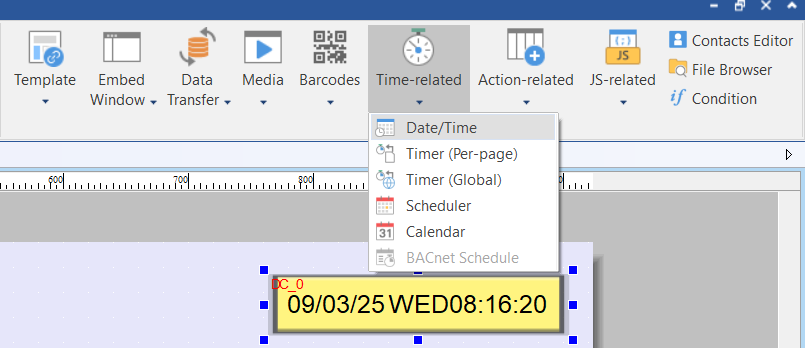
Thank you. I did as instructed. When in EasyBuilderPro the time does not automatically update unless/until I click on the object or window. Will auto update happen when running on HMI?
Brian,
Not sure where you set your Date/Time up, but found with doing so on a background screen, it automatically updates each time, even when we manipulated the date to test some logs.
Pat
Yes, the Date/Time object will auto update while running on the HMI!
@psimm , Thanks for sharing your experience as well.
Thank you Daniel. When the HMI program is downloaded and running the time display updates just fine. It is only when in EBPro (eg editing windows) the time display only updates at the point of opening the window. Not a problem. Thanks for your help
Brian