- HMI Model: cmt3072xht
- EasyBuilder Pro Version: V6.10.1.510
- Where would i find the communication drive for automation direct productivity?
Locating PLC driver in EB Pro
none
0.0
0
Hi Arden, I’m looking for the driver not the manual it does not come up in device type under device settings. I have the manual.
is there a way to add it if it is not there?
Hi @Andrewb ,
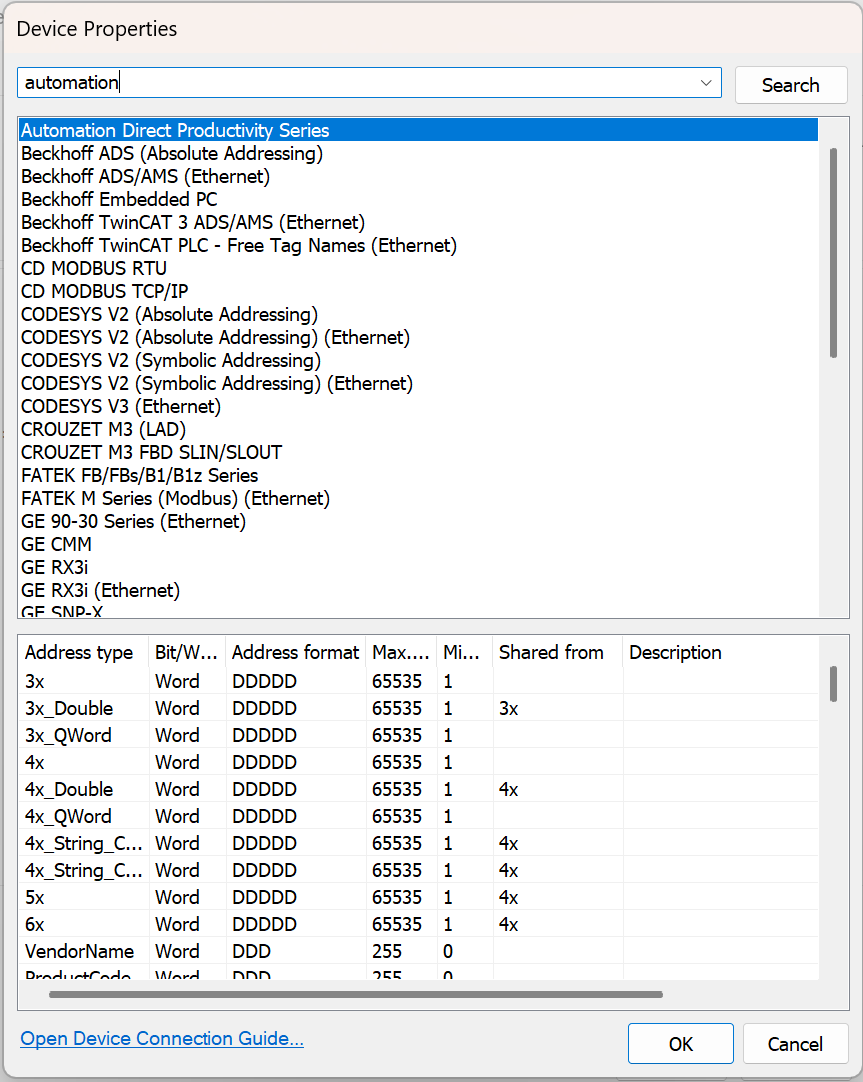
Can you share a screenshot of your search within Device Properties? This will help us better understand what you’re seeing.
For reference, your search should look similar to the example below:
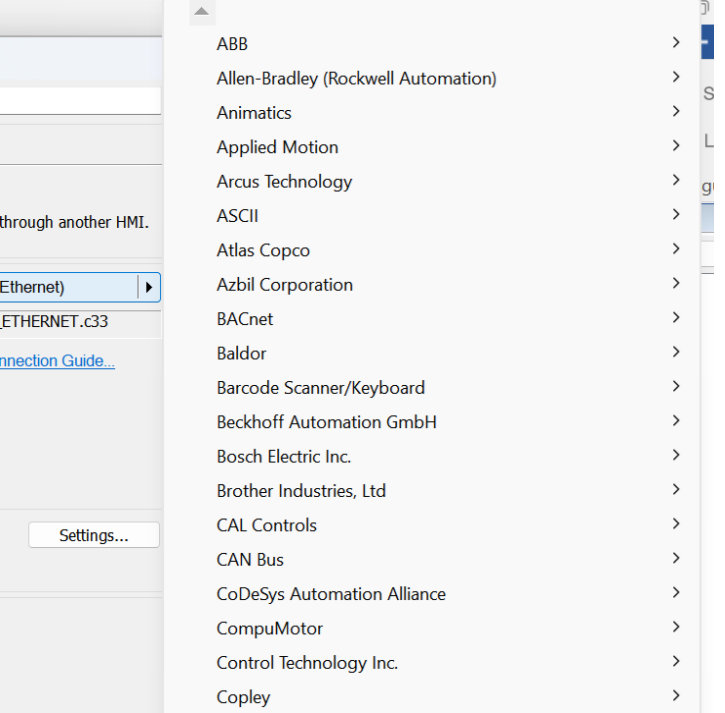
It will not allow me to upload the picture. yours look a little different than mine. i get there through “home” “system parameters” “new device/server” “device settings” then “device type”. No automation direct in the tree.
Hi @Andrewb ,
Apologies - that was a setting we had to adjust on our end. You should be able to post a screenshot of your search now.
Hi @Andrewb ,
Thank you for providing that screenshot! It looks like you may be using software provided by Maples Systems. They use slightly different driver naming conventions than what you might find within the standard version of EasyBuilder Pro.
You should be able to locate the Productivity Series driver under “Koyo” within the Device Properties. Let us know if this works for you.
That was it, thank you for your help. That was very help full.