- HMI Model: cMT3162X V2
- EasyBuilder Pro Version: 6.10.01.609
Hello everyone,
I am currently working with the Trend Display object in EasyBuilder Pro, and I would like to achieve the following features or understand if they are possible:
1) Automatic Y-axis scaling (generic)
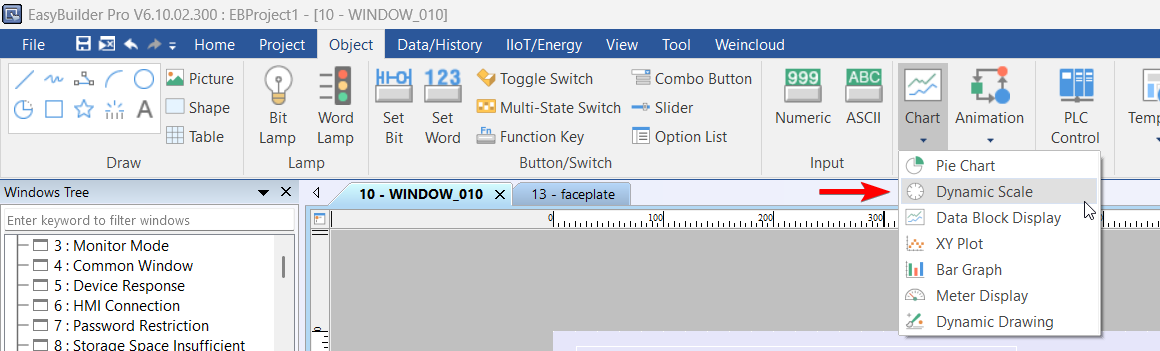
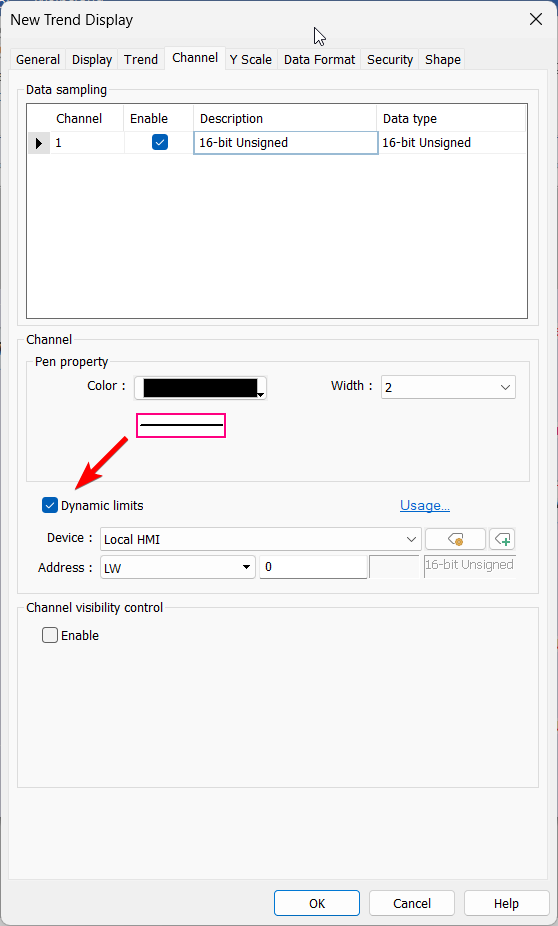
I would like to display a Y-axis that automatically adapts to the values of the sampled variables.
However, I don’t want to bind the Y-axis to a specific variable. Instead, I am looking for a generic Y-axis that dynamically adjusts based on all displayed data.
2) Y-axis zoom limitation vs gesture zoom
When using the Y-axis zoom tool, there is a point where it cannot zoom in further.
However, if I zoom using a two-finger gesture, I can zoom in much more.
The issue is that when I release my fingers, the extra zoom is lost and the display returns to the previous zoom level.
For my application, it is important that:
-
The zoom applied with gestures remains fixed
-
The user can keep that zoom level without reverting
Is there any way to make the gesture zoom persistent?
3) Long-term storage and automatic data management for Trend data
My goal is to keep the Trend data stored for as long as possible.
To achieve this, I would like to:
-
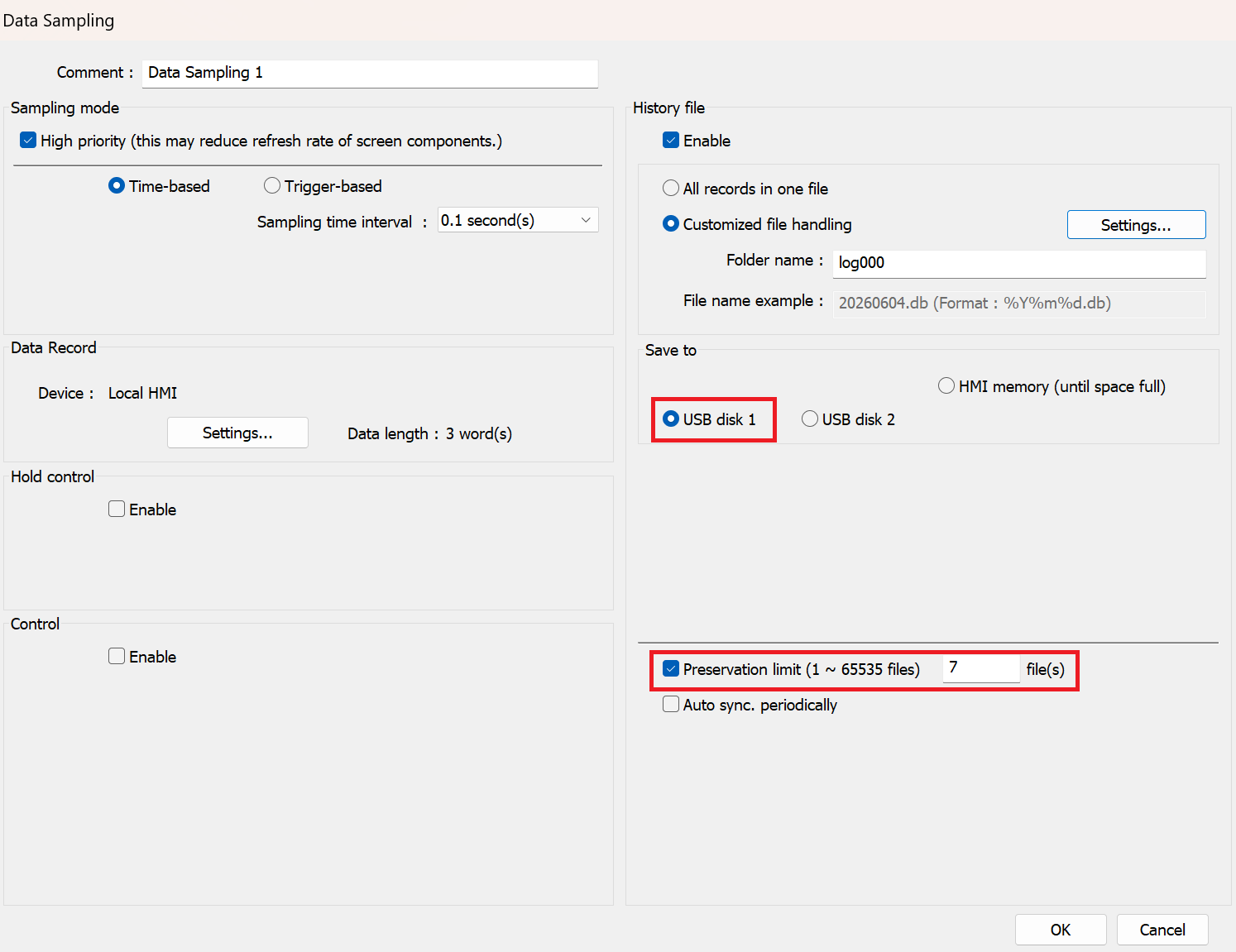
Use an external USB device as the main storage location instead of (or in addition to) the internal memory
-
Maximize the available storage time for historical data
-
Implement some kind of automatic data management, where:
-
Old data is automatically deleted
-
New data continues to be recorded without interruption
-
In other words, I am looking for a solution similar to a circular buffer system, but using external storage, so that the Trend history can be kept available for the longest possible time without running out of memory.
I would like to know:
-
If it is possible to store Data Sampling files directly on a USB device
-
How storage limits can be configured or monitored
-
Whether automatic overwrite/cleanup mechanisms can be configured