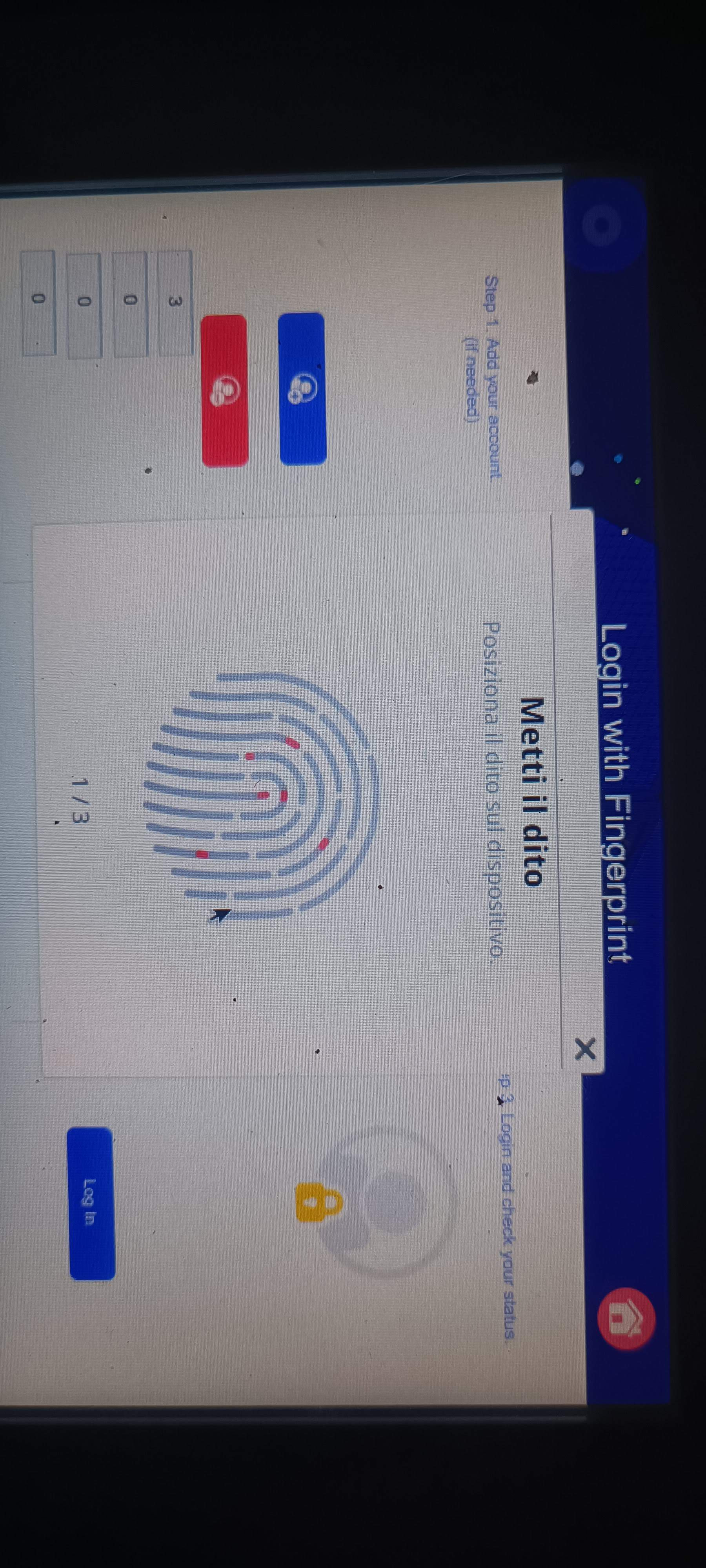
Good morning, I’m trying to integrate a fingerprint reader like the ZKTECO Live10R using one of your demo software. When I try to add a fingerprint, even for the administrator, a pop-up opens with a fingerprint image and the text 1/3 at the bottom, and the acquisition doesn’t proceed. Today, during the second test, the indexes at the bottom are 3 0 0 0. Thanks
Thank you for the images. Just to confirm, does the fingerprint pop-up remain on screen without progressing as you scan your finger? Normally, after you lift and place your finger on the scanner a few times, the fingerprint should be registered to the associated account, as shown in this video.
Could you also make sure the fingerprint scanner is fully plugged in and its surface is clean?
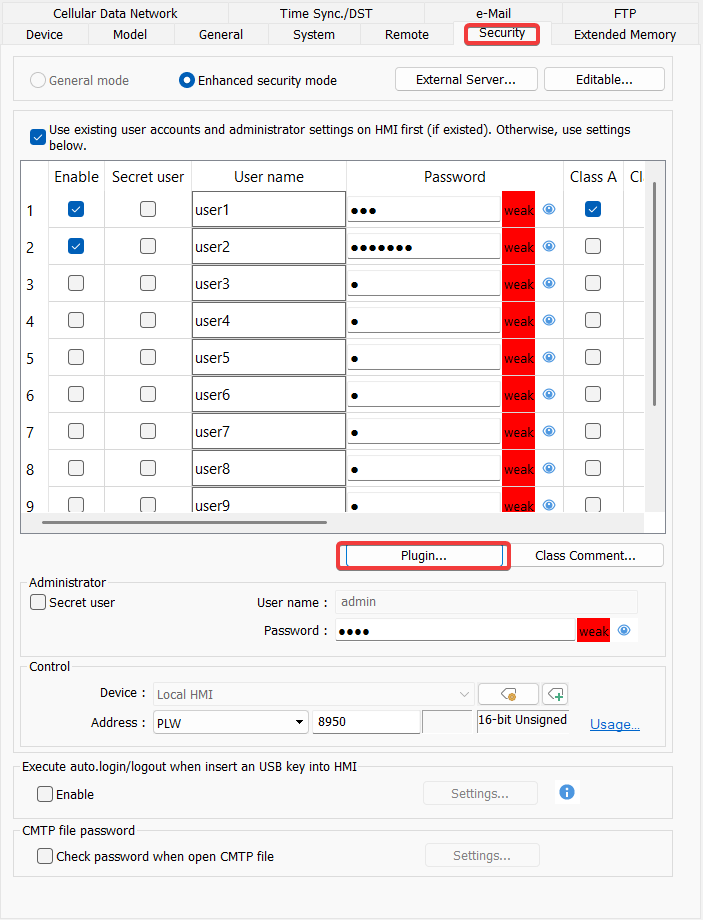
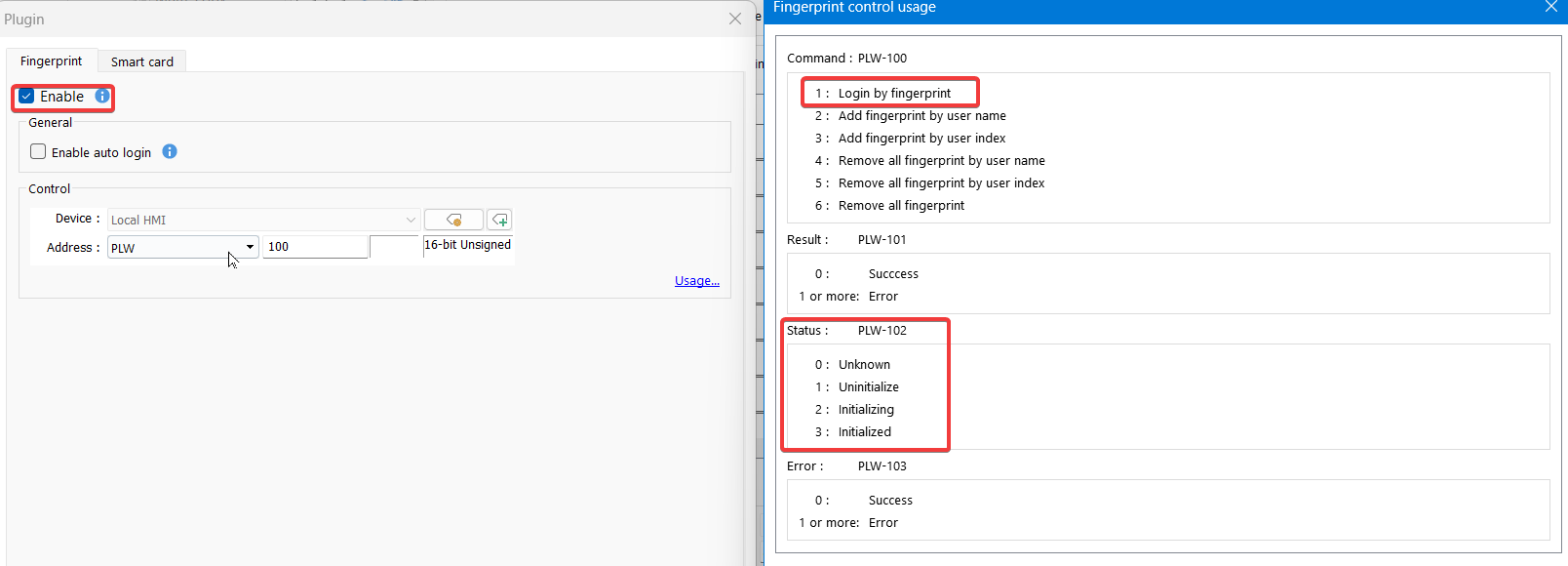
Finally, could you let us know the indexes of the numeric objects shown at the bottom of the screen and what each one is associated with in your project?
I can confirm that the popup remains stuck; I tried lifting and lowering my finger, but it doesn’t move. Before testing again, I thoroughly cleaned the reader’s glass (which is new).
The indices are PLW 100 through 103. Occasionally, word 102 reports index 4, and I have to power-cycle the unit to reset it to 0.