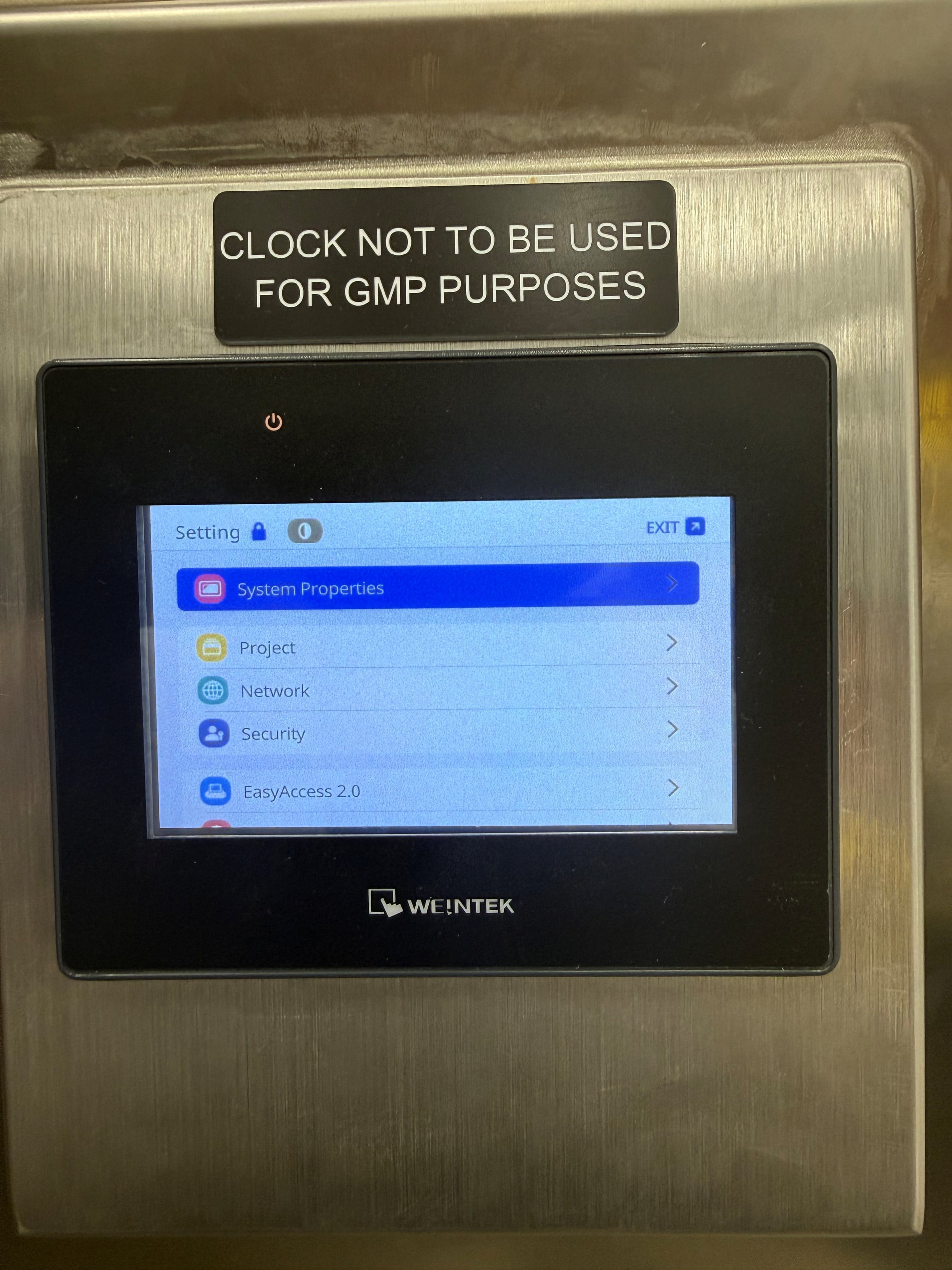
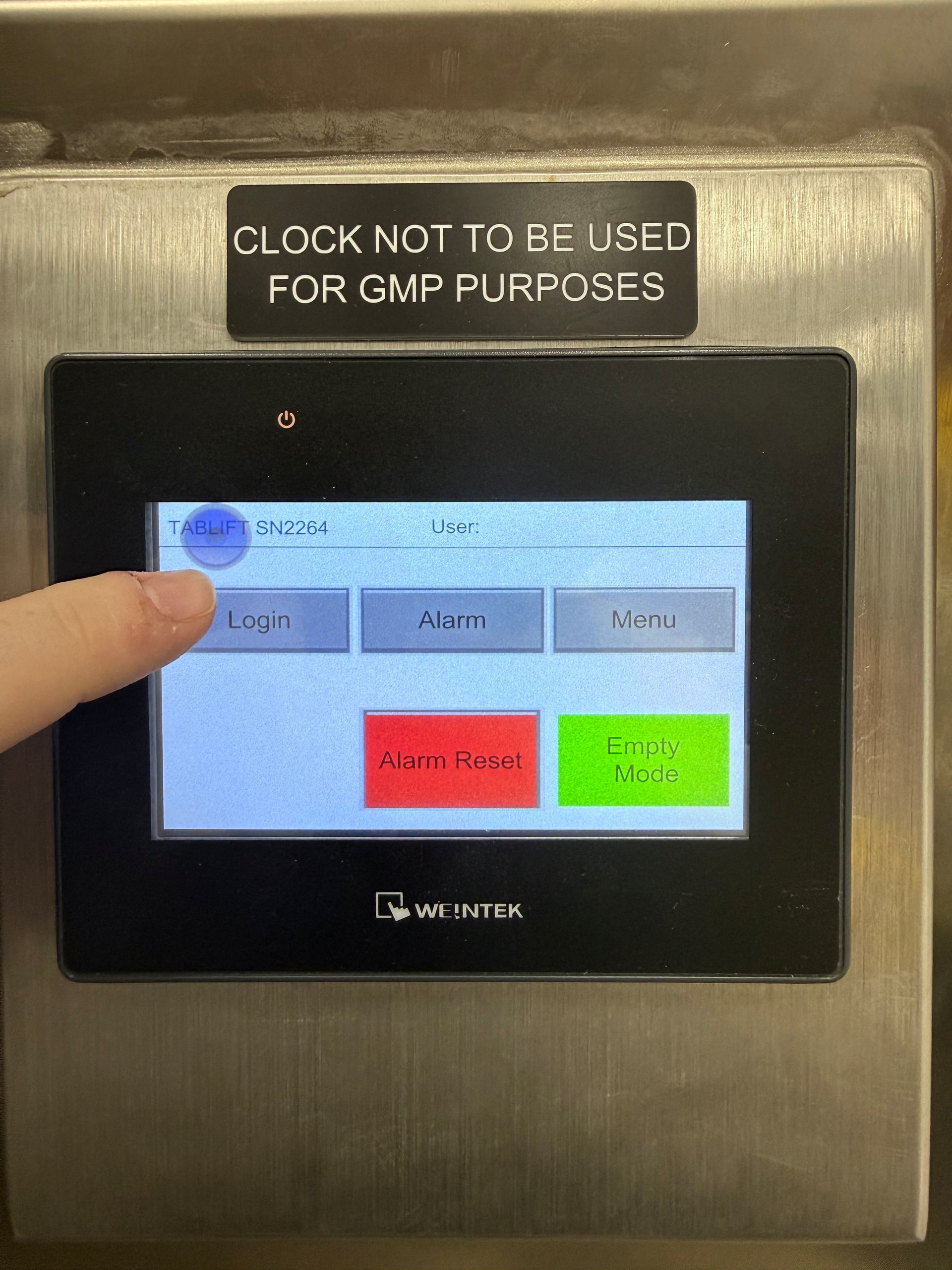
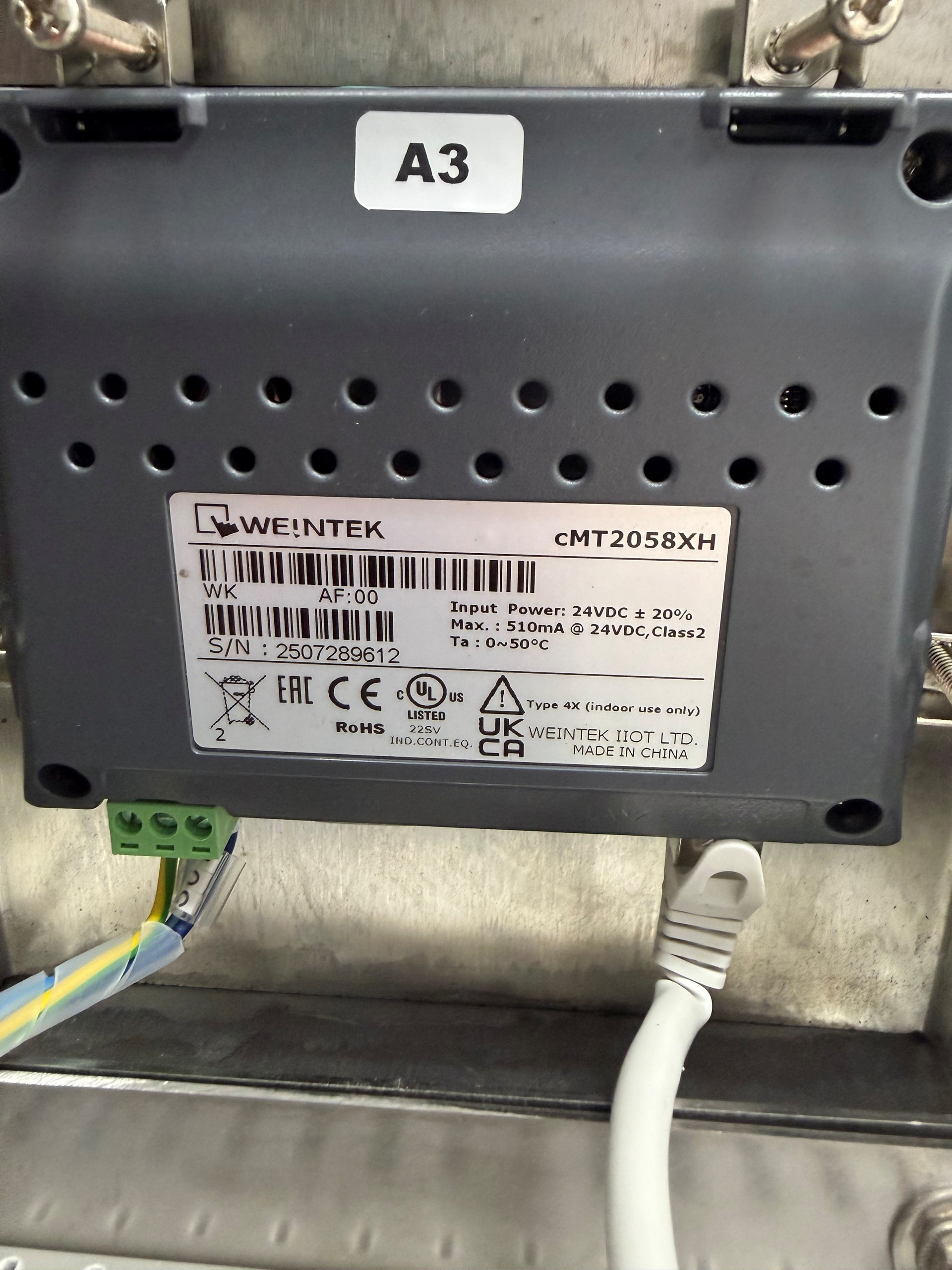
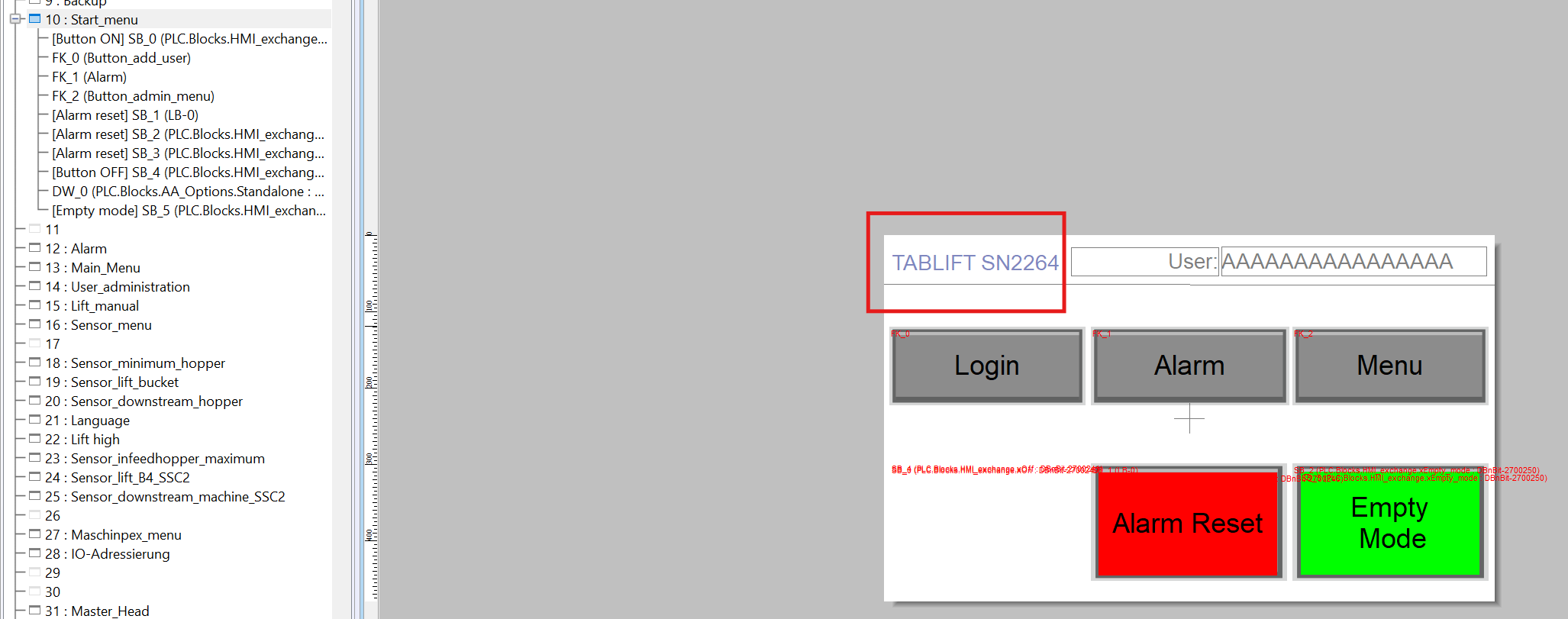
There is a system setting button that was inadvertently activated on our HMI that has nothing to do with the application that I can ascertain. It is not a button/animation tied to any screen in the HMI application source code. Can you tell me how to get it to go away. Our operators are complaining about it.
It is showing on every page but it does not exist in the project. The function in the menu would suggest it is related to the display setup and not application project.
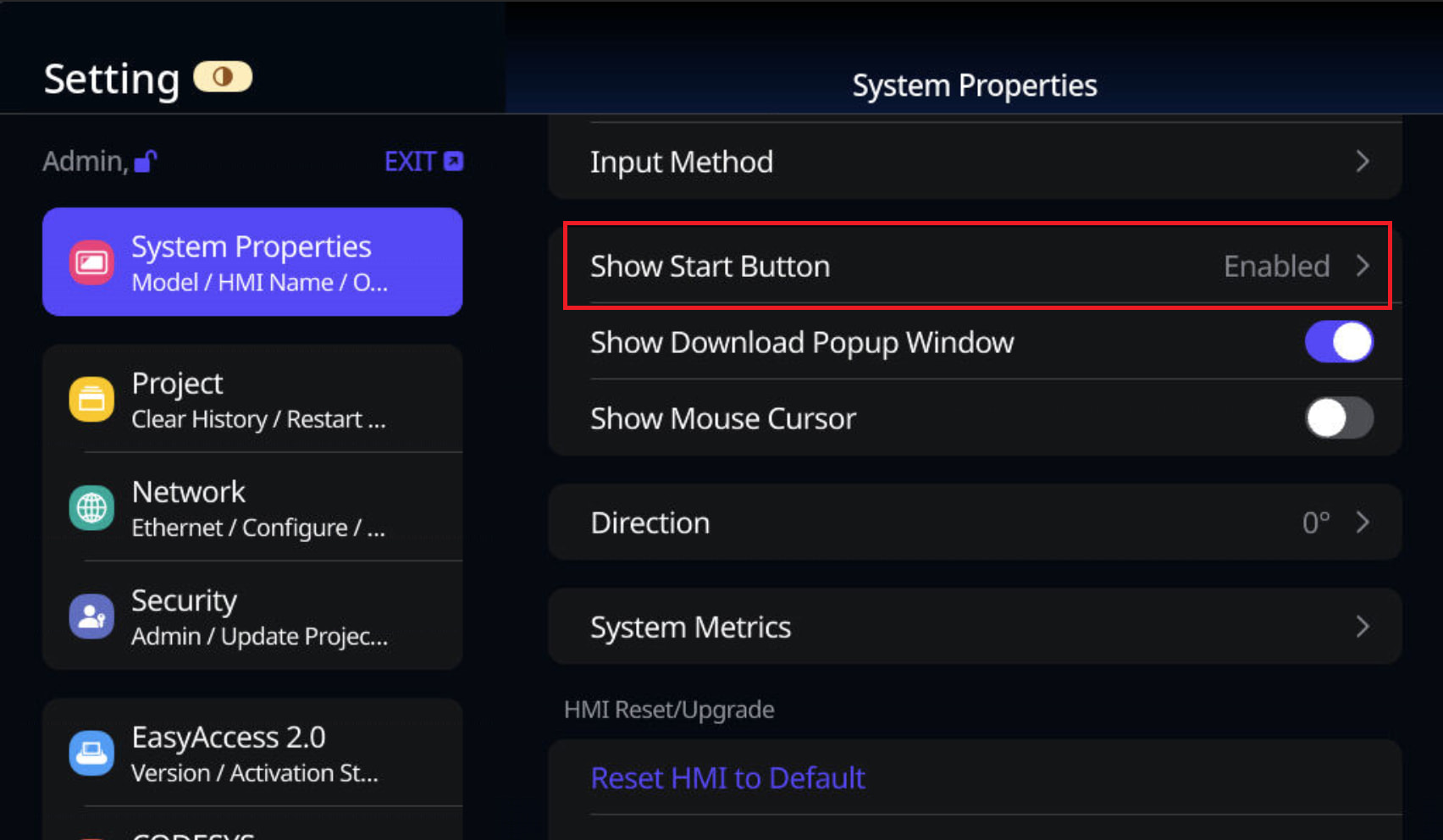
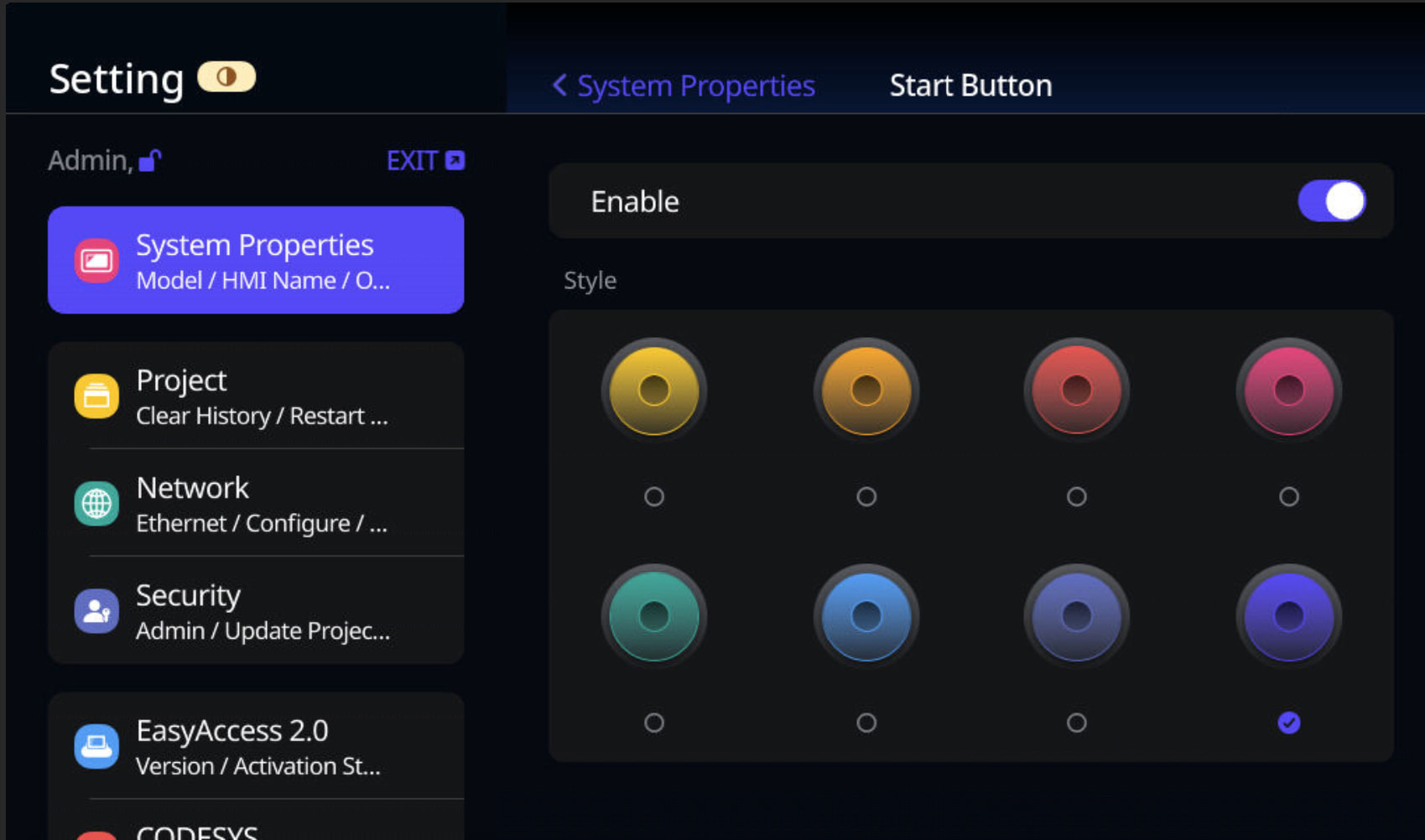
The blue circle is the Start button, which can be hidden through the HMI’s system settings. To hide it, navigate to System Properties > Show Start Button and disable this option.
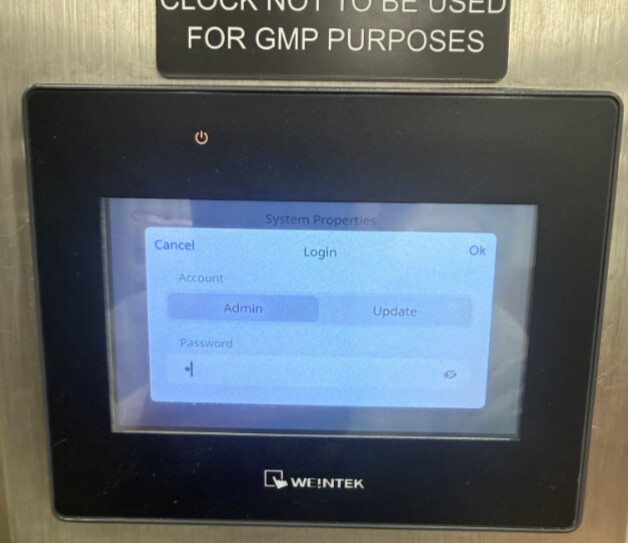
I’m not onsite this week but the message that I am getting back from our technicians is that that function requires an admin login. This appears to be different than the admin login set in the EasyBuilder Pro project. Is there a default password that is used for all these displays that we can try?
Have the technicians tried the HMI’s default System Settings password, 111111? This password is separate from the user accounts configured in EasyBuilder Pro.
If the default password does not work, it may have been changed during the HMI’s initial setup. Newer HMI OS versions require users to change the default password upon first login.