- HMI Model: cmtx3102x
- EasyBuilder Pro Version: V6.07.01.417
- Serial Number or supplier:
I’m a new user of Weintek HMI(s). Been observing features by download demo projects and running them in offline simulation.
I’ve downloaded a couple that are xxxx.ecmp files. Is there a way to run them as a cmtx3102x application? Not going to load them to the hardware…just run them in the simulator.
Another demo.zip file contains three project files that are xDemo_COP.project , xECAT.project, and xDemo.ETN.project. How can these be observed in the simulator?
Regards, Mike Clifford
Hi @mike_c_56,
An .ecmp file is a compressed file that can be uncompressed by the following method:
-
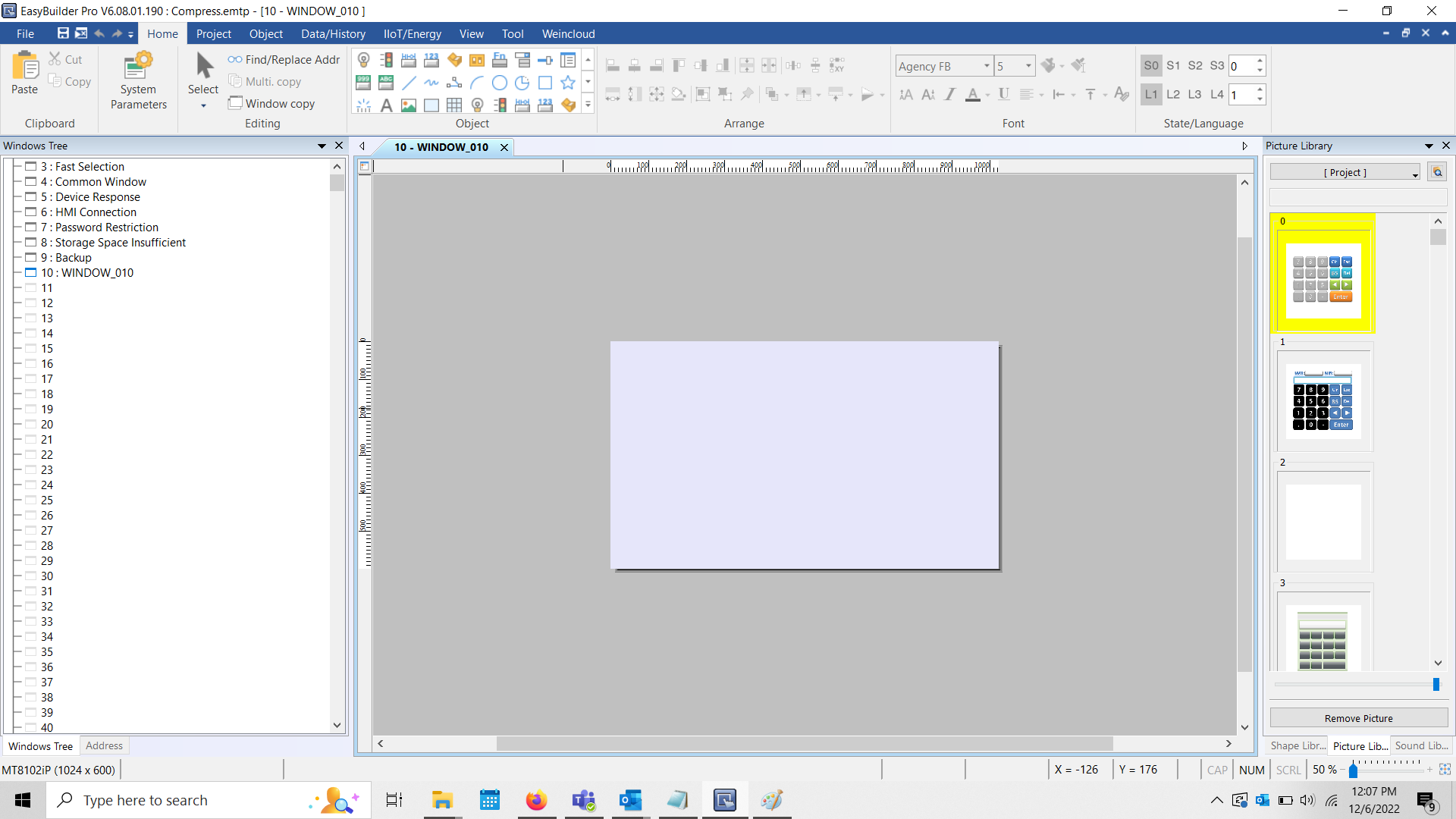
Open an instance of EasyBuilder Pro:
-
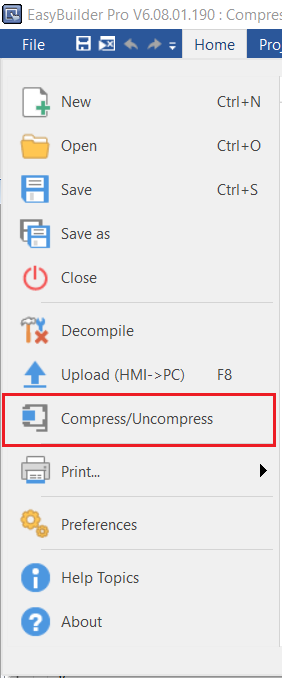
Select “File” and click “Compress/Uncompress”:
-
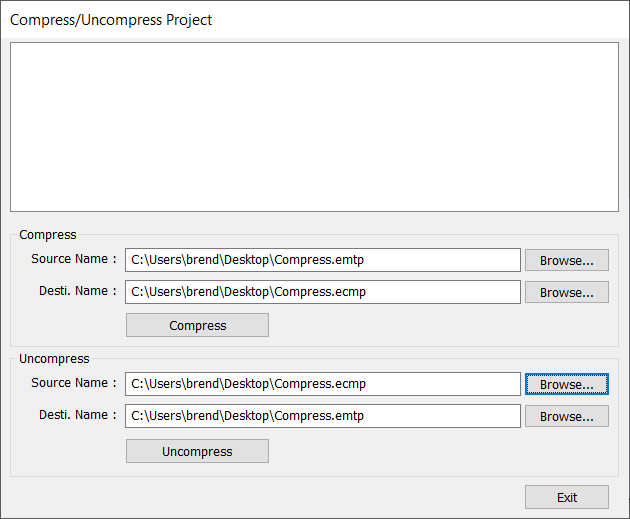
Within the “Uncompress” section, select “Browse” to locate the .ecmp or .ccmp file:
-
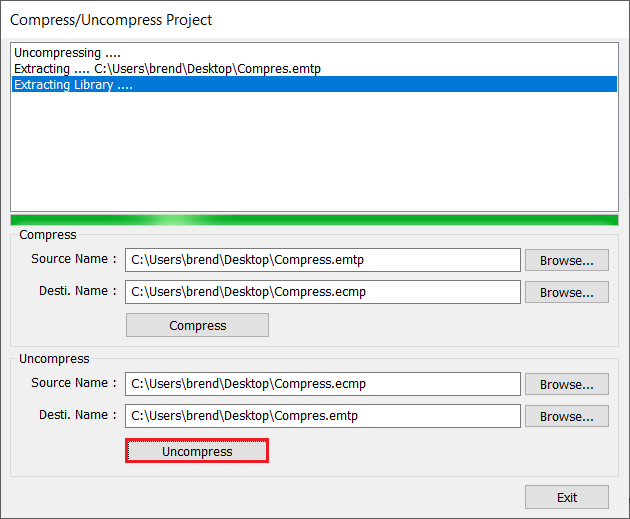
Click “Uncompress” when finished:
-
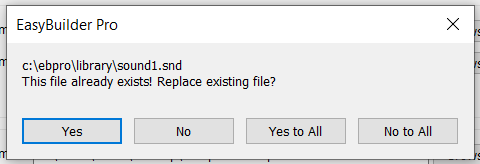
Follow the prompts to uncompress the project:
-
When finished, navigate to the directory listed within the “Desti. Name” section and open the EasyBuilder Pro project file:
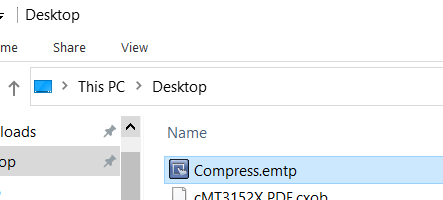
To convert this project so that it may be used with a cMT3102X, you will need to perform the process shown within this tutorial: Click Here. To simulate this project, please follow the instructions shown within this short tutorial: Click Here.
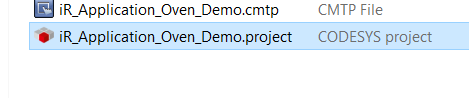
A .project file (see example below) is a Codesys project file. You will need the Codesys IDE to open and work with this demo project. Please see this post for more information about Codesys.
1 Like