- HMI Model:mt8121xe
- EasyBuilder Pro Version:6.10.01.510
Why do I get "The clipboard is invalid or unsupported" when trying to copy paste from one project to another?
none
0.0
0
Hi @clangkamp ,
To better understand this issue, could you please clarify the following:
- Are the projects you are working on using the same HMI model?
- Could you share a screenshot of the issue you are experiencing when attempting to copy and paste?
The donor project is running on a cMT-SVR-100. I neeed to export around 30 screens like this to a MT8121XE.
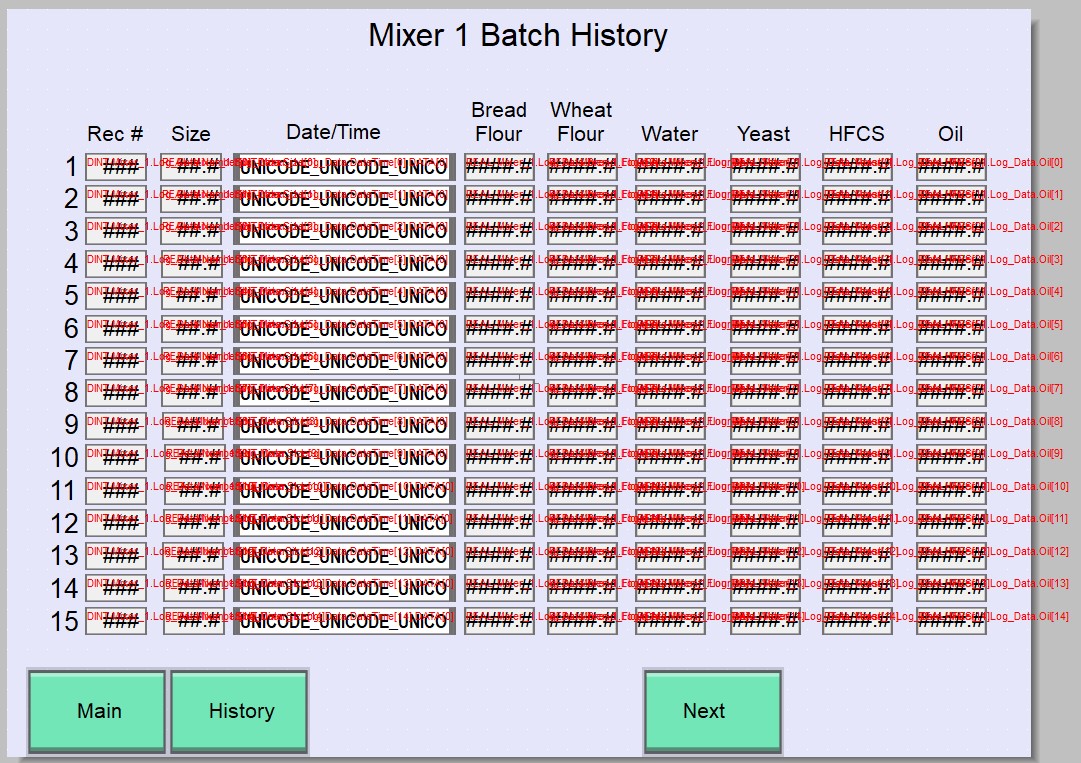
Is there a way I can just change the HMI model from cMT-SVR-100 to MT8121XE in the cMT-SVR-100 project?
Hi @clangkamp ,
Unfortunately, it is not possible to change the HMI model from a cMT / cMT X series device (such as the cMT-SVR-100) to a legacy model (such as the MT8121XE) within the same EasyBuilder Pro project.
Projects created for cMT series models use a newer system architecture and runtime that are not compatible with legacy devices (XE, iE, or eMT series). While EasyBuilder Pro does support migrating projects from legacy models to cMT, it does not support the reverse conversion of a project.
The same can be said for copying objects from one project to another, as the objects in cMT models support different features that have no direct comparison or cross in legacy models.