@cuongho ,
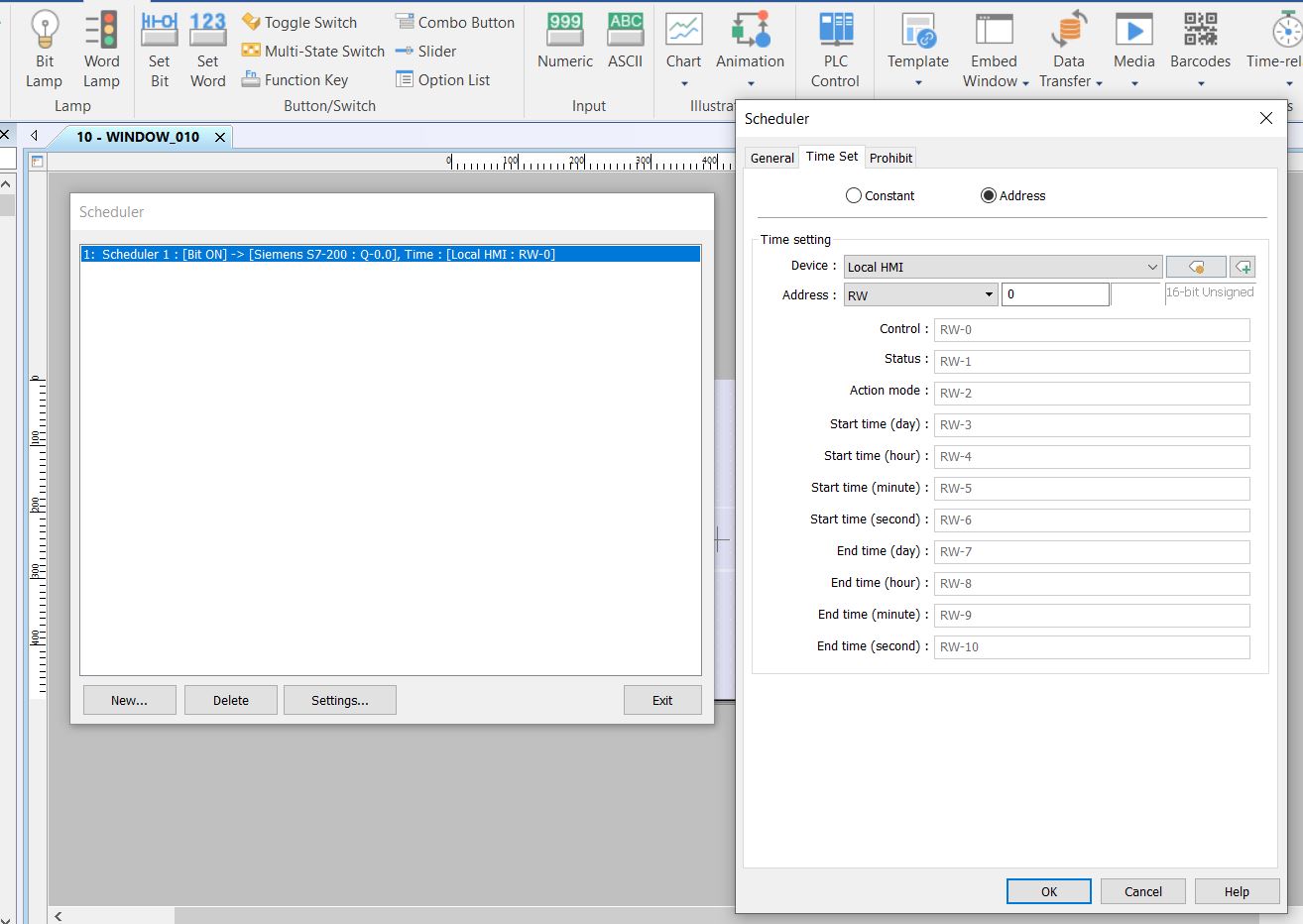
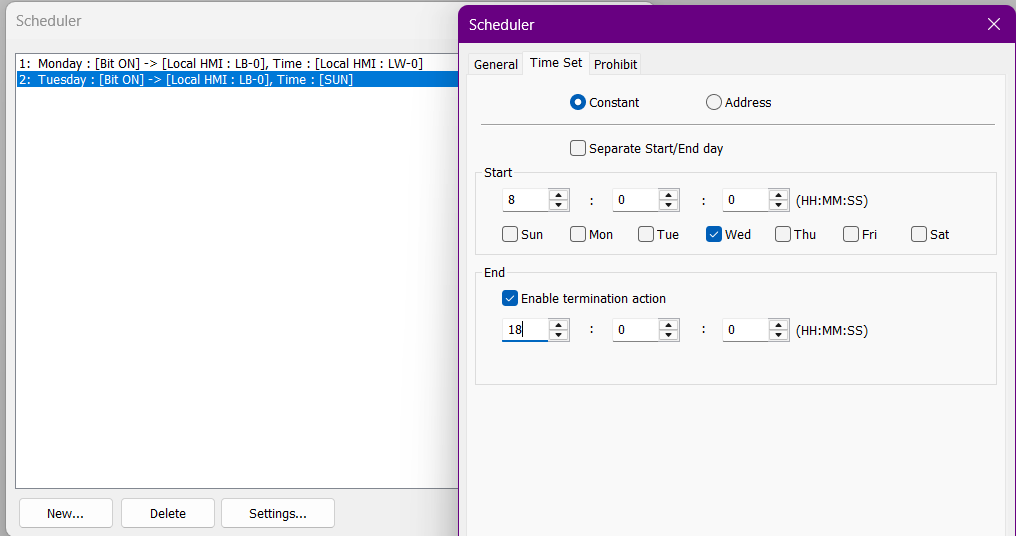
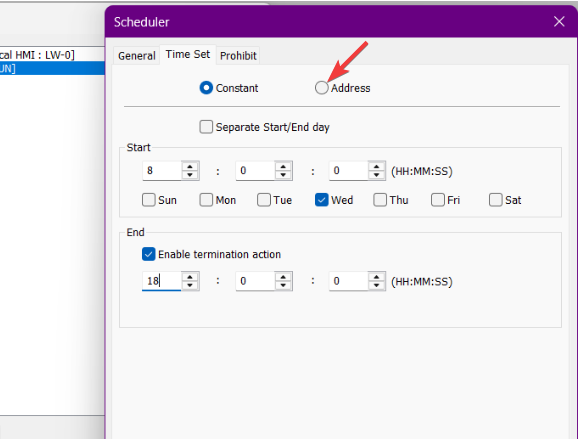
The Scheduler object in EasyBuilder Pro has an “Address" option which can be used to make the scheduler have a dynamic time set by the user. However, I do believe a macro would allow for the most flexibility.
My suggestion would be to store per-day ON/OFF times in RW memory, which can be editable by the operator on the HMI.
Then, use a macro to check the current day and time, and output your project needs. Here is an example:
macro_command main()

short day
short hour, minute
short nowTime
short onTime, offTime
short outVal

// Get current day (0=Sun, 1=Mon, 2=Tues, etc.)
GetData(day, "Local HMI", LW, 9020, 1)

// Get current time
GetData(hour,  "Local HMI", LW, 9019, 1)
GetData(minute,"Local HMI", LW, 9011, 1)
nowTime = hour * 100 + minute

// Map RW addresses based on day
Select Case day

  Case 1   // Monday
    GetData(onTime,  "Local HMI", RW, 0,  1)
    GetData(offTime, "Local HMI", RW, 1,  1)
    break

  Case 2   // Tuesday
    GetData(onTime,  "Local HMI", RW, 2,  1)
    GetData(offTime, "Local HMI", RW, 3,  1)
    break

  Case 3   // Wednesday
    GetData(onTime,  "Local HMI", RW, 4,  1)
    GetData(offTime, "Local HMI", RW, 5,  1)
    break

  Case 4   // Thursday
    GetData(onTime,  "Local HMI", RW, 6,  1)
    GetData(offTime, "Local HMI", RW, 7,  1)
    break

  Case 5   // Friday
    GetData(onTime,  "Local HMI", RW, 8,  1)
    GetData(offTime, "Local HMI", RW, 9,  1)
    break

  Case 6   // Saturday
    GetData(onTime,  "Local HMI", RW, 10, 1)
    GetData(offTime, "Local HMI", RW, 11, 1)
    break

  Case 0   // Sunday
    GetData(onTime,  "Local HMI", RW, 12, 1)
    GetData(offTime, "Local HMI", RW, 13, 1)
    break

End Select

// Compare time and control output
if (nowTime >= onTime) and (nowTime < offTime) then
  outVal = 1   // ON
else
  outVal = 0   // OFF
end if

// Write the result
SetData(outVal, "Local HMI", LW, 100, 1)

end macro_command