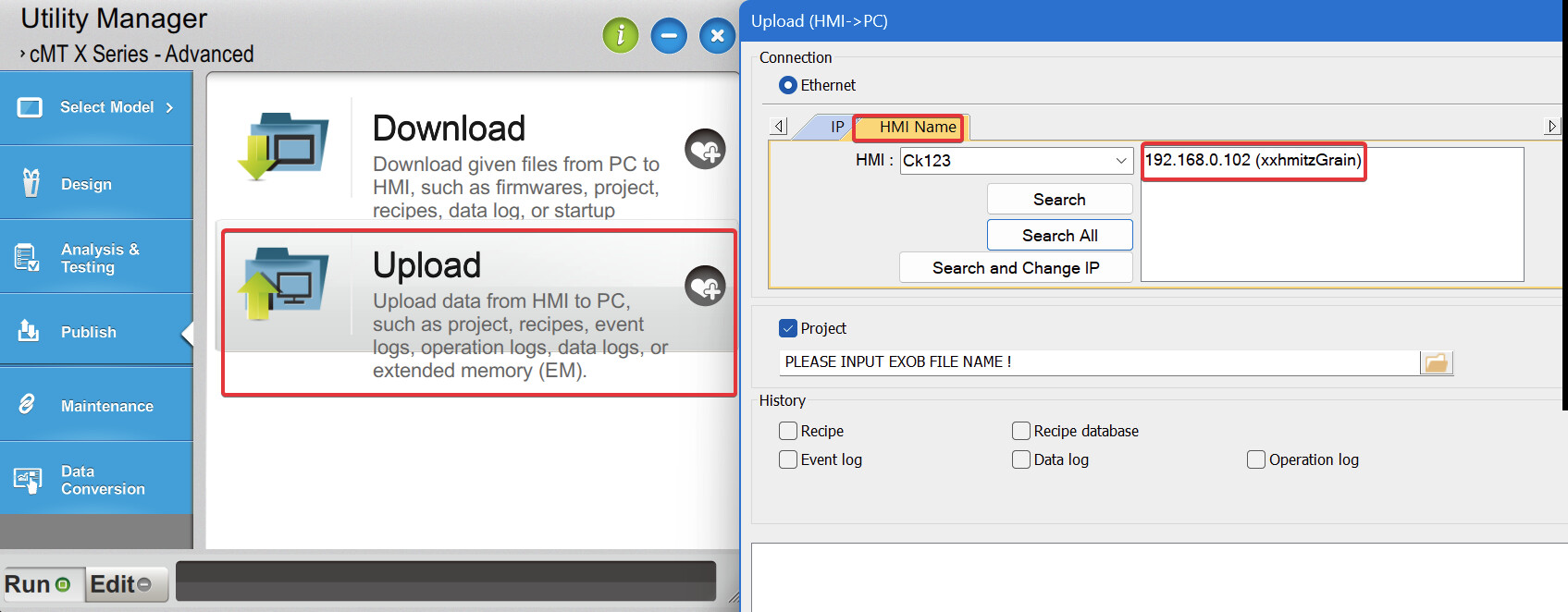
Hello. I am trying to gain access to this device remotely at our sister plant in Kentucky and the engineer who started this project is no longer available. I have an old backup of the program, but neither of the IP addresses displayed in the system settings editor are working. I have different models in my possession that I have gained access to, but this unit will not show up in a search by HMI name or IP address.
If on the same network as the HMI, you can follow this forum post and use the search and change IP address features within the Utlity manager to try and find the HMI:LINK
If the utility manager doesn’t work, how are you trying to connect to the HMI?
Thank you. I will try this and see where it gets me. I am going through File: Upload (HMI to PC) and searching for the device by name and trying different IP addresses that are tied to the connected devices. A lot of it is not making sense because it is accessing 3 different domains and none of them are what I see in the system settings editor.
If you go through the upload function in Utility Manager, you can select the HMI name and search to find all the HMIs on your network, along with their names. Also, be sure to select the correct model type from the sidebar.