- HMI Model: cMT2058XH
- EasyBuilder Pro Version: V6.10.02.231 Build 2020.01.21
Simulation does not work either online or offline.
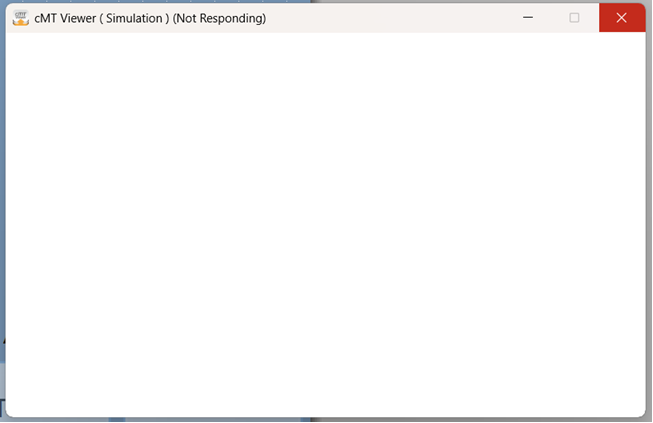
The cMT Viewer window comes up and displays message “Not Responding”
Simulation does not work either online or offline.
The cMT Viewer window comes up and displays message “Not Responding”
Hi @jalong10 ,
Thank you for you question.
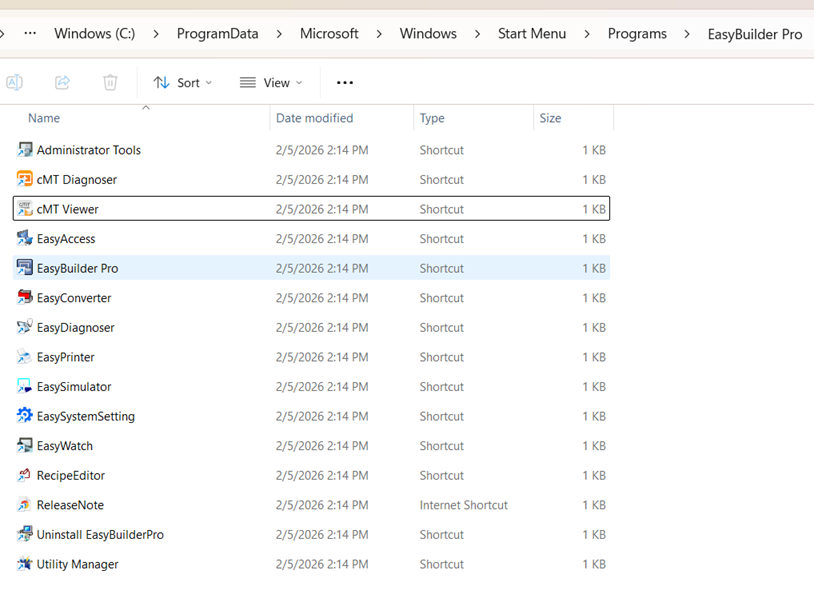
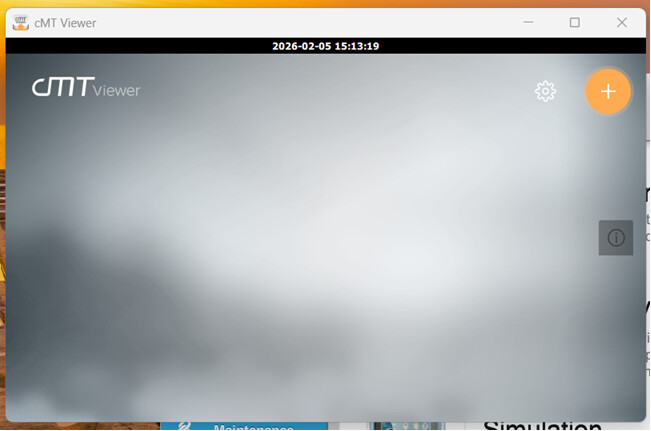
Can you confirm cMT Viewer application is downloaded on your PC. This is usually found within the same folder as your EB pro download. If found, does the application open without errors.
Also could you share some screen shots of the error.
Thank you
Hi @jalong10 ,
Is your file location saved locally on your PC or One Drive. If on One Drive can you save locally and try.
Also within your project do you have a high number or alarms or images within your project.
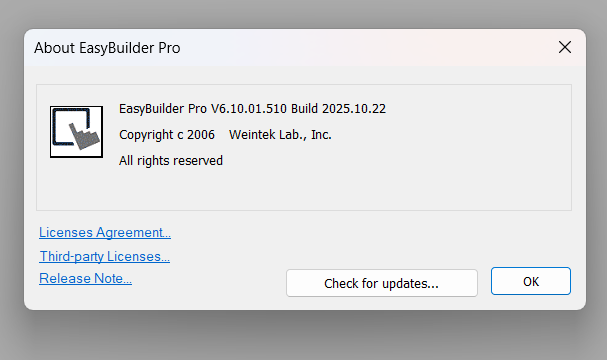
If that does not work, could you download EB Pro version 6.10.01.510 and let me know if you are running into the same issue.
Thank you
File is located locally.
There are not a lot of alarms or images.
How do I get that version. When I check for updates, it says I have the latest version.
Hi @jalong10 ,
Here is the link for 6.10.1.510. It should download on your browser.
Below is the page with all the software downloads as well.
https://forum.weintekusa.com/pub/dl
Hi @jalong10 ,
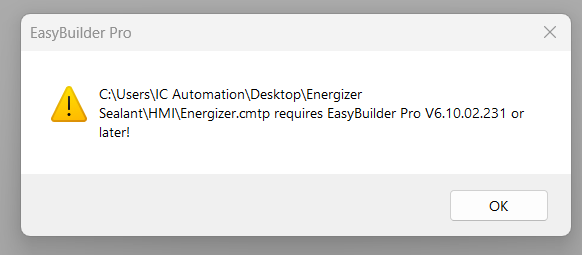
Could you try a fresh project on the 6.10.1 version and see if a simulation works. As the project built on version 6.10.2 is not compatible on the previous EB Pro models.
Thank you
Creating a new project did not work.
Hi @jalong10,
It looks like we received your request via our support line, can you please test our suggestion and let us know the result?
This worked!
Hi all,
Could you adjust the display settings shown in the forum post below and let us know if this resolves the issue.
Customer Support
P: 425-488-1100



Hi @jalong10,
Glad to hear the simulation issue got fixed and thank you for sharing the solution as well!