- HMI Model:cMT2058XH
- EasyBuilder Pro Version:V6.10.02.300
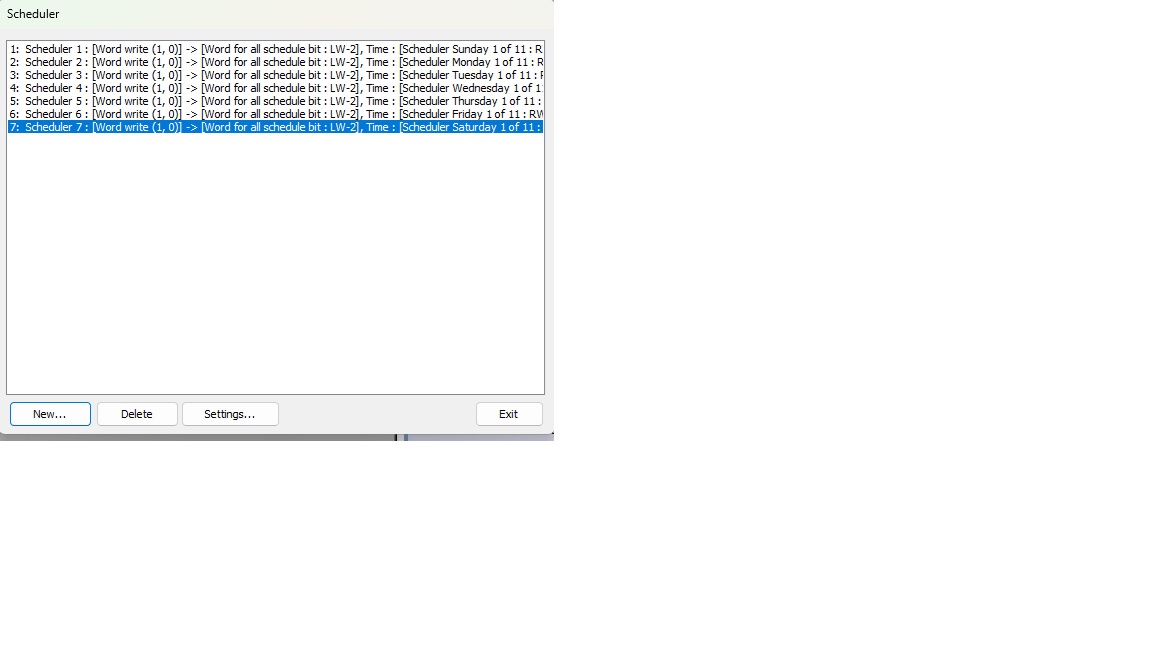
“Recently, I migrated from an MT8051iE to a cMT2058XH HMI. I followed the instructions from a YouTube video, but the Fuji FRENIC-Mini VFD is not working with the Time Scheduler. On my screen, the Hand-Off-Auto (HOA) switches work perfectly fine for ‘Hand’ (Manual) and ‘Off’ modes. However, after pressing the ‘Auto’ button, when I go to the Time Scheduler screen and input the start time (hour/minute) and stop time (hour/minute), it completely fails to operate when that time is reached. It still works perfectly fine on the old MT8051iE version. The HMI and the Fuji drive are directly connected. Could you please let me know what is causing this issue?”
Hi @com-pac,
Thank you for your question.
Could you ensure the buttons for the timer don’t have any overlapping objects that might be causing the issue? Overlapping object forum post
Please also check your memory registers between your MT and cMT project.
If the issue persists, could you send us screenshots of your project to help us better understand the issue?
Hi @com-pac ,
Thank you for the additional information. Could you confirm whether there are any overlapping objects in the project? Even transparent or hidden objects can sometimes interfere with button operation.
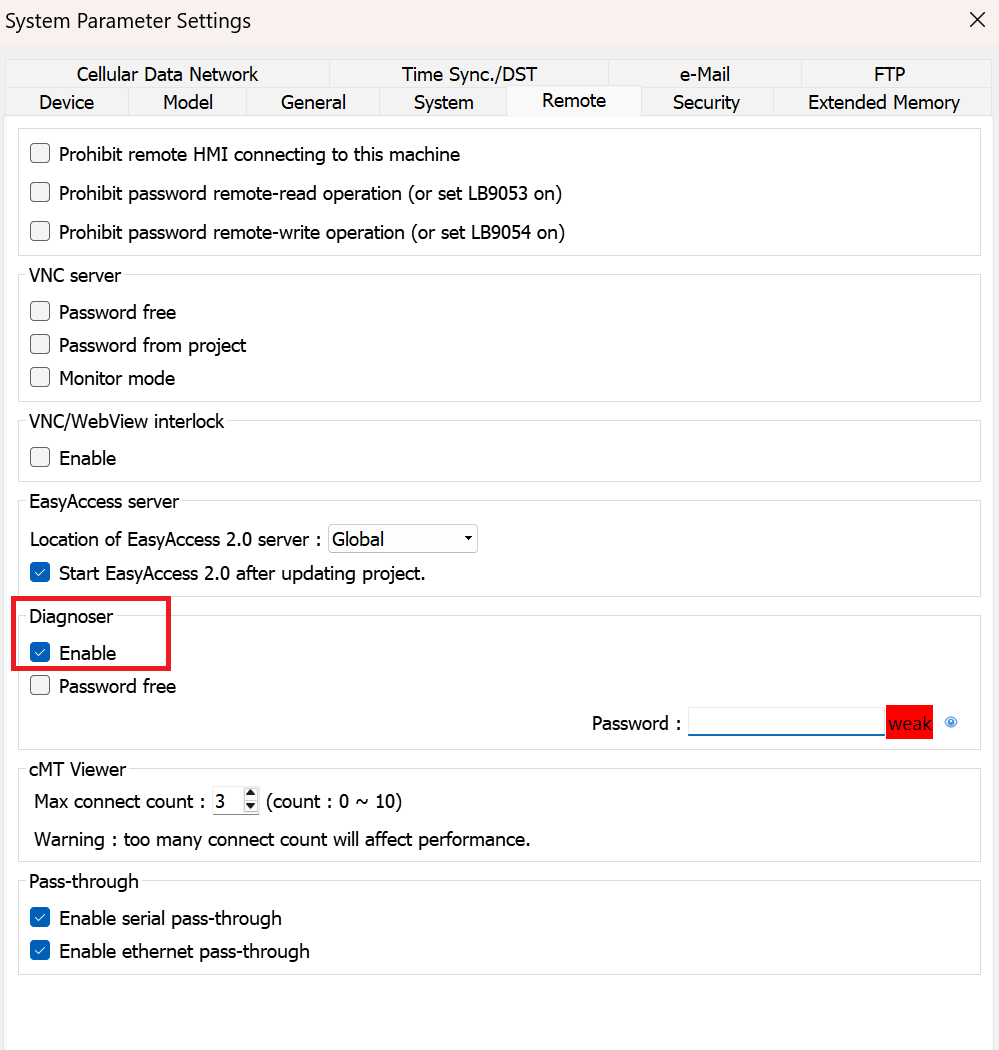
You can also use cMT Diagnoser while running the project in simulation to monitor LB-1000. You can enable this feature from the Remote tab within System Parameters.
This will help verify whether the macro is being triggered and running as expected when the scheduled time is reached.
Please let us know the results so we can continue troubleshooting the issue with you.
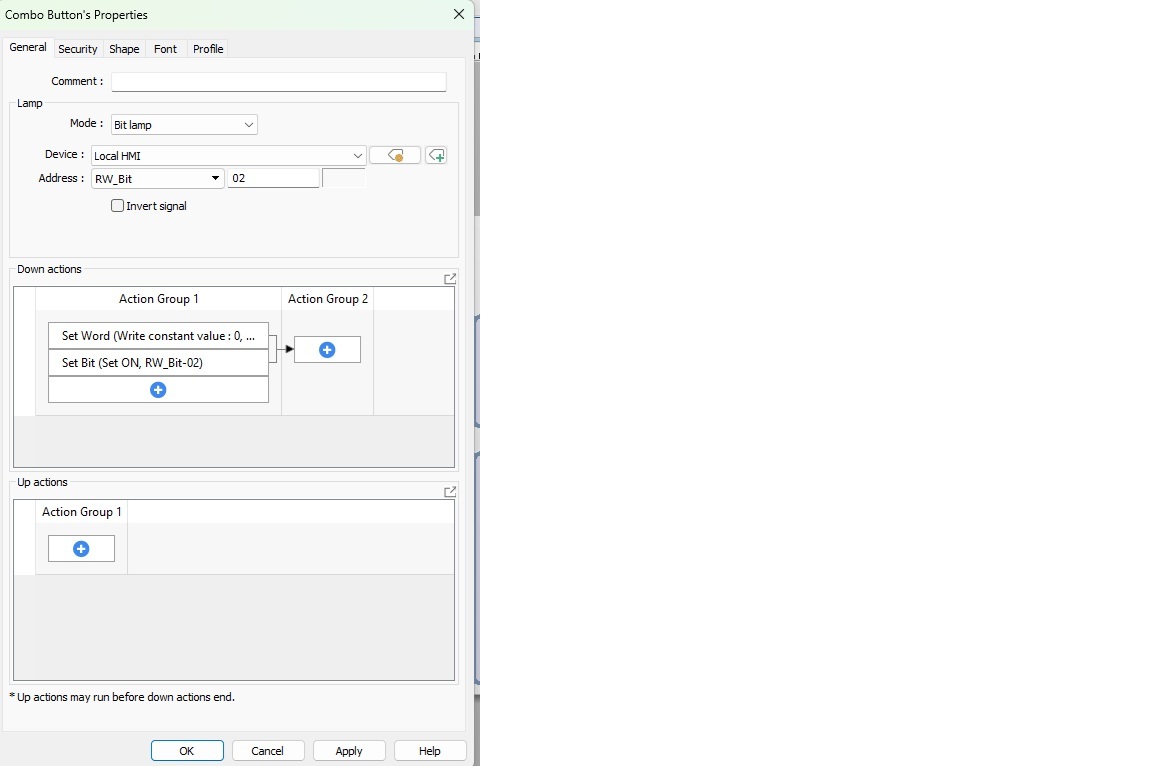
no overlapping object, I already convert to overlapping to combo button
Hi @com-pac ,
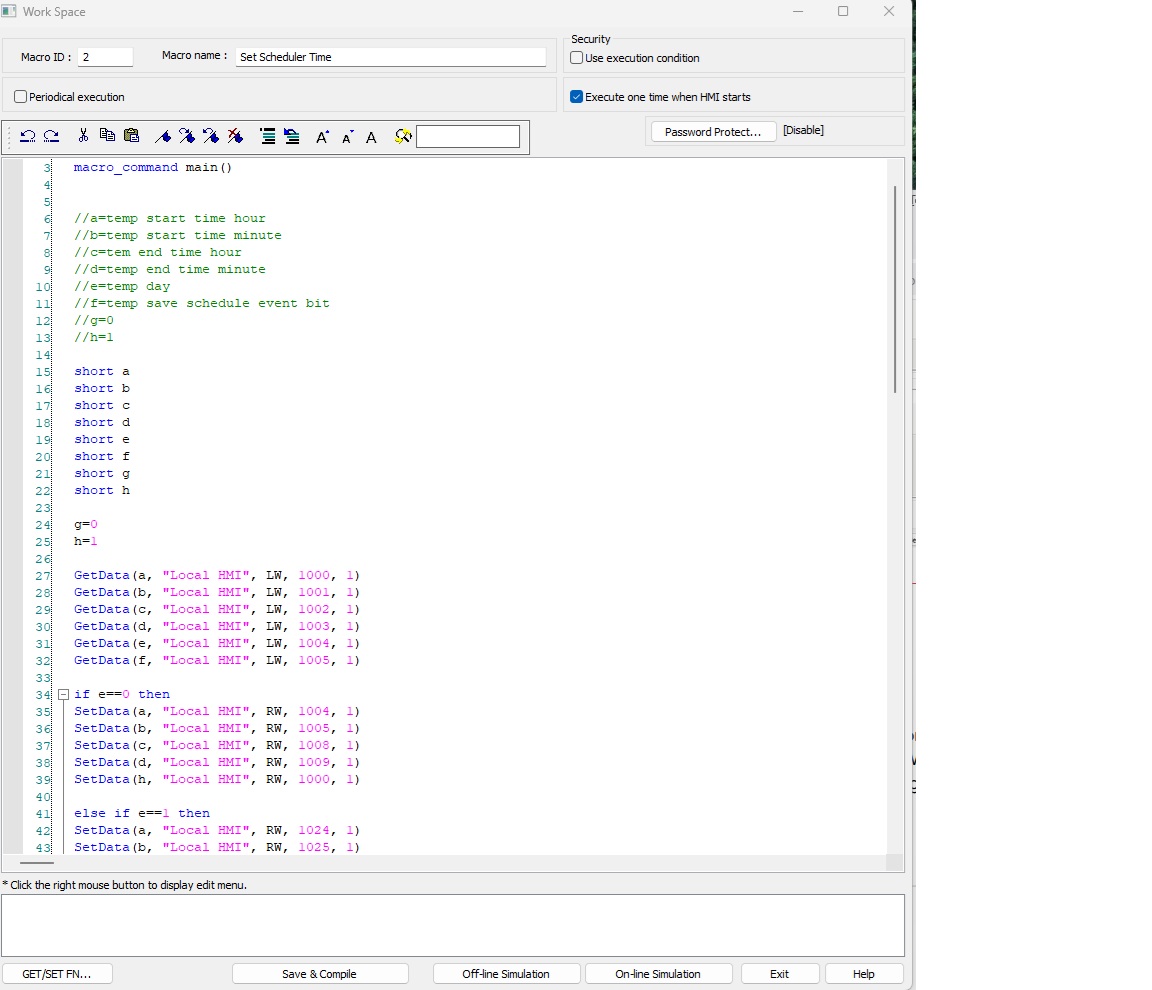
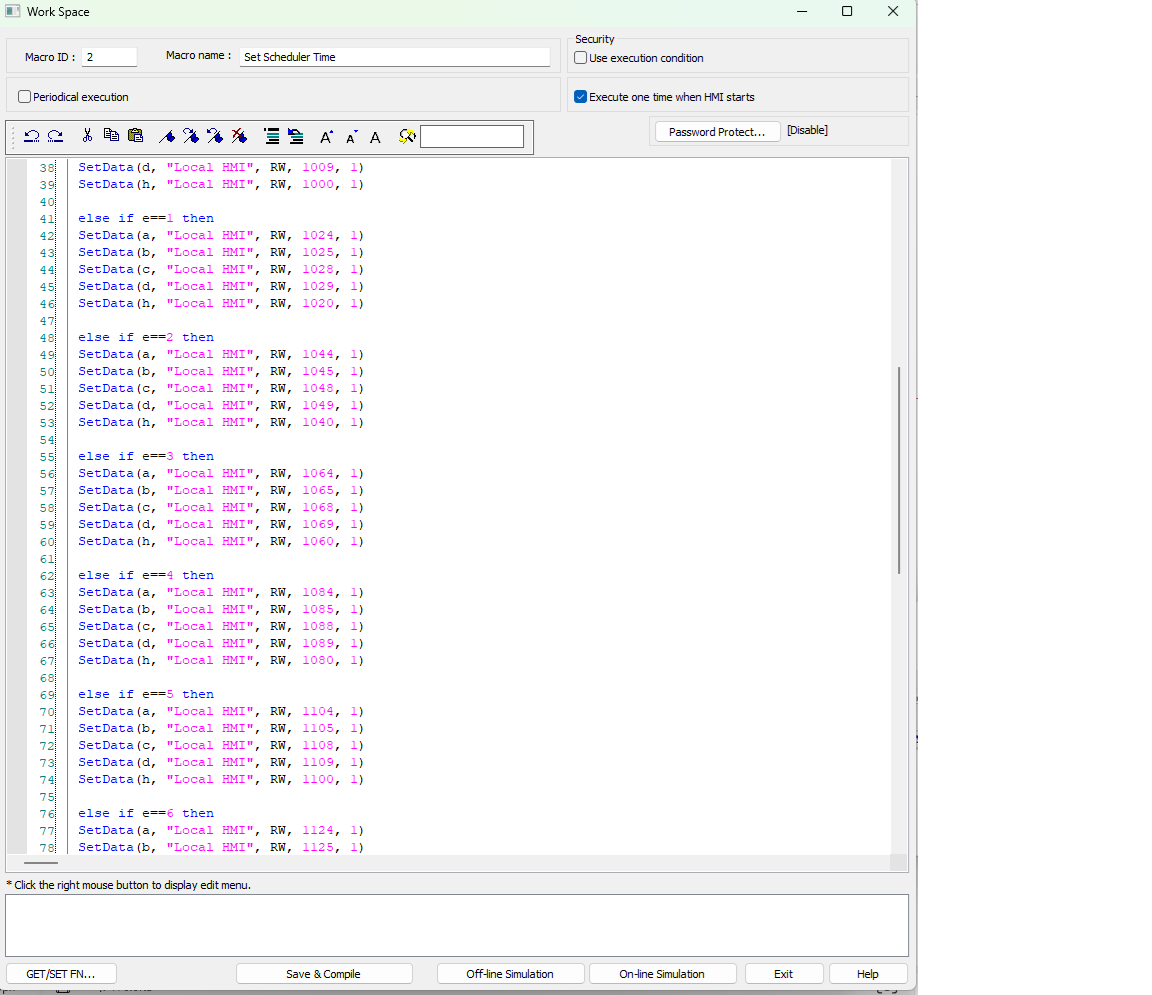
Thank you for the additional information and the screenshot. Could you also upload the Set Scheduler Time macro? We’d be happy to review it to see if there’s anything in the macro that could be causing this issue.
Hi @com-pac ,
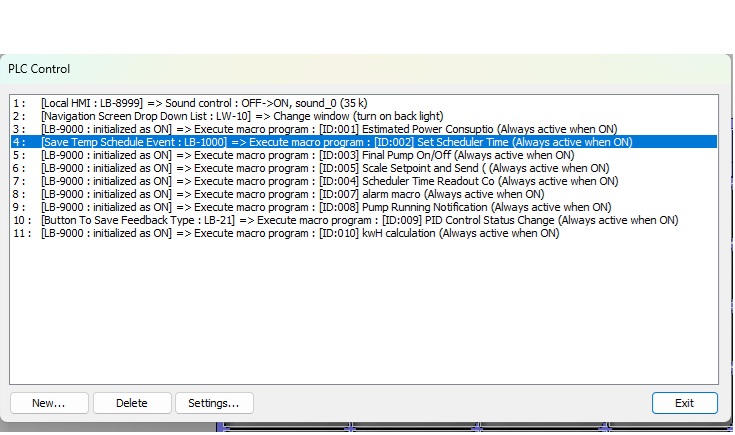
Thank you for the image. What is suppose to trigger the set scheduler time macro within your project? Is it LB-1000 or the RW_Bit_02?
Furthermore the combo button sent it the auto button that us suppose to run the macro sent correct?
Hi @com-pac,
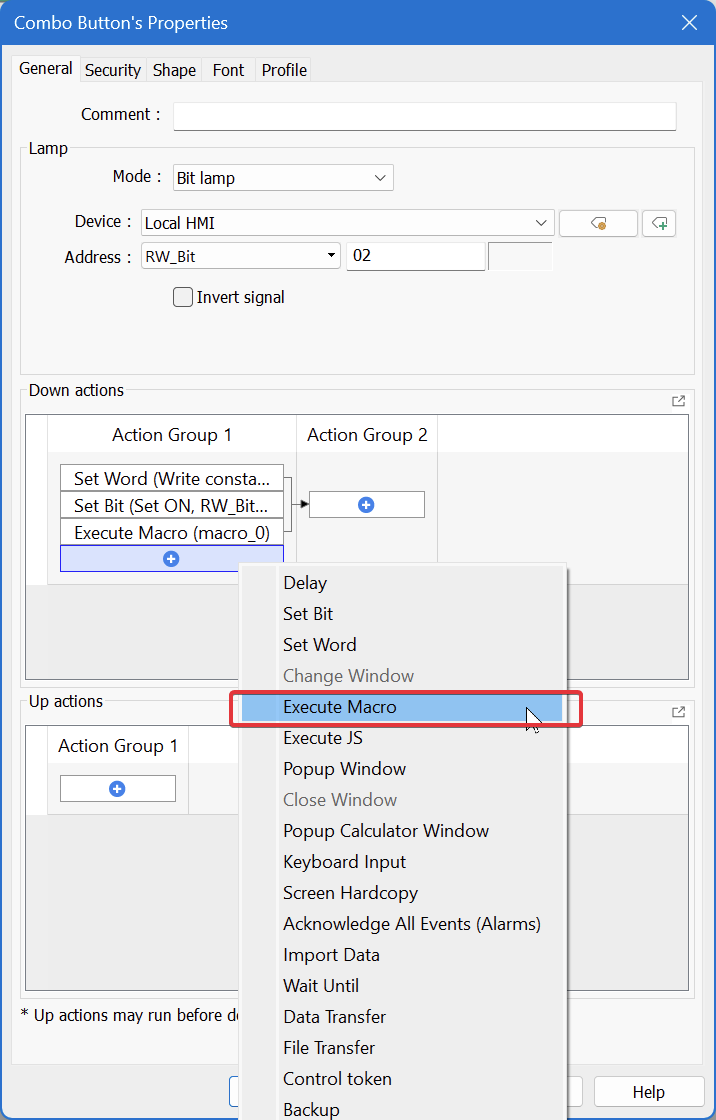
Could you try executing the macro directly from the combo button to further narrow down if the issue is related to the trigger or the macro.
Can you also recompile the macro and ensure no errors are showing up.
I have identified the root cause of the issue. The logic for the stop condition within the macro was incorrect due to data modifications that occurred during the migration from the legacy HMI to the new one. I truly appreciate your assistance.
Hi @com-pac ,
Glad to hear you found the solution!